
Some users have reported being charged for their previous subscriptions from their Microsoft accounts. The problem here is that they no longer have access to their Microsoft account. This is a serious issue because it creates an unwanted financial burden on the users who cannot manage these unwanted transactions. If you are the one whose payments are being charged from the lost Microsoft account, this article will help you.
Payments are charged from a lost Microsoft account
Use the following suggestions if payments are being charged from your lost Microsoft account:
- Contact your bank
- Try to recover your Microsoft account
- Use the Microsoft Account Recovery form
- Your account might be hacked
- Create an Azure support ticket (if applicable)
- Get Microsoft support
- Block your card
All these fixes are explained in detail below.
1] Contact your bank
You can contact your bank directly and report this issue to their staff. Banks have the authority to cancel the automated payments on the customer’s complaint. If the payments are being charged from your credit card, you can also contact its respective customer support team.
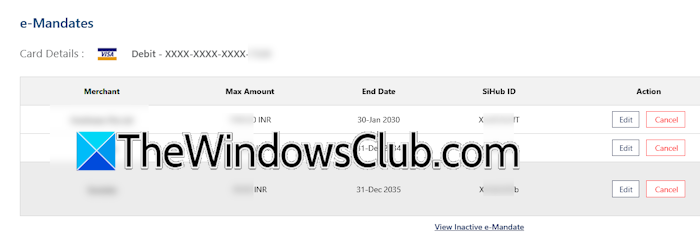
Some banks also provide a separate portal for their customers to manage recurring payments. If your bank has provided you with such a portal, contact your bank to learn how to access it. Log in to that portal and cancel the required auto debit transaction. Your bank may charge a nominal fee for this cancellation.
2] Try to recover your Microsoft account
If you do not get any help from your bank, the next step is to recover your lost Microsoft account. If you can access your lost Microsoft account, you can easily cancel the subscription you are being charged for.
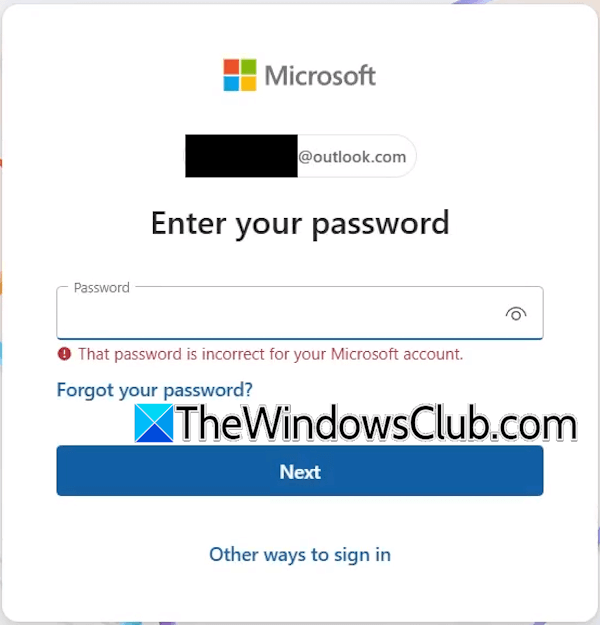
Microsoft offers several ways to sign in to a Microsoft account. You can use any of these methods if you cannot sign in to your Microsoft account. Visit microsoft.com and enter your Microsoft account email address. Since you do not remember your password, click Forgot your password and check if you can reset your password.
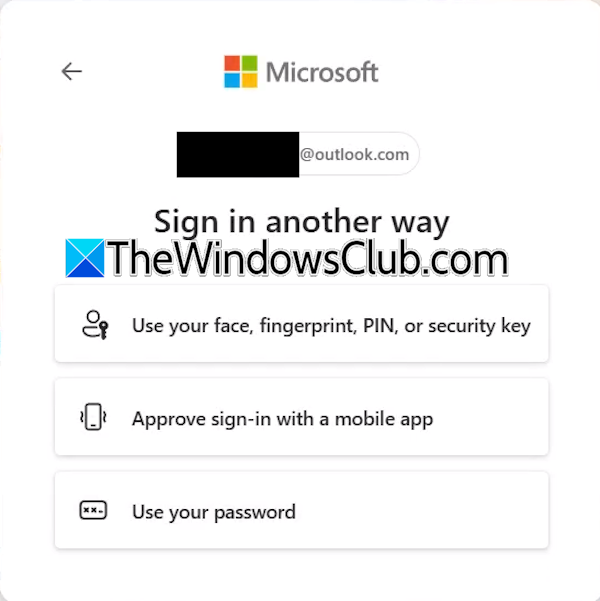
If this does not work, you can try other ways to sign in. Based on the other sign-in options you set in your account, Microsoft will show you different sign-in options. Select any one of them and see if you can sign in to your account.
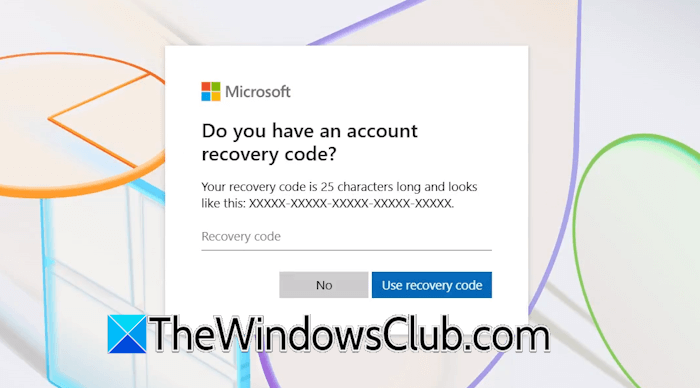
If you have ever created an account recovery key, you can also use this method to recover your account.
3] Use the Microsoft Account Recovery form
Microsoft also provides an account recovery form to help users regain access to their lost Microsoft account. If you do not know the email address, you can retrieve it. Visit microsoft.com and click Forgot your username link.
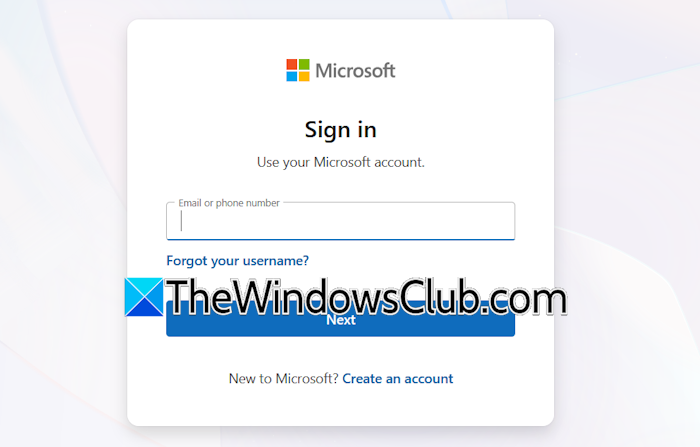
Now, use the email address associated with that Microsoft account. You can also use the phone number linked to that Microsoft account instead.
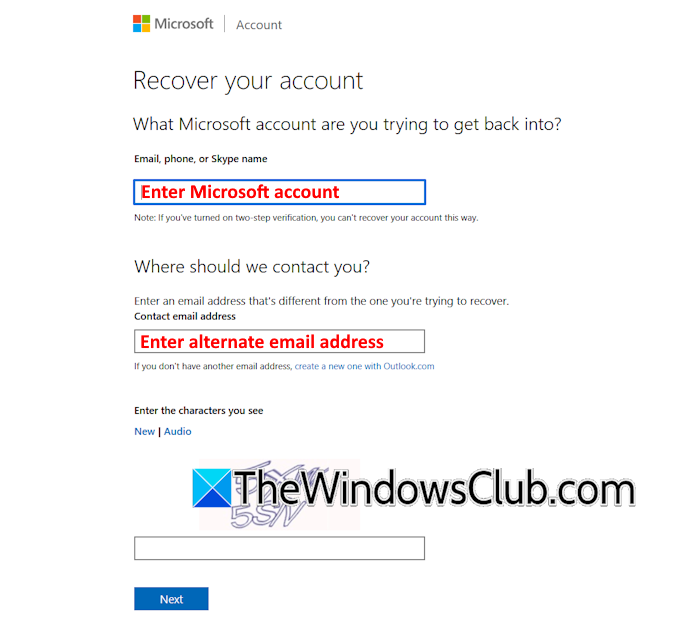
The account recovery form is useful to recover your Microsoft account without an email or phone number. You can use the Get Help app to get access to the Microsoft account recovery form.
Do note that the account recovery form will not work if the 2-factor authentication is active on your Microsoft account. While filling out the account recovery form, provide enough details to help the Microsoft team confirm that you are the rightful owner of the Microsoft account. After verifying your details in the form, the Microsoft team will send you the password reset link to your alternate email address.

To make your account recovery process easier and reduce the chances of the account recovery form being rejected, keep these points in mind:
- Try using the same device you last logged in to the Microsoft account.
- Avoid filling out the form from another location (state or country).
4] Your account might be hacked

Your Microsoft account might be hacked. This usually happens when you visit a phishing website and download and install software from that website. The software might be malware or spyware. In such a case, you need to contact Microsoft support.
5] Create an Azure support ticket (if applicable)
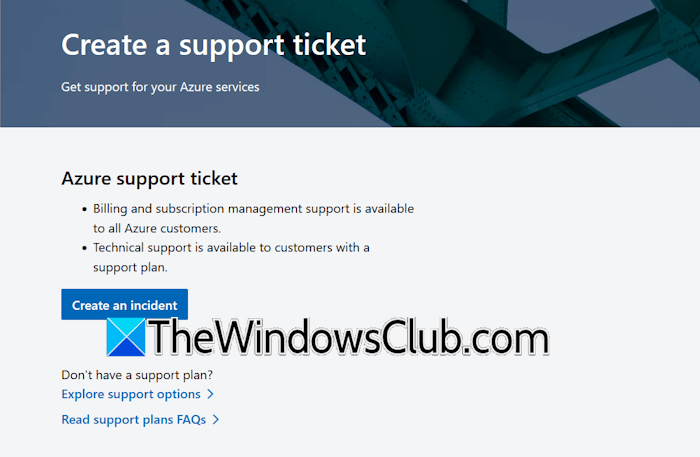
If the recurring payment is associated with your Azure account, you can create an Azure support ticket to resolve the problem.
6] Get Microsoft support
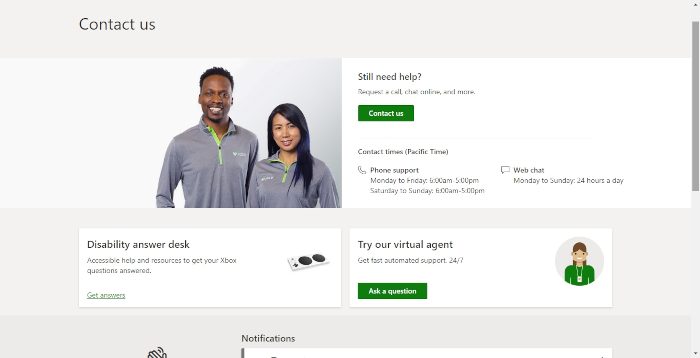
Contact Microsoft support to resolve this issue. You can contact Microsoft through phone or chat support.
7] Block your card
If nothing helps, you can block your debit or credit card. Recurring payments are configured on a debit or credit card. If you block your card, the automatic transactions will fail, and you will not lose your money.
Block the debit or credit card used for payments, and apply for a new one.
That’s it. I hope this helps.
What happens if I lose my Microsoft account?
If you lose your Microsoft account, you will lose access to all your emails and data stored on OneDrive. You will also lose your gaming data. Additionally, if you have purchased a subscription plan using that Microsoft account, payments will continue to be debited until you cancel the subscription.
Will I get my money back if I cancel my subscription?
This depends on the terms and conditions of the company whose product subscription you purchased. Therefore, before purchasing any subscription, it is mandatory to read all its policies.
Read next: Can’t sign into the Microsoft account after Password Reset.
