
You may at times, be required to hide your folders in Windows 11/10/8/7. Well, the simplest way you can do it is by right-clicking the folder, selecting Properties and under the General tab, checking the Hidden checkbox, and ensuring that Don’t show hidden files, folders, or drives in the Folders Options is also checked.
 Hide folders in Windows 11/10
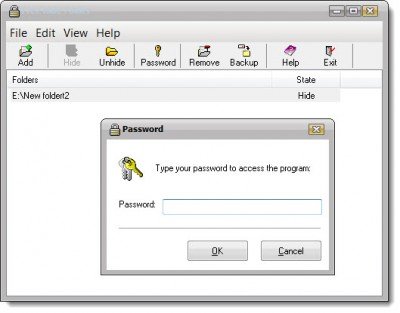
If you are looking for a little more privacy, you might want to check out Free Hide Folders.
Free Hide Folders is a free Windows application for hiding folders with private data. Folders hidden using this program cannot be accessed, viewed, searched or deleted. No one will be aware of the existence of these hidden folders. The folders remain hidden in safe mode too.
The best part is, that you can password-protect the program too, thereby preventing misuse. There are no limits on the number of folders to hide.
It’s a pretty easy and simple-to-use program, and you can download it from its home page at cleanersoft.com.
If you know of any more free software to hide folders, please do share here.
You might also want to check out these easy-to-use file lock software products for Windows:
This post will help you if you do not want to share any one of your folders and want to make folders private. Better still, you can even camouflage your secret folders using Disguise Folders. If you are looking for more – take a look at these Free File Encryption Software.
Here is a list of links to posts showing you how to password protect documents, files, folders, programs, etc in Windows.
