
In this post, we will show you how to get Word, Excel, PowerPoint, and Outlook for free on a Windows 11/10 PC. All these applications are part of the Microsoft 365 (Formerly Office 365) or Office 2024/21 productivity suites.
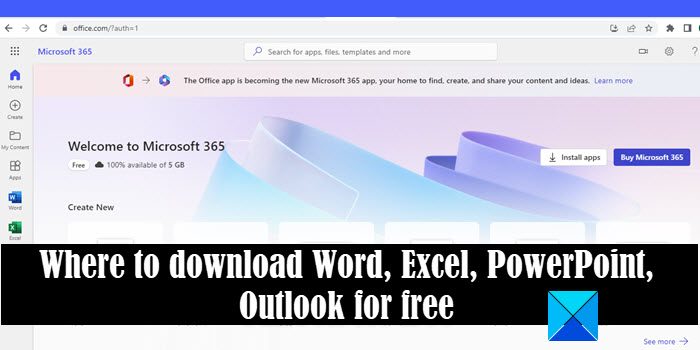
Microsoft 365 is available on subscription-based plans (monthly/yearly), whereas Office 2021 can be obtained as a one-time purchase. Both of these software suites require you to pay a hefty fee to install the desktop versions of Word, Excel, PowerPoint, and Outlook on your Windows 11/10 PC. However, if you don’t want to pay for these apps, you can still be able to use Word, Excel, PowerPoint, and Outlook for free. We will show you how.
Where to download Word, Excel, PowerPoint, Outlook for free
Microsoft 365 is an umbrella of tools that includes the core Office applications. While you cannot get Office 2024/21 for free in a legal way, you can access Microsoft 365 for free if you are a student or an educator, or none of both.
UPDATE:
Microsoft has officially launched a free version of Office for Windows and Mac.
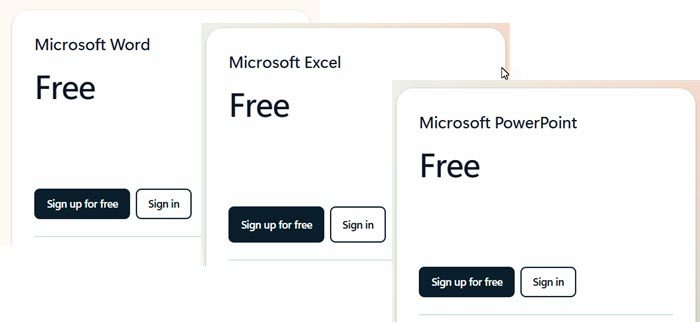
You can now download free versions of Word, Excel, PowerPoint.
Free Microsoft 365 for Students and Educators
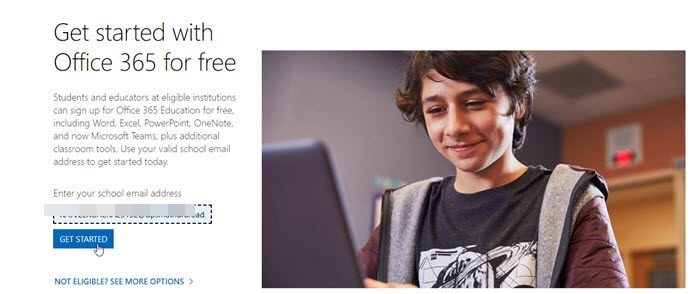
Students, teachers, and faculty members can sign up for a free Office 365 Education plan and get access to Word, Excel, PowerPoint, Outlook, and more applications.
- Visit Microsoft’s official website here and enter your school email address in the corresponding field.
- Click on the Get Started button and then follow the process to access your Microsoft 365 account.
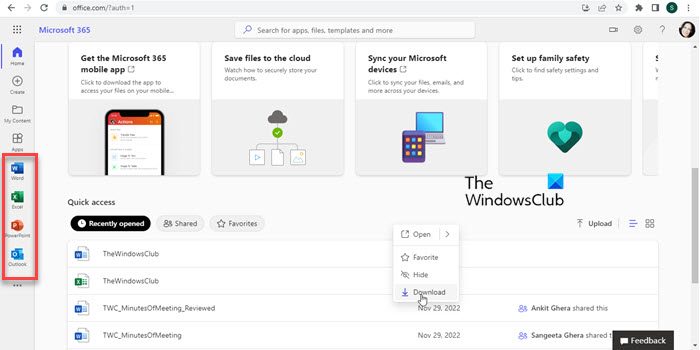
- On the home page, you will see links to these apps in the left panel. Each link will open the app’s web version in a separate browser tab.
- From there, you can access all the traditional features of the app right inside your browser.
Students can check their eligibility and then enter the right email ID provided by their school. Teachers also need to follow the same procedure to check their eligibility to access Microsoft Office 365 for free. School management doesn’t need to worry at all as it will put no additional cost to them.
Once signed up successfully, students would enjoy the following benefits,
- 1 GB of space to store data on OneDrive to store and share files and documents across various devices
- Installation of the latest version of Word, Excel, PowerPoint, OneNote, Access and Publisher on up to 5 PCs or Macs and to the same number of mobile devices
- For in-browser editing, collaboration and co-authoring, online accessibility for the Office is being provided
So if you are a student or teacher, then waste no time checking your eligibility for free Microsoft 365 and enjoy this freebie from Microsoft.
If you want to use the desktop versions of these apps, you’ll need to opt for a paid plan. This post shows how to get free Microsoft 365 worldwide for students
Read: Six ways you can legally use Microsoft Office without paying for it
Free Microsoft 365 for Other Users
Microsoft 365 is available in 2 different editions for home users. These include a Microsoft 365 Personal plan and a Microsoft 365 Family plan. Both of these plans offer a 1-month free trial that gives access to all the premium features, including download and installation of the Office apps. So you can opt for the trial and use Word, Excel, PowerPoint, and Outlook to their full capabilities on your Windows 11/10 PC or on multiple devices.
However, to avail the trial offer, you will be required to present your credit card details. Also, you need to be careful about canceling the trial, otherwise, the amount for the subscription would auto-deduct from your credit card.
If you do not want to opt for the trial, you can still get Word, Excel, PowerPoint, and Outlook for free. There’s a free cloud-based version of Microsoft 365, known as Microsoft 365 for the web that allows users to access Word, Excel, PowerPoint, and Outlook in their web browser. The web-based versions of these applications are lightweight versions with limited capabilities. However, they cover the most common operations for day-to-day use.
To use Microsoft 365 for the web, visit Microsoft 365 here and then log in with your Microsoft account. If you do not have a Microsoft account, you can create one for free.
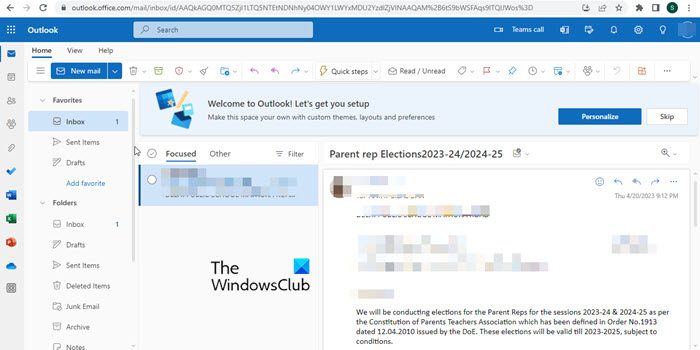
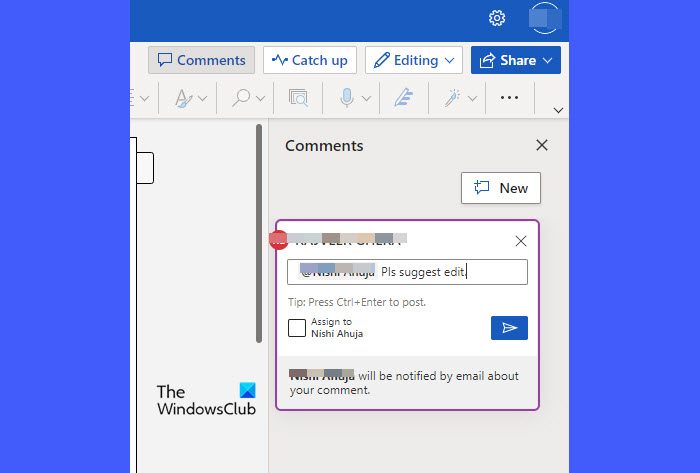
After logging in, you can access the dashboard and use Word, Excel, PowerPoint, and Outlook to create documents and presentations, organize data, and manage your email. You can also share links to your work and collaborate on files in real time. While using the apps, make sure you’re actively connected to the internet. All your work will be saved in the free cloud storage and you can access the data anytime, anywhere, using your browser.
This is how to get Word, Excel, PowerPoint, and Outlook for free on a Windows 11/10 PC. I hope you find this useful.
Read: What is the difference between Microsoft Office and Microsoft 365?
Can you actually get Microsoft Office with Word Excel and PowerPoint for free?
Yes. Microsoft 365 for the web offers free versions of Office productivity tools, including Microsoft Word, Microsoft Excel, and Microsoft PowerPoint. You can sign up for a free Microsoft account and start using the apps right away, without having to download and install the software on your computer. They sync all your data in the cloud and let you access your documents, presentations, and mail account using your favorite browser.
Read: Best free Microsoft Office alternative software
Is Microsoft 365 free to download?
Microsoft 365 offers premium plans for home or business. Users who wish to subscribe to these plans can avail themselves of a one-month free trial of the entire set of Office productivity tools (desktop versions). Once the trial period ends, the user will have to buy the subscription to continue activating the desktop apps. In contrast, Microsoft 365 for the web is free for lifetime use.
Read: Download genuine Windows and Office ISO Disc images from Microsoft.
Can I download Microsoft Excel for free?
No, you cannot download Microsoft Excel for free from the official website. In fact, you cannot download any individual Office app on your Windows computer. You must download Microsoft 365, a suite that includes Word, Excel, PowerPoint, Outlook and more. On the other hand, if you don’t want to spend money on them, you can use the Web version, which is available for free.
How do I download Microsoft Excel and PowerPoint for free?
Although you can use the same method to download Microsoft Excel and PowerPoint for free on Windows 11/10 PC, you won’t be able to use it for a long time. You must have an active subscription in order to use those apps on your computer. Otherwise, access will be limited after a certain period.
Read: How to download Setup file for Office
Where can I download Microsoft Office for free?
You can download Microsoft Office for free from Office.com. However, you must have an active subscription to use the apps on your computer. Similarly, you need a valid product key to use Office 2024, Office 2021, or any other version.
Read next: History & Evolution of Microsoft Office Software.
