
AI has become an integral part of our lives. We all know about popular web-based tools like ChatGPT, CoPilot, Gemini, or Claude. However, many users want to run AI locally. If the same applies to you, you will need a latest-generation laptop equipped with Neural Processing Units (NPUs) capable of 40+ TOPS. This way, you can run AI models directly on your device without relying on the cloud.
What makes a laptop great for local AI workloads
- Powerful GPU: A high-end mobile GPU (like NVIDIA RTX 5000 or 5090 Laptop) significantly accelerates model inference/training.
- Ample RAM (and VRAM): Models can easily span gigabytes. Machines with 32 GB or more (even up to 128 GB) of RAM help with larger models or multitasking.
- Efficient CPU + NPU: Modern chips like Intel Core Ultra or AMD Ryzen AI come with integrated NPUs, boosting on-device AI tasks.
- Thermals & Battery: Sustained performance requires good cooling; some AI-focused laptops prioritize lightweight design and long battery life.
What are the best AI laptop to run AI locally?
Based on workload and hardware configuration, here are some of the best AI Laptops:
- Dell Latitude 7455
- ASUS ROG Strix SCAR 18
- ASUS Zenbook S 16
- HP OMEN MAX
- Dell XPS 13
1] Dell Latitude 7455
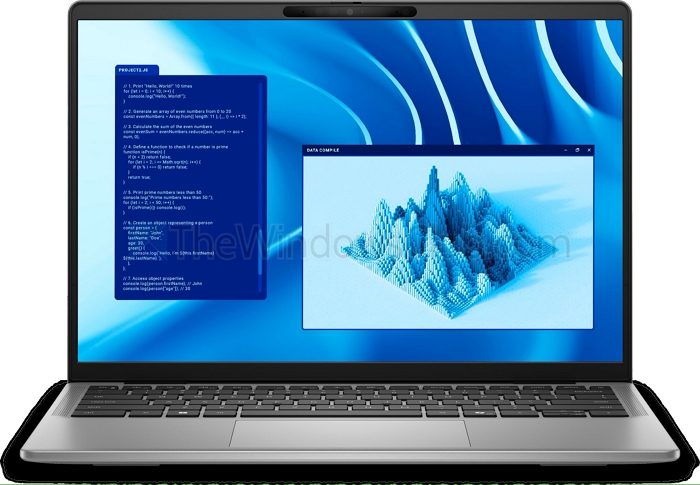
The Dell Latitude 7455 is an excellent option for running Copilot+ or other AI models locally. It is powered by Qualcomm’s Snapdragon X Elite processor with a 45-TOPS NPU, ensuring smooth AI inference. The laptop comes with 32 GB LPDDR5x RAM and a 1 TB PCIe Gen 4 SSD, providing the bandwidth and storage speed required for handling larger models efficiently.
The NPU accelerates tasks such as text summarization, translation, and image generation, while the ample RAM ensures multitasking without bottlenecks. You also get a QHD+ touchscreen and up to 22 hours of battery life, making it a reliable companion for all-day use.
Read: How to run Qwen AI locally on Windows 11
2] ASUS ROG Strix SCAR 18
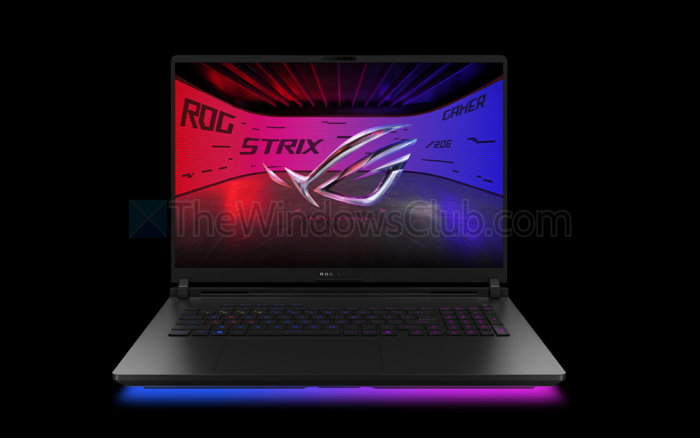
The ASUS ROG Strix SCAR 18 is a true powerhouse designed for AI workloads. It features an Intel Core Ultra 9 275HX (24-core, up to 5.4 GHz) with an integrated NPU and a NVIDIA GeForce RTX 5090 GPU. Together, they deliver approximately 1824 AI TOPS, making it ideal for running demanding AI models locally.
With support for up to 64 GB DDR5 memory and PCIe Gen 5-ready storage, the SCAR 18 not only offers blazing performance but also ensures future-proof expandability.
Read: Can I run AI locally on my PC or Phone?
3] ASUS Zenbook S 16
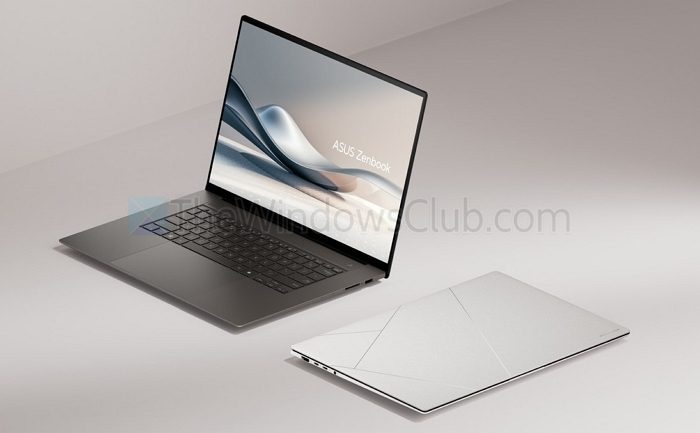
The ASUS Zenbook S 16 combines portability with serious AI performance. It is powered by the AMD Ryzen AI 9 HX 370 processor, featuring an XDNA NPU capable of up to 50 TOPS. The laptop also includes an AMD Radeon 890M GPU (RDNA 3.5) for additional AI acceleration.
Its sleek 16″ OLED 2880×1800, 120 Hz touchscreen, with a fingerprint-resistant Ceraluminum finish, makes it both stylish and practical. Configurations include 24 GB or 32 GB LPDDR5X RAM and up to 2 TB PCIe 4.0 NVMe SSD storage.
Read: What is SATA or NVMe SSD? How to tell if SSD is SATA or NVMe?
4] HP OMEN MAX
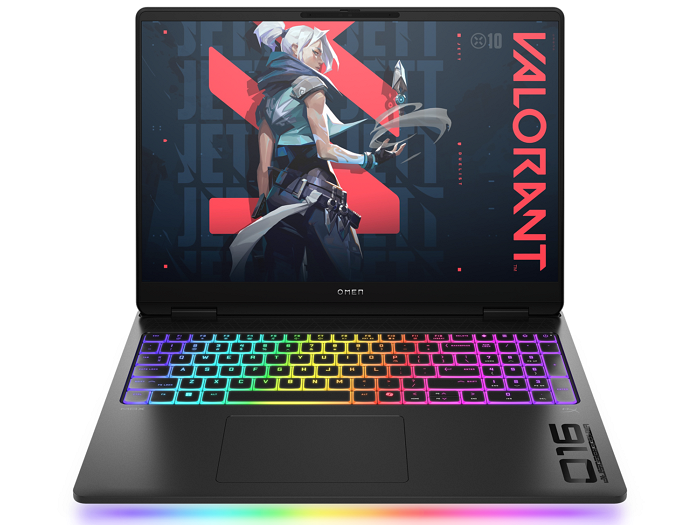
The HP Omen Max 16 is marketed as a gaming laptop, but it doubles as a strong AI workstation. It runs on an Intel Core Ultra 9 275HX CPU paired with an NVIDIA RTX 5080 GPU, plus Intel AI Boost (13 TOPS) for efficient on-device inference.
Equipped with 32 GB DDR5 RAM and a 1 TB PCIe NVMe SSD, it can handle medium-sized AI models smoothly, particularly when GPU acceleration is leveraged. This makes it a versatile choice for users who want gaming and AI performance in one machine.
5] Dell XPS 13

The Dell XPS 13 offers a sleek design with powerful AI capabilities. Depending on the model, it comes with an Intel Core Ultra 5 (2nd Gen) with integrated Intel Arc graphics or a Snapdragon X Elite (9345) variant.
The Snapdragon version is particularly AI-ready, featuring a 12-core Snapdragon X Elite processor with a 45-TOPS NPU and an Adreno GPU. The XPS 13 supports up to 64 GB LPDDR5x RAM and 4 TB PCIe Gen4 NVMe SSD, though all components are soldered.
So those were a few of the best laptops that can efficiently run AI models locally. All of these laptops feature high-end CPUs, GPUs, and NPUs, along with sufficient RAM and storage, to run your preferred AI models. So go ahead, check them out, do your own research, and pick the one that meets your needs.
Read: Which AI Model can run on a regular PC?
Which laptop is best for running large AI models locally?
If you need maximum performance for training or running large-scale AI models, the ASUS ROG Strix SCAR 18 is the strongest option. With an RTX 5090 GPU and Intel Core Ultra 9 275HX, it delivers ~1824 AI TOPS and supports up to 64 GB DDR5 RAM, making it the best choice for power users and researchers.
Read: How to run the following on your Pc locally – Qwen AI | Windows AI Foundry | DeepSeek| LLaMA
Which AI laptop offers the best balance of portability and performance?
For those seeking a lightweight laptop with robust AI capabilities, the ASUS ZenBook S 16 and Dell Latitude 7455 stand out. Both feature powerful NPUs (45–50 TOPS) and excellent battery life, while remaining thin, portable, and ideal for professionals who want to run Copilot+, local LLMs, or AI-assisted creative apps without compromising mobility.
