
If when you try to play an MP4 video file using Films & TV app or Media Player app and you receive This file isn’t playable, 0x10100be error in Windows 11/10, then this post may be able to help you. The error is quite commonly faced by some users. Here is a detailed analysis of your problem.
Can’t play – This file isn’t playable, That might be because the file type is unsupported, the file extension is incorrect or the fle is corrupt, 0x10100be.
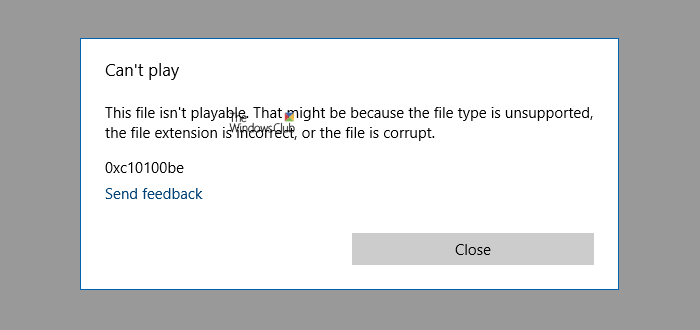
Fix 0x10100be error, This file isn’t playable in Films & TV app or Media Player app
This error has nothing to do with your computer or installation of Windows in particular. But you can encounter this error due to a faulty file. There can be many possibilities, the first one being that the file you are trying to play is corrupted. Try playing the file on any other computer to confirm the same.
If you think your file is alright, then there could be an issue with its format. Or the format could be right but the codec that was used to compress this file is not supported. There can be endless possibilities here.
Films & TV app or Media Player app supports only a limited number of formats and codecs. Here is the link to the list of all formats supported by Films and TV app, and here is the link is the link to list of all supported formats by Media Player. If your file’s format is not on this list, we suggest converting it if you want to play it in Movies/Films & TV or Windows Media Player. You could convert the file using any free video converter software.
The other option you have is to install third party codecs or players to play such files. There are plenty of free codecs and free video players available that will allow you to play MP4 files on Windows.
These are how you can play your file and resolve the error 0x10100be error on Films & TV or Media Player apps.
Related read: Windows Media Player Encountered a problem while playing the file.
