
Remote desktop or screen sharing applications are applications that allow a user to stream its screen over the Internet and get remote support from any other user around the globe. Remote Desktop software are useful for those, who are working on a project in a team, and who want online repair support for their Windows PC.
Remote desktop software for Windows 11/10
There are lots of such remote desktop software out there, but we have chosen the best ones for you – so let’s have a look at them.
1] TeamViewer
TeamViewer is arguably the best and the fastest solution to remote desktop sharing and file sharing. There are no login processes at all, just an ID and a password, displayed on your TeamViewer window in every session.
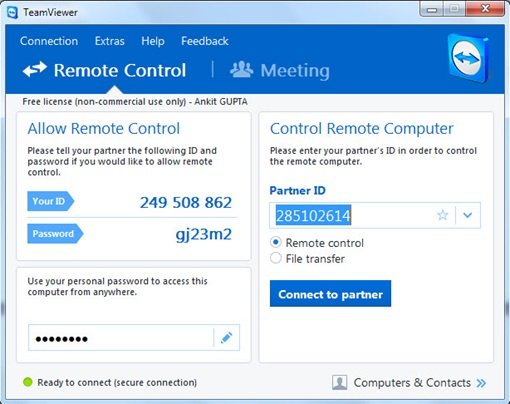
To get started, what you need to do is open TeamViewer. You will see an ID and a Password; supply these credentials to the other user with whom you want to connect. If you want to connect with someone else, ask for the ID and password displayed on his/her TeamViewer window. TeamViewer shows fast real-time results, and the screen sharing is just awesome.
2] AnyDesk
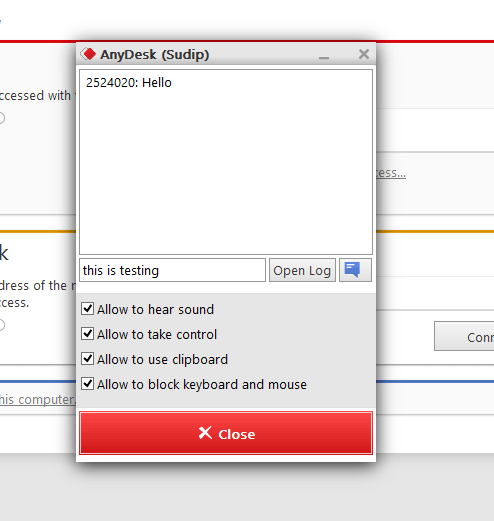
AnyDesk is a lightweight cross-platform remote desktop software. Performance & speed are the main features of this ap. It includes proprietary DeskRT codec for ultra-low latency (~16ms),
3] Ammyy Admin
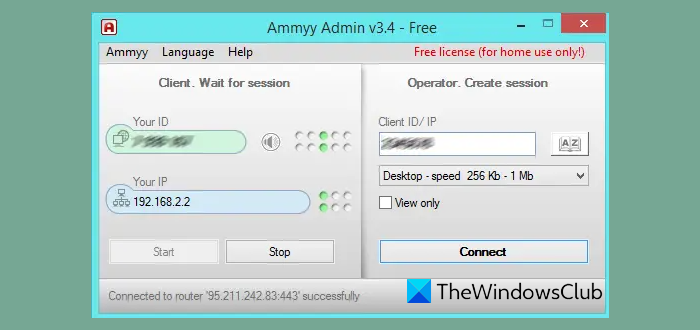
Ammyy Admin features a great user interface with complete portable functionality. You can carry it anywhere and connect to remote computers instantly. It doesn’t require installation; you can directly run it after downloading. Once you run the software, your computer will be allotted an ID that can be used to connect to your computer from other computers.
Other Remote Desktop software you may want to check out:
Microsoft Remote Desktop Assistant | AeroAdmin | Ulterius | Remote Desktop Organizer | Chrome Remote Desktop.
I hope you liked our list of remote desktop software. This post talks about some free screen-sharing software for Windows PC.
If you wish to add similar free software to this, please do so in the comments section.
