
ElevenLabs is an AI Text-to-Audio creation platform. It allows you to create audio in many different languages in your preferred AI voice. ElevenLabs has free and paid plans for its users. In a free account, users can generate AI voices but cannot use them commercially. Some users encountered the Unusual activity detected error on the ElevelLabs platform. This error prevents them from generating AI voice.
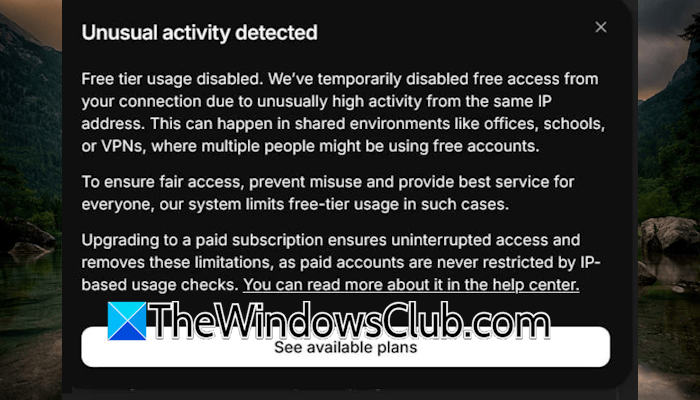
The complete error message is:
Unusual activity detected. Free tier usage disabled.
ElevenLabs Unusual activity detected
Follow these suggestions if you cannot use ElevenLabs due to the “Unusual activity detected” error:
- Power cycle your router
- Try another network connection
- Clear cache and cookies or switch to another web browser
- Turn off or use a VPN
- Change your VPN service provider
- Reset your Network
- Buy a subscription
Let’s start.
1] Power cycle your router
The first step you should do is power cycle your WiFi router. It will fix temporary glitches that are causing this problem. Use the following instructions:
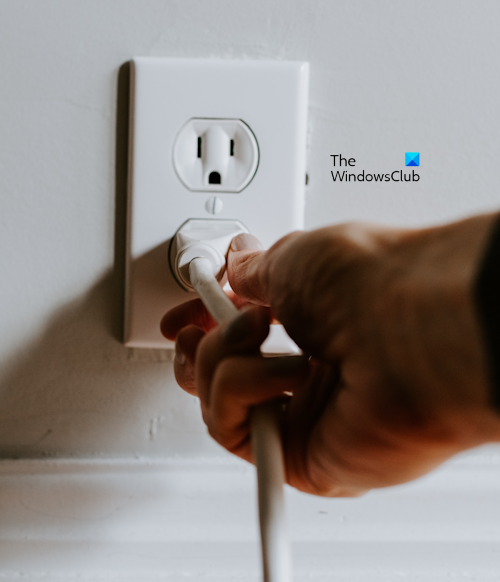
- Turn off your router and unplug its adapter from the wall socket.
- Wait for a few minutes.
- Now, plug the power adapter back into the wall socket.
- Turn on the switch and wait for the router to connect to the internet.
Now, check if the issue gets resolved.
2] Try another network connection
If power cycling your WiFi router does not work, we suggest you try another network connection. Switching to another internet connection changes the IP address. Therefore, this trick should work.
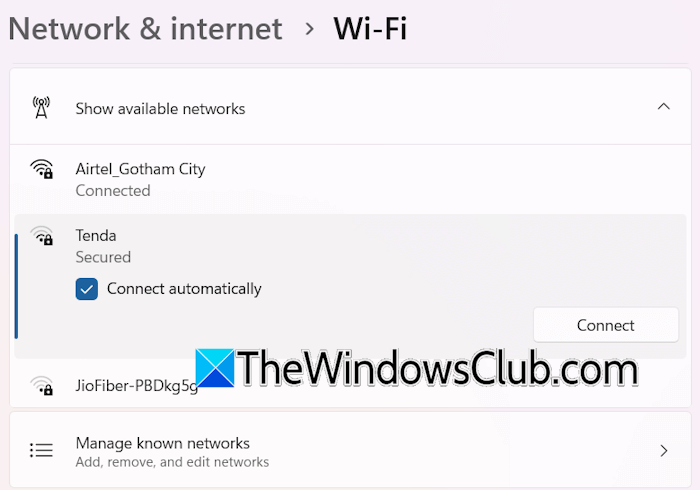
If another WiFi connection is unavailable, you can use your mobile data and connect your system to it through Mobile Hotspot. After connecting to another network, use ElevenLabs, and see if the issue is fixed.
3] Clear cache and cookies or switch to another web browser
Corrupted web browser cookies and cache can also cause the issue. If this is the case with you, clearing your browser cache and cookies can help. Press the Ctrl + Shift + Delete keys to open the Clear browsing data window. Now, clear the cache and cookies.
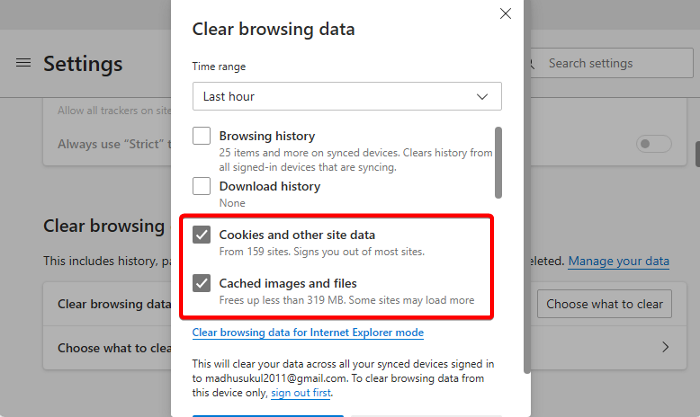
You can also try switching to another web browser. If this works, you can reset the previous web browser.
4] Turn off or use a VPN
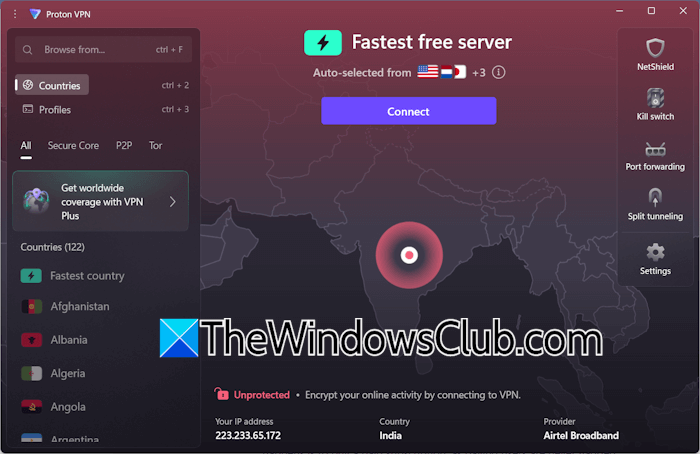
A VPN connection makes our network secure. Additionally, it changes the IP address. Since the error is associated with a particular IP address, we suggest you use a VPN. You can download and install any free VPN. Proton VPN is completely free for one user.
If you already use a VPN, turn it off to change your IP address.
7] Change your VPN service provider
One possible cause of this error is a blacklisted IP address. Free VPNs use shared IP addresses. Sometimes, these shared IP addresses are blacklisted by some services. This might be the case with you. If you use a free VPN, install another free VPN software and use it. If it works, you can keep using that VPN and uninstall the previous one.
7] Reset your network
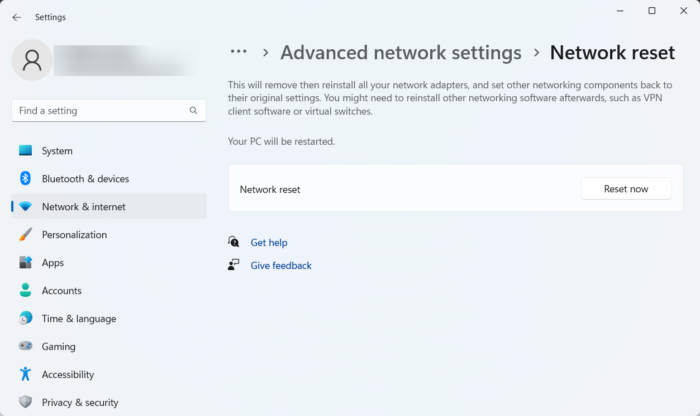
If none of the above fixes work, you can try to reset your network. Resetting a network usually fixes network-related issues on a Windows computer. Use the following steps:
- Open Windows Settings.
- Click on Network & Internet.
- Select Advanced network settings > Network reset and select Reset now.
The above steps will remove and reinstall your network adapters and set the networking components to their default values. When performing a Network reset, you must wait up to 5 minutes. After 5 minutes, Windows will restart automatically. Therefore, save all your pending work before proceeding.
8] Buy a subscription
If none of these fixes work, the last resort is to purchase a subscription. Only the users with a free plan encounter this error, as it is an attempt to stop users from creating multiple free accounts. If you are encountering this error despite having only one free account, that may be because of a VPN connection. The IP address assigned to you after connecting to a VPN might be the IP address of someone else who has a free account on ElevenLabs.
Hence, you can either purchase its subscription or use a unique IP address.
That’s it. I hope this helps.
Why is ChatGPT saying unusual activity detected from the device?
This error means that ChatGPT servers have detected unusual activity from your device. This usually happens due to multiple failed login attempts from the same device or IP address. Sometimes, it can be due to a problematic extension.
What is the alternative to ElevenLabs?
There are many free alternatives to ElevenLabs. The first one is Microsoft Clipchamp video editing software. It offers AI text to audio generation, and the best part is that all the AI voices are free. You can generate AI voices in different languages. Another alternative is Google AI Studio.
Read next: Best free AI tools to create an AI Talking Avatar.
