
Some users report seeing the “I encountered an error doing what you asked” message while chatting with Gemini. The error keeps appearing even if users send another message. If you encounter this error, the solutions in this article will help.
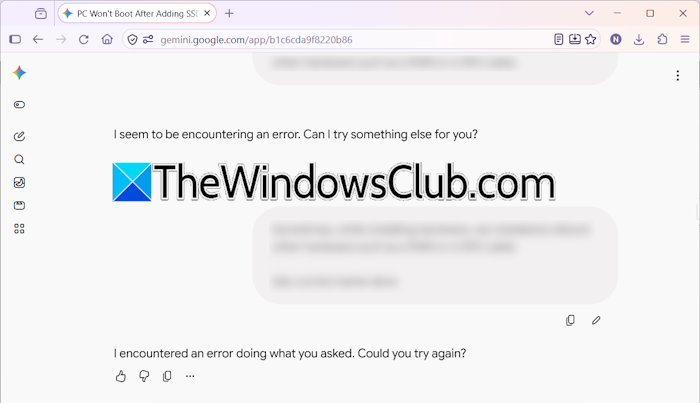
The complete error message is:
I encountered an error doing what you asked. Could you try again?
Some users may also see the following error message:
I seem to be encountering an error. Can I try something else for you?
I encountered an error doing what you asked Gemini error
Use the following suggestions if you cannot use Gemini due to the “I encountered an error doing what you asked” error:
- Check Gemini server status
- Start a new chat
- Switch to another network connection
- Disable VPN (if applicable)
- Disable your browser extensions or use another browser
- Contact support
All these fixes are explained in detail below.
1] Check Gemini server status
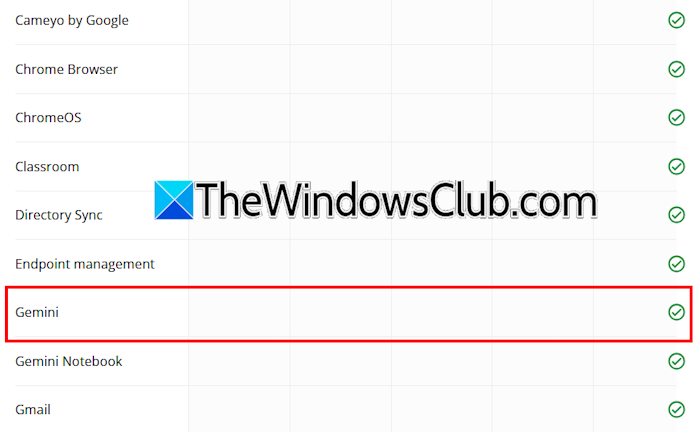
First, check whether the problem is on your end. To verify this, check the Gemini server status. Visit the official Google Workspace Status Dashboard and find Gemini server status. If you see a service outage message, you need to wait till Google resolves this issue.
2] Start a new chat
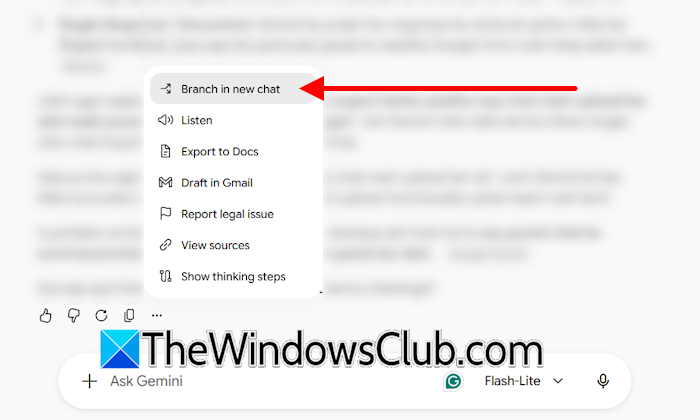
Sometimes, problems occur in a particular chat. To verify this, start a new chat. If the error does not occur in the new chat, you can continue in that chat. However, if your previous chat was long and incomplete, you’ll have to explain the whole context again in the new chat. To avoid this, you can branch the previous chat. In your last chat, you will see three dots where it ended. Click on them and select Branch in New Chat.
3] Switch to another network connection
The issue may be with your network connection. To confirm this, switch to another network. You can also use your mobile data to connect your system to the internet through a mobile hotspot. If that works, power-cycle your WiFi router. Follow these steps:
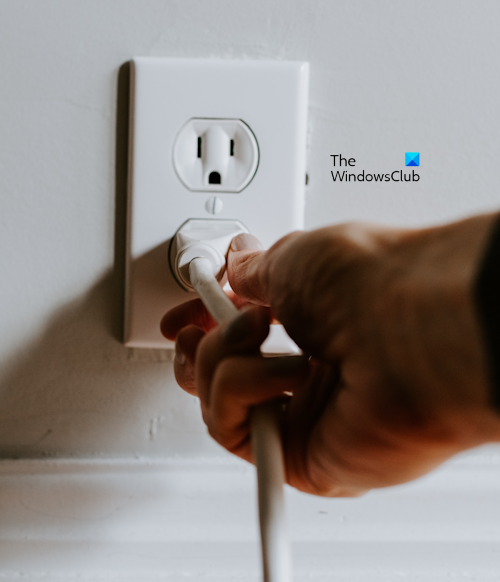
- Turn off your WiFi router.
- Unplug the adapter from the wall socket.
- Wait a few minutes and plug the WiFi adapter back into the wall socket.
- Turn on the router.
4] Disable VPN (if applicable)
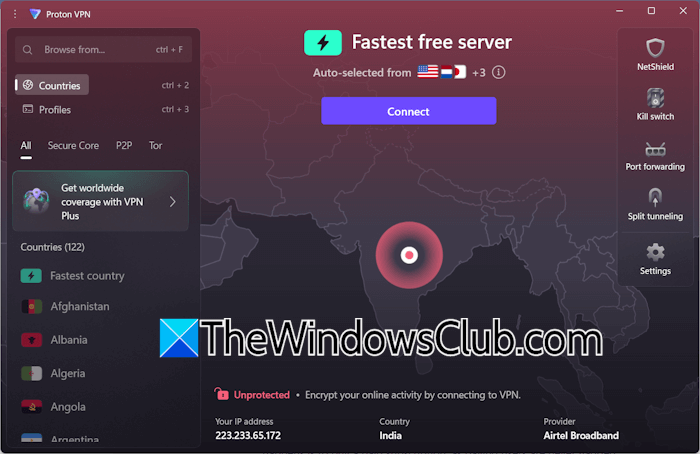
If you are connected to a VPN, that might be causing temporary network issues and triggering this error. Disconnect from the VPN, reload the page, and see if the issue persists.
5] Disable your browser extensions or use another browser
A browser extension might be triggering this error. You can verify this by disabling all the extensions. If the error disappears after disabling all extensions, your next step is to find the extension causing it. For this, enable one extension at a time and reload the page. When the error reappears, the extension you just enabled is the culprit.
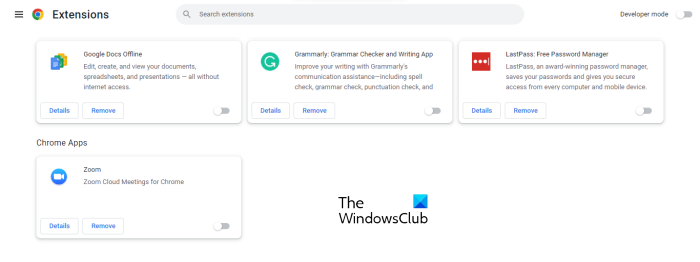
You can also try another web browser. Sometimes, issues are associated with a particular web browser. If that happens, the error shouldn’t occur in another browser.
6] Contact support
Since the problem usually occurs with Gemini subscribers, you can contact Google support if the issue still persists. The support team will guide you further.
That’s it.
Is Gemini broken today?
If Gemini isn’t working properly for you, it doesn’t necessarily mean it is broken. To confirm, check the Google Workspace service status. If you see a server outage for Gemini, you’ll need to wait until Google resolves the issue.
Why does Gemini say it encountered an error?
The “Something went wrong” error with Gemini usually occurs due to a server outage or an unstable internet connection. If you encounter this error, check the service status on the Google Workspace Dashboard. If everything looks fine, the problem may be your network. Switch to another available network to verify this.
Read next: Gemini is not generating images.
