
If you cannot add a calendar to Outlook on a Windows 11/10 PC, here is how to fix the problem. If you are unable to add Outlook Calendar, Google Calendar, or any other calendar, you can try these solutions to resolve the issue.
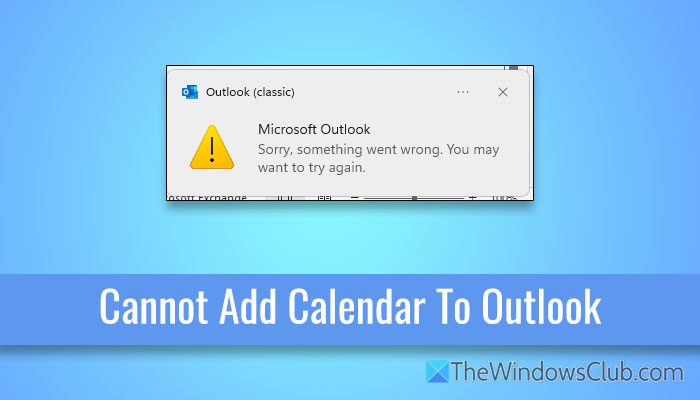
Cannot add calendar to Outlook
Follow these solutions if you cannot add a calendar to Outlook:
- Ensure the file format
- Add the correct URL
- Repair PST file
- Use Get Help to troubleshoot
- Switch between old and new versions of Outlook
- Add email account again
- Check share invitation
To know more about these solutions, continue reading.
1] Ensure the file format
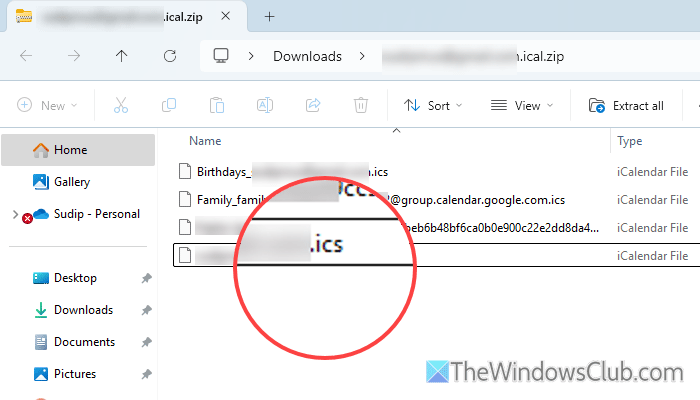
To upload a calendar, ensure that you have a file in the .ics format. The latest version of Outlook doesn’t support anything except .ics. If you do not have that format, you will need to ask the sender to resend the file or download a fresh copy.
Read: How to Import iCal into Google & Outlook Calendar
2] Add the correct URL
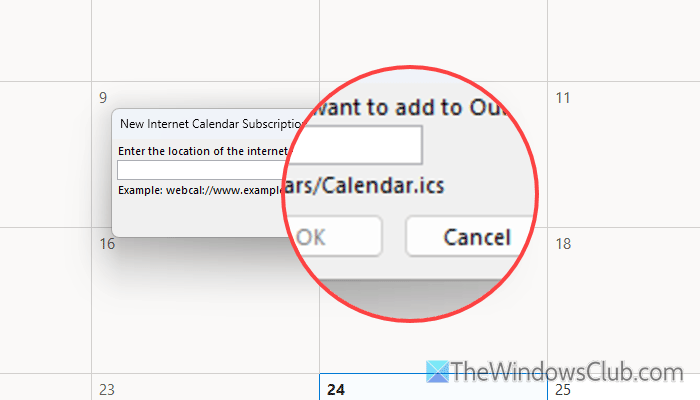
In case you want to add a shared calendar to your Outlook Calendar, you must verify the URL of the internet calendar. Like the downloaded file, your online calendar URL must end with .ics. If there is anything else, it is suggested to verify the URL and remove other parameters if required.
Read: How to create a Group Calendar in Microsoft 365
3] Repair PST file
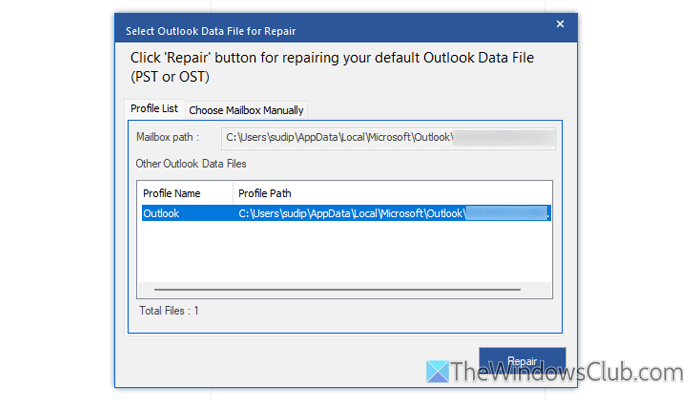
At times, the PST file, also known as the Personal Storage Table in Outlook, may become corrupted due to various reasons. In such situations, you may fail to add a new calendar to Outlook. If so, you need to repair the PST or Outlook data file.
Outlook PST repair tool is one of the best and easiest options to repair the PST file. However, if it doesn’t work, you can also use ScanPST. To learn more about the Outlook PST repair tool and ScanPST, you can go through this detailed guide.
4] Use Get Help to troubleshoot

Get Help is one of the best ways to repair almost any problem related to Outlook and Outlook Calendar. If you are unable to add a new calendar or the existing calendars are not appearing, you can use the Get Help app to troubleshoot the issue.
To use the Get Help app, open it on your computer and search for problem adding Outlook calendar in the search box.
Then, follow the screen instructions to resolve the issue.
Read: Outlook Calendar Check Troubleshooter will fix Calendar issues
5] Switch between old and new versions of Outlook
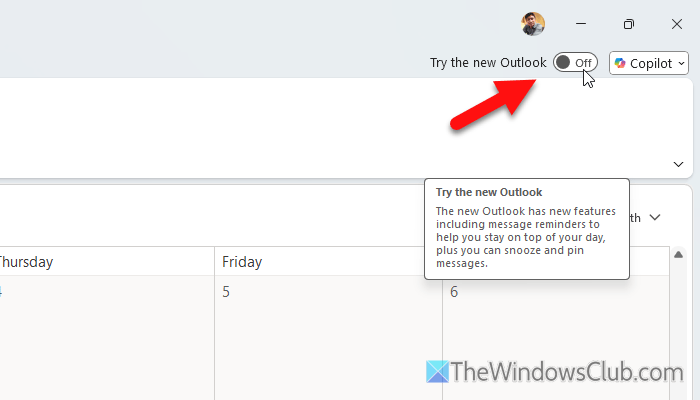
Some users have reported that they are unable to add a new calendar to the latest version of Outlook. On the other hand, they can add new calendars when using the traditional version of Outlook. Having said that, you can switch between these two versions of Outlook and check if it resolves the issue or not.
To be more specific, if you use the new version, switch to the old version and vice versa.
Read: How to switch from Outlook (new) to Outlook (classic)
6] Add email account again
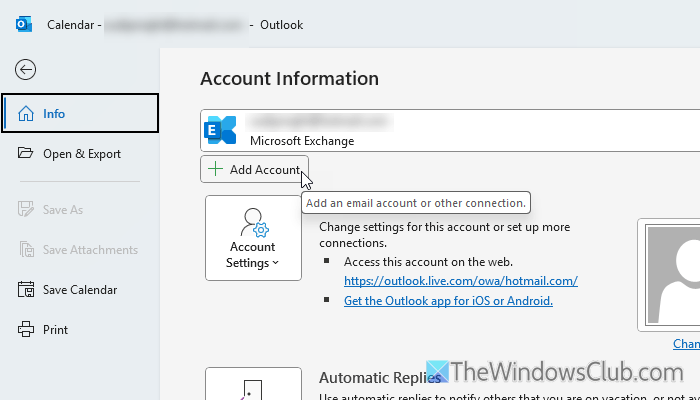
If you are facing an issue with your Google Calendar, try removing and then adding the account again. In some cases, Outlook fails to fetch the Google Calendar details, and as a result, you get a blank screen while adding a new calendar. That is why it is recommended to re-add the email account if you are experiencing this issue with Google Calendar.
Read: How to sync Outlook Calendar with Google Calendar using free software
7] Check share invitation
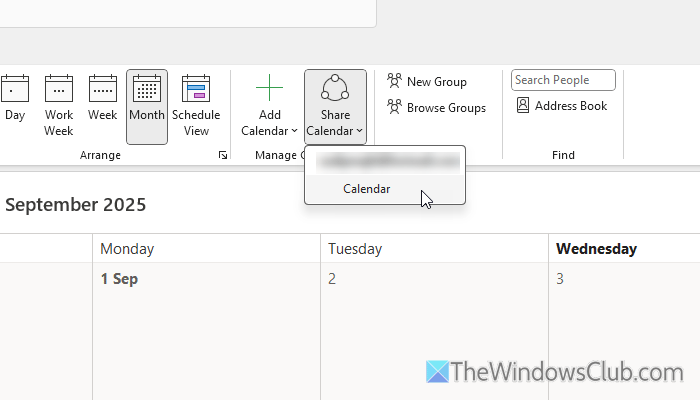
As you may already know, you can share a calendar with someone and add a shared calendar to your Outlook Calendar. However, the calendar owner must accept your invitation before it becomes visible in Outlook Calendar. If the sender doesn’t accept your invitation, you won’t be able to add the calendar.
Read: Microsoft Calendar Tips and Tricks to manage schedules
Why can’t I add a shared calendar in Outlook?
The most common reason why you cannot add a shared calendar in Outlook is that your invitation has not been accepted yet. The owner of the calendar must accept your invitation before it is visible in Outlook.
How do I manually add a calendar to Outlook?
To manually add a calendar to Outlook, open the Outlook Calendar first. Then, click on the Add Calendar button and choose how you want to add the calendar. You can upload the .ics file to add an internet calendar by entering the URL.
Read: How to change the Background Color of the Calendar in Outlook
