We have always urged everyone to take short breaks every once in a while working on the computer. Prolonged uninterrupted use of the computer entails sitting in one place and strains the wrist, eyes, back, and so on. Taking even a minute’s break every hour can give much-needed relaxation to our bodies; especially if you are above 40. But it is natural that we tend to forget such things once we get engrossed in our work.
We have blogged about WorkRave a great software that forces the computer user to take rest breaks and prevent Carpal Tunnel Syndrome. We have also blogged about DimScreen, CareUEyes and Pause4Relax, and other brightness control software.
Relax your eyes while using the computer
Eye Relax is another such utility that forces you to take breaks and relax your eyes. If you have an eye condition, you definitely want to check it out!
Concentrating your eyesight on a computer screen can cause eye strain. You can prevent this by taking regular breaks during work and looking at distant objects.
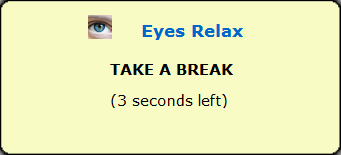
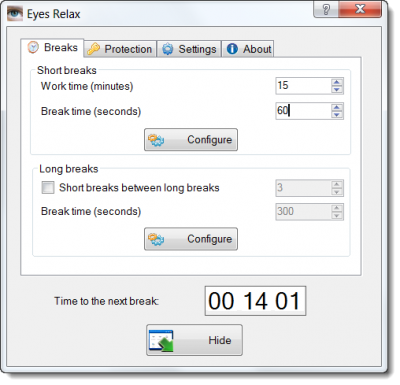
Eyes Relax is a tool that reminds you about taking those breaks. It allows you to configure the time interval, the breaks interval, break types, and notification types.
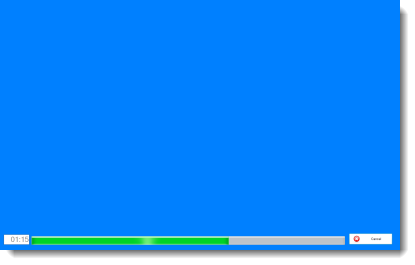
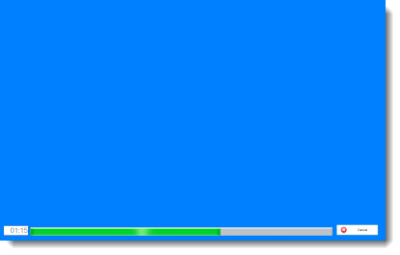
You can set the notifications to appear as a balloon or set it to change to a blank colored screen.
If you think your kids are just too much into computers and are straining their eyes, you might want them to take short breaks. This tool also has parenting features. You can set the break parameters and then password protect them.
If you think this utility is for you, go grab it from its download page.
Iris software and EyeLeo will also help protect your Eyes and maintain Eye Health when using the computer.
These links may also interest you: