
We have noticed that after updating Outlook or starting it after a long time, we receive an error that says Something went wrong with one of your data files and Outlook needs to close or Something is wrong with one of your data files and Outlook needs to close. In this post, we will see what you can do to resolve the issue.
When you encounter this issue, the following error message is displayed;
Something is wrong with one of your data files and Outlook needs to close. Outlook might be able to fix your file. Click OK to run the Inbox Repair Tool.
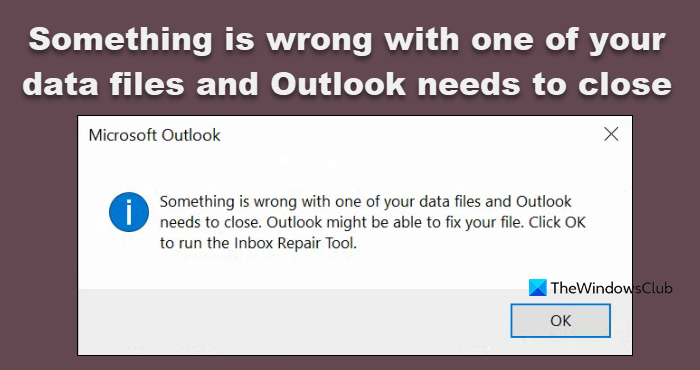
Something is wrong with one of your data files and Outlook needs to close
As indicated on the error prompt, after Outlook users click the OK button, the Inbox Repair Tool launches and walk them through the repair process.
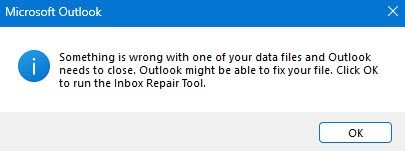
Once you click on OK, the Outlook Inbox Tool will open.
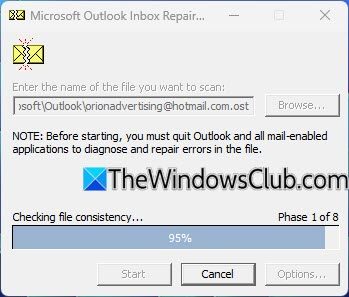
Click on Start and the process will run and then display its results.
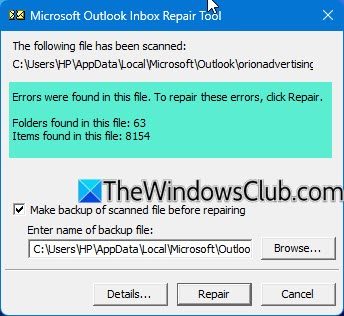
Clickon Repair to fix the errors.
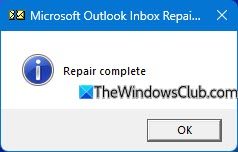
Once the repairs are done, restart your PC and see if you can open Outlook.
If Outlook still displays the same error, try the following workaround.
The workaround should make Outlook usable again for all users and it requires modifying the registry by deleting two keys:
- LastCorruptStore
- PromptRepair
They are related to the PST document format.
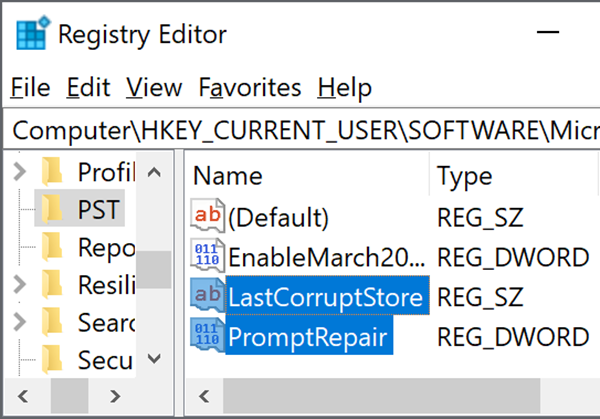
Since this is a registry operation, it is recommended that you back up the registry or create a system restore point as necessary precautionary measures. Once done, you can proceed as follows:
- Press the Windows key + R to invoke the Run dialog.
- In the Run dialog box, type regedit and hit Enter to open Registry Editor.
- Navigate or jump to the registry key path below:
HKEY_CURRENT_USER\SOFTWARE\Microsoft\Office\16.0\Outlook\PST
- On the right pane right-click the LastCorruptStore and PromptRepair registry keys and select Delete.
- Restart Outlook.
That’s it!
Read: You cannot delete this Outlook data file
How do I fix Outlook data file error?
If an Outlook data file is corrupted, you need to repair corrupt Outlook PST & OST personal data files using the Inbox Repair Tool. Microsoft offers the Inbox Repair Tool, which enables the recovery of folders and items from damaged Personal Folders or .pst files. It can even retrieve items from an offline folder or .ost files.
Read: We could not create the Outlook data file
How do I close Outlook data files?
To remove an Outlook data file from the Folder pane, simply close the file. However, keep in mind that this does not delete the file from your computer. To do so, right-click the name of the Outlook Data File in the Folder pane, and select “Close Outlook Data File”.
Also Read: Outlook Web notifications not working.
