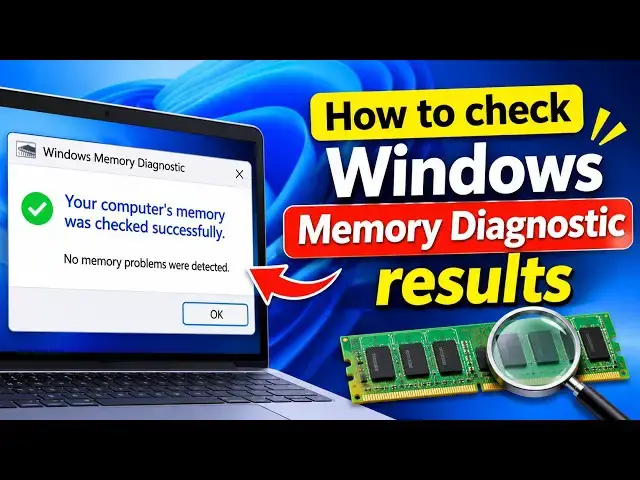

How to check Windows Memory Diagnostic results
Nov 16, 2026

If your PC frequently crashes, freezes, shows BSOD errors, or restarts unexpectedly, faulty RAM could be the cause. Windows includes a built-in Windows Memory Diagnostic tool that checks your system memory for issues.
In this video, I will show you how to check Windows Memory Diagnostic results in Windows 11.
Link: https://www.thewindowsclub.com/how-to-check-windows-memory-diagnostic-results
00:00 intro
00:18 How to check Windows Memory Diagnostic Results
Command :
"/q:*[System[(Provider/@Name='Microsoft-Windows-MemoryDiagnostics-Results')]]" /f:text
Other Links: https://www.thewindowsclub.com/signs-of-ram-failure-and-how-to-check-faulty-ram
https://www.thewindowsclub.com/windows-memory-diagnostics-tool-in-windows-7
https://www.thewindowsclub.com/backup-bitlocker-drive-encryption-recovery-key
Show More Show Less