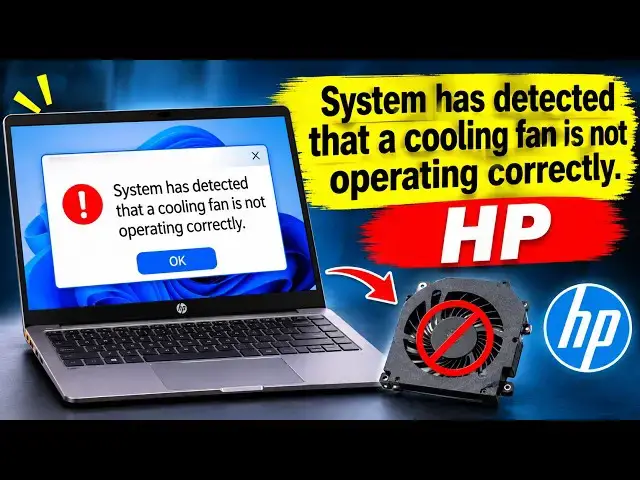

System has detected that a cooling fan is not operating correctly HP
Nov 17, 2026

Some HP users encounter the “System has detected that a cooling fan is not operating correctly” error on system startup.
The error appears during the Power-On Self-Test and may prevent the system from booting into Windows.
If you encounter this error and cannot boot into Windows, here's how to fix it fast.
Link: https://www.thewindowsclub.com/system-has-detected-that-a-cooling-fan-is-not-operating-correctly-hp
00:00 Intro
00:18 Clean your PC or laptop
00:53 Check the cable connections
01:30 Check01 your BIOS settings
01:50 Reset BIOS
02:26 Replace the fan
02:39 Replace the fan
02:50 Take your system for repair
Other Links: https://www.thewindowsclub.com/bios-power-on-self-test-post-errors
https://www.thewindowsclub.com/restore-reset-bios-windows-computer
Show More Show Less