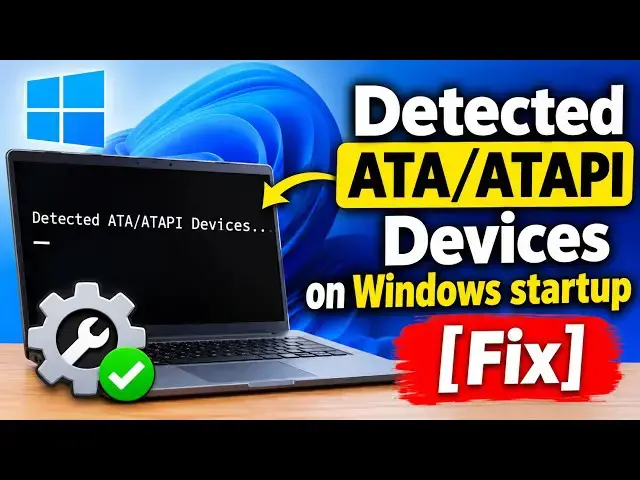

Detected ATA/ATAPI Devices on Windows startup [Fix]
Nov 17, 2026

If your PC gets stuck on the "Detected ATA/ATAPI Devices" screen during startup, Windows may fail to load, leaving you unable to access your system.
In this guide, I'll show you several effective solutions to help resolve the Detected ATA/ATAPI Devices error and get your computer boot normally again. Let's get started!
Link: https://www.thewindowsclub.com/fix-detected-ata-atapi-devices-on-system-startup#google_vignette
00:00 intro
00:21 Perform a hard reset
00:40 Disconnect external hardware
00:56 Check the SATA cable
01:13 Replace the CMOS battery
01:39 Disable overclocking
01:53 Test your RAM sticks manually
Other Links: https://www.thewindowsclub.com/is-pc-overclocking-really-worth-it#google_vignette
https://www.thewindowsclub.com/windows-memory-diagnostics-tool-in-windows-7
Show More Show Less