
Some users cannot use Copiot due to the “We are experiencing an issue” error. This error prevents users from chatting with Copilot. If you encounter this error, the solutions provided in this article will help you.
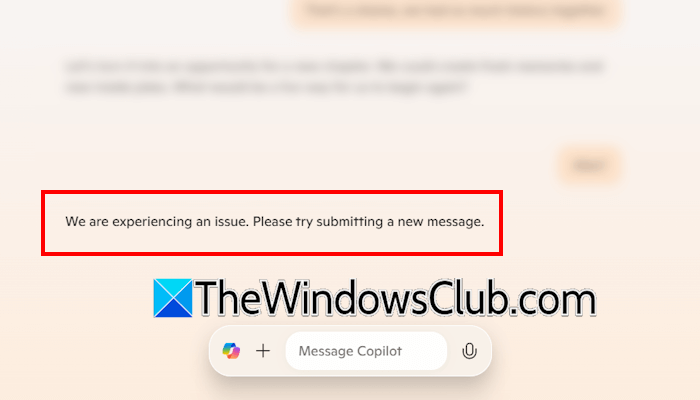
We are experiencing an issue, please try submitting a new message
Use the following fixes for the “We are experiencing an issue” error in Copilot. Before proceeding, you can wait and try again later, as the error might be due to server overload.
- Sign out and sign in again
- Switch to another network
- Try in an incognito tab
- Use another web browser
- Use the Copilot app
- Repair or reset the Copilot app
All these fixes are explained in detail below.
1] Sign out and sign in again
The first thing you can try is signing out and back in. Alternatively, you can also try signing in with another account.
2] Switch to another network
Sometimes, issues are associated with a particular network. Your network connection might be unstable, which is causing Copilot to show this error. Switch to another available network connection and see if the error occurs. If another network is unavailable, you can connect your system to your mobile data via the mobile hotspot.
If this works, the issue is with your network connection. In such a case, power cycling the WiFi router helps. Follow these steps:
- Turn off your WiFi router.
- Unplug the adapter from the wall socket and wait for a few minutes.
- Turn on your WiFi router.
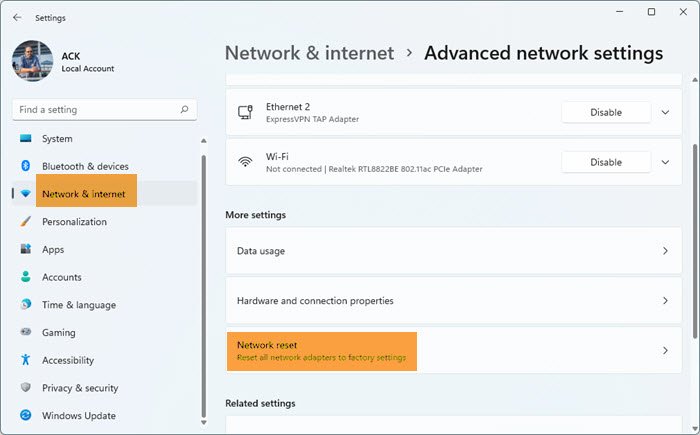
Now, connect to your network and see if you get the same error in Copilot. You can also try resetting your network. Windows takes 5 minutes in this process and reboots after 5 minutes automatically. Therefore, before proceeding, save your unsaved work. After resetting your network, you have to reconnect to your WiFi network and enter the password.
3] Try in an incognito tab
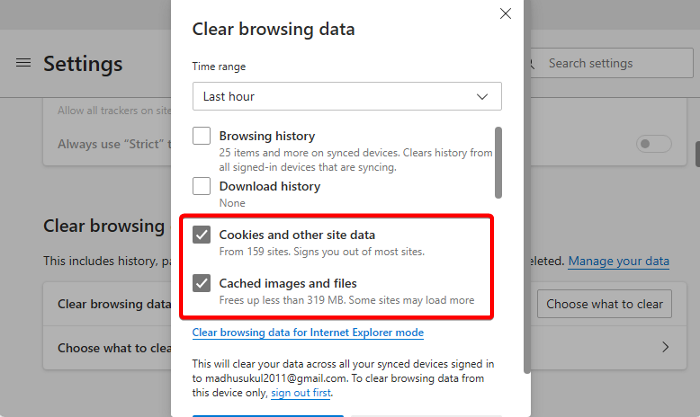
Try Copilot in an incognito tab. If the error does not occur in an incognito tab, it may indicate a corrupt cache or cookies. Now, close the incognito tab and clear the cache and cookies of your web browser. Pressing the Ctrl + Shift + Delete keys brings up the Clear browsing data window in all web browsers.
4] Use another web browser
Microsoft Edge is the best-supported web browser for Copilot, as it is an AI-powered browser with Copilot integrated. However, you can use Copilot in any web browser. If the error keeps appearing, switch to another web browser.
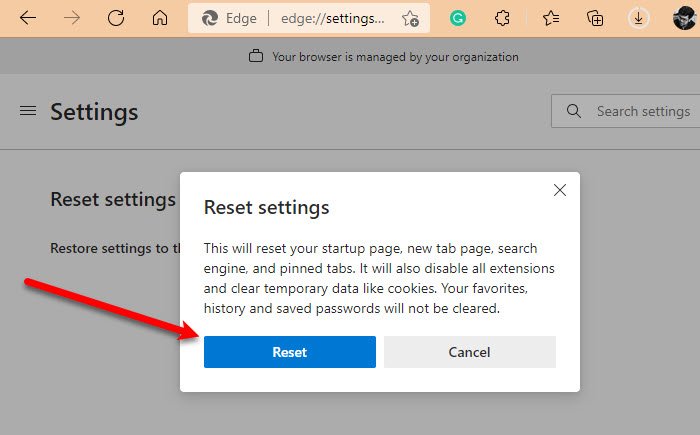
If Copilot works flawlessly in another web browser, you can reset the previous browser. Also, make sure you are using the latest version of your web browser, as older versions may have bugs.
Before resetting your browser, sign in to it with your email account to back up all your bookmarks to the cloud. If you do not do so, you will lose your bookmarks and extensions after resetting the browser.
5] Use the Copilot app
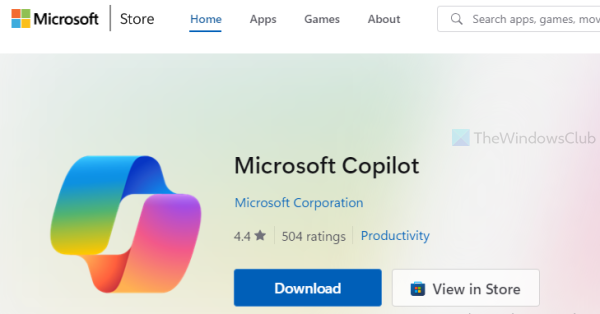
If the error occurs in the web version of the Copilot, you can use the Copilot app. The Copilot app is pre-installed on Windows 11. However, if you do not find it on your system, you can install it from the Microsoft Store.
6] Repair or reset the Copilot app
If the issue persists in the Copilot app, you can repair or reset it. Follow these steps:
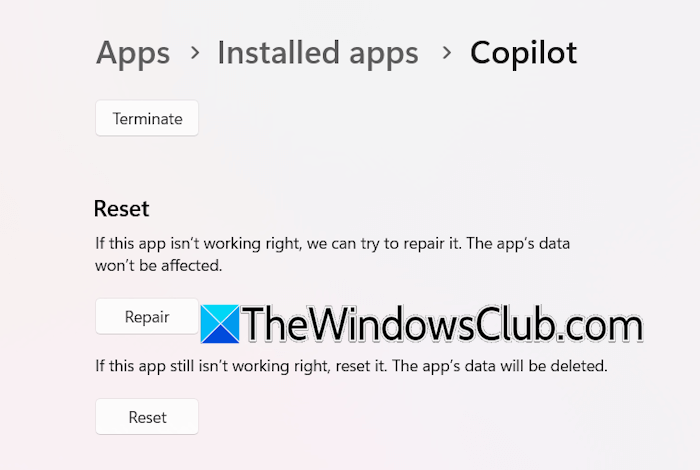
- Open Windows 11 Settings.
- Navigate to Apps > Installed apps.
- Search for Copilot. Click on the three dots next to it and select Advanced options.
- Scroll down and click Repair.
If repairing Copilot does not work, reset it. Resetting an app on Windows 11 permanently deletes the app’s data on your device. However, this won’t affect Copilot, since all your data is stored in the cloud. Now, launch the Copilot app. If you are signed out, sign in with your Microsoft account.
If the error persists, uninstall and reinstall Copilot.
That’s it. I hope this helps.
Does Copilot chat have a limit?
There isn’t a fixed chat limit in Microsoft Copilot. You can keep the conversation going as you like. However, if you receive an error, you can start a new conversation. There is a file upload limit in Copilot. You can upload up to 20 files per conversation, and each file must be 50 MB or less.
Why can’t I message Copilot?
There can be multiple reasons why you cannot send messages to Copilot. Your internet connection might be unstable. Switch to another available internet connection and try again. Additionally, there might be a temporary server outage. Wait a while and try again.
Read next: Unable to Export as PDF from Copilot.
