
If you want to create an eye-catching infographic, you must check out this list of the best AI infographic maker tools. All of these AI tools are available for free, and you can customize your infographic as per your requirements without any limitations.

What are best AI Infographic Maker Tools?
Some of the best AI infographic maker tools are:
- Copilot
- Google Gemini
- NoteGPT
- Canva
- ChatGPT
To learn more about these tools, continue reading.
1] Copilot
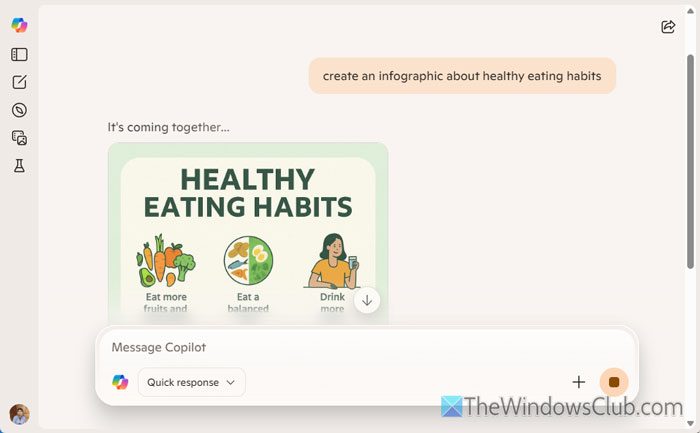
Copilot is one of the best AI infographic maker tools that you can use for free. No matter whether you want to create an infographic for commercial business or personal purposes, you can use Copilot to get the job done.
In order to create an infographic using Copilot, you need to go through these steps:
First, open the Copilot website in your browser. If you are not signed in to your Microsoft account, enter your credentials to sign in.
Then, you need to enter all the data you want to include in your infographic. However, there are two ways to do that – either enter all the information manually or use Copilot to fetch it. In the former case, you need to search for the information first.
Once done, ask Copilot to convert your data into an infographic by saying something like this: convert it into an infographic.
It takes hardly 30 seconds for Copilot to convert your data into an eye-catching infographic.
Read: How to use Copilot for 3D image Generation
2] Google Gemini
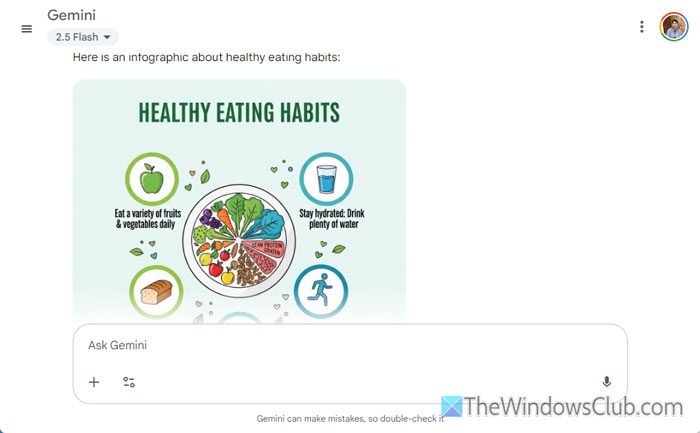
Google Gemini is yet another free AI infographic maker tool that you can use to create a professional infographic within moments. It is possible to create and edit an infographic within moments. All you need to do is enter the command to tweak anything.
To create an infographic using Google Gemini, go through these steps:
First, open the Google Gemini website and log in to your Google account. Like Copilot, you can either enter your existing data or you can create something from scratch.
Either way, you need to use a command like this: create an infographic about [your-topic]. However, if you want to use your own data, try a command like this: convert my data into an infographic.
Read: How to Install Gemini AI in Windows 11
3] NoteGPT
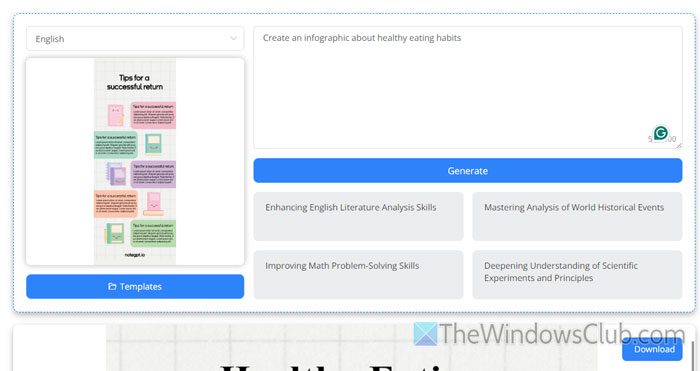
Although you cannot compare NoteGPT with Copilot or Google Gemini, it is one of the best options for a one-click AI infographic maker. Having said that, you can create a basic and advanced data-oriented infographic using NoteGPT free of cost.
In order to use NoteGPT to create an infographic, you need to open the notegpt.io website in your browser first. Then, enter a command like this: Create an infographic about [your-topic].
Following that, click the Generate button. Once you do that, the infographic will be visible on the same screen. You can review it and make the necessary edits according to your requirements. Once done, click the Download button to download it to your PC.
Read: Turn Ghibli style Images into animated Videos using AI free
4] Canva
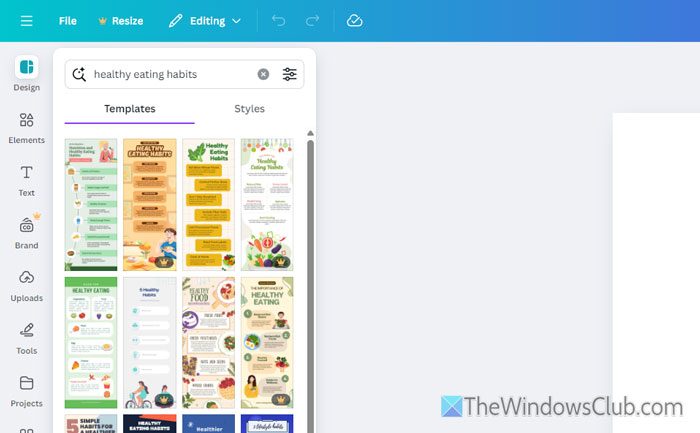
Canva is one of the best tools for creating and editing images online, suitable for social media, blog posts, and commercial purposes. You can use the same tool to create and edit an infographic as per your requirements.
To create an infographic using Canva, follow these steps:
First, visit the Canva.com website and click on the Start Designing an Infographic button.
Then, you need to enter the topic of your infographic. As Canva offers a paid subscription, you will find two separate sections – one includes paid templates, and the other showcases all the free ones.
You can choose a template according to your subscription. Once done, you can download the template using the same method as you download images.
Read: How to use AI in Canva
5] ChatGPT

ChatGPT is yet another free AI infographic maker tool that you can use to create a beautiful infographic. Like Copilot and Google Gemini, there is no limitation on editing and adding data to your infographic.
To create an infographic using ChatGPT, open the chatgpt.com website in your browser and enter a command like this: create an infographic about [your-topic].
Once you do that, it may take a few moments to create and display the infographic.
Read: Best free Text to Image Generator AI Tools
Which AI tool is best for creating infographics?
Here we have already listed some of the best AI tools for creating infographics. You can use Copilot, which is probably the best tool so far. However, you can also use Google Gemini, Canva, NoteGPT, etc.
Can ChatGPT make infographics?
Yes, ChatGPT can make infographics. As it uses DALL-E, you can create some of the best infographics with the help of this tool. Although it requires some editing, it can be quite handy.
