
Microsoft offers a Windows File and Folder Troubleshooter, yet another Fix It or Automated Troubleshooting Solution which automatically diagnoses and repairs problems with files and folders in Windows 11 and Windows 10, like deleting files or folders from the recycle bin, or trying to copy, move, rename or delete a file.
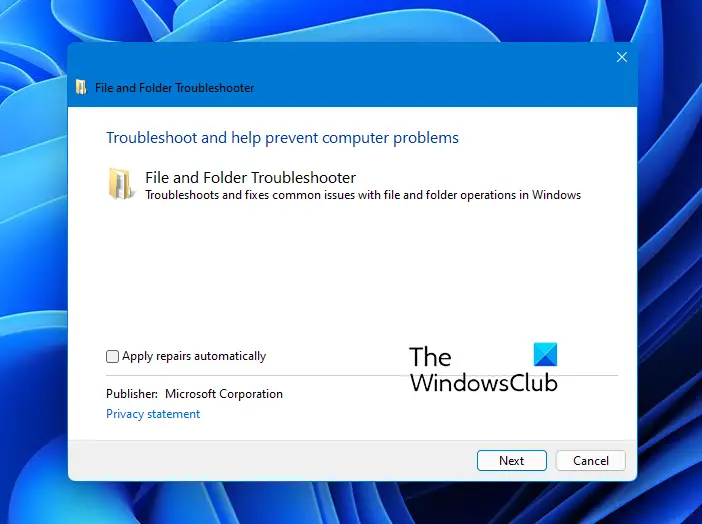
Windows File and Folder Troubleshooter
The Windows File and Folder Troubleshooter specifically fixes:
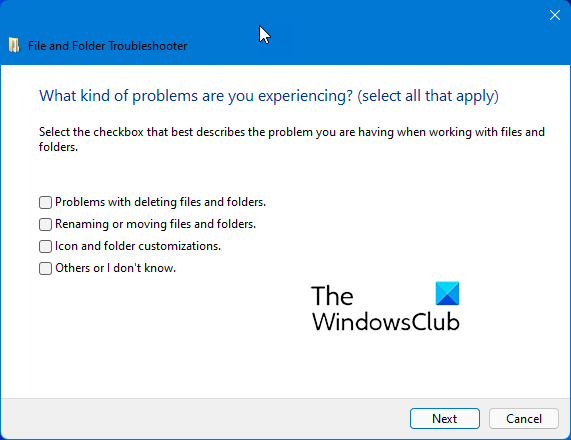
- You cannot empty the Recycle Bin or delete a file or a folder inside the Recycle Bin.
- When you try to rename or move a file, you receive the following error message: “The file or folder does not exist.“
- When you copy, move, rename, or delete a file on a network share, you receive the following error message: “There is a network or file permission error. The network connection may be lost” or “The folder does not exist. The file may have been moved or deleted. Do you want to create it?”
- Your View settings or customizations for one or more folders may be lost or incorrect.
- You cannot use keyboard shortcuts to select more than one item in Windows Explorer, or you cannot select multiple items in a Windows Explorer window by holding the SHIFT key or the CTRL key while you click the items.
- Some icons in My Computer, in Windows Explorer, on the desktop, or on the Quick Launch Bar change randomly.
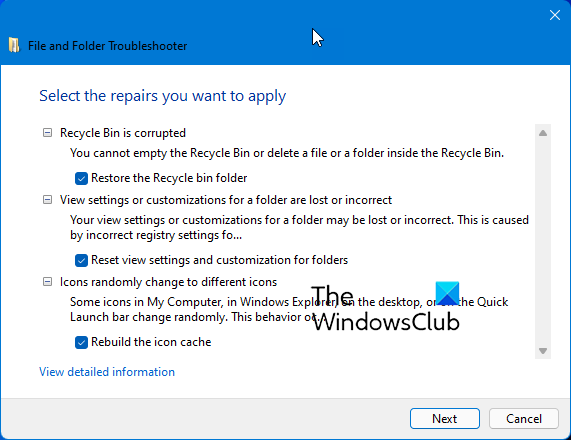
On running the downloaded .exe file from Microsoft, it will first download and install the Microsoft Automated Troubleshooting engine.
You can then let it fix all the identified problems for you automatically or opt to select the problems you’d like to have fixed automatically.
If you are facing issues with your files or folders, use this Troubleshooter to fix the problems automatically. You can download it here from Microsoft.
Related reads:
