
You may notice Blue Screen Stop Errors 0x0000007A, 0x00000077, and 0x000000F4 if your computer is on for a while, during a startup, or at any unprecedented point in time. In this post, we will go over solutions and suggestions to resolve this issue.
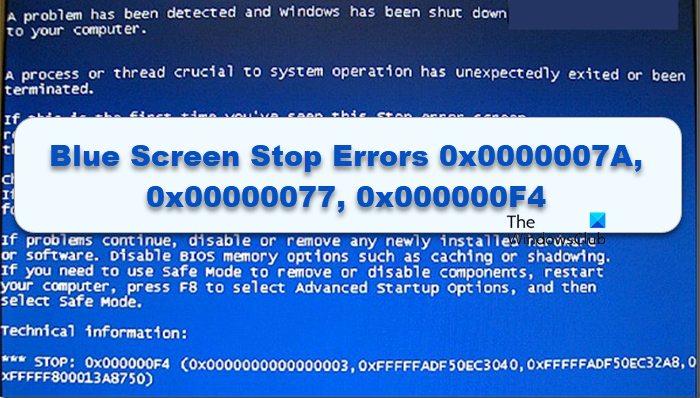
Fix Blue Screen Errors 0x0000007A, 0x00000077, 0x000000F4
If you face this issue in Windows 11/10, try the following suggestions:
- Run Blue Screen Troubleshooter
- Run ChkDsk
- Rollback or Update device drivers, especially the ones related to your HDD or SDD
- Run Memory Diagnostics
- See this post for more suggestions to fix BSOD errors.
If you can log in normally, good; else you will have to boot into Safe Mode, enter the Advanced Startup options screen, or use the Installation Media to boot to be able to carry out these instructions
Microsoft has also released a hotfix to fix Stop Error Messages STOP 0x0000007A, STOP 0x00000077, STOP 0x000000F4 in Windows client or Windows Server when you resume a computer that has a large SATA hard disk.
This occurs because when you resume a computer, the SATA hard disk drivers require the SATA hard disks to be ready within 10 seconds. However, a large SATA hard disk may take longer than 10 seconds to be ready. In this situation, the resume operation times out. To resolve this issue, download and apply Fix299433.
How do I get rid of error 0x000000F4?
If you encounter error 0x000000F4, it may be due to a faulty or corrupt hard drive. Check your PC’s SATA cable for loose connections or damaged cords. If you’re using a laptop, try reseating the hard drive. You can also remove the hard drive from your PC or laptop and connect it to a different, working Windows PC to troubleshoot the issue.
Also Read: Recover Data after Blue Screen of Death in Windows 11.

Is there a fix for XP?
States this update is not applicable to your computer.