
In a generation when cybercrime is common and cracking passwords is a noob’s job, the strength of a password matters. While password generators can generate very strong passwords, you can use a Password Strength Checker to check the strength of your existing passwords and if they have been leaked.
Best password checker tools
It is also not advisable to random common passwords like “password”, “qwerty”, “spiderman123” etc. Using brute force, weak passwords can be cracked instantly. However, if we add uppercase and lowercase letters, numerals, and symbols to it, the process might take up to 5 years. The Microsoft Password Checker site is no longer active. So you might want to check out these Password Strength Checkers:
- Kaspersky Password Checker
- University of Illinois Password Checker
- Gosafeonline Password Checker
- How Secure Is My Password
- My1Login Password Checker
- Lastpass Password Checker.
1] Kaspersky Password Checker
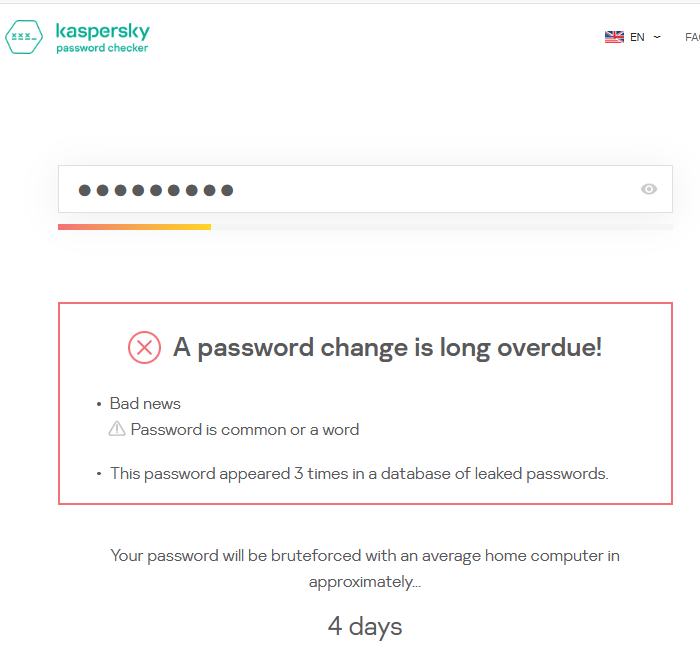
Nothing is better for judging security than having it done through an IT security company, especially one with expertise in cybercrime. That is why the Kaspersky Password Checker is on this list. When all other options failed, this website told me that my password had been compromised. You should definitely try it from password.kaspersky.com.
2] University of Illinios Password Checker
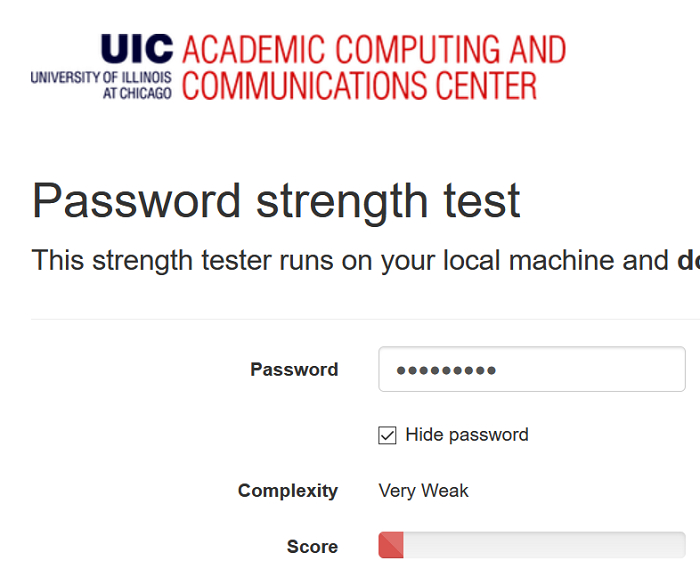
The password checker tool by the University of Illinois is the reason it made it to the list. Being a top university website, their tool is used for research purposes and is surely credible. However, it simply tells whether your password is strong or weak. Read more about it on uic.edu.
3] Gosafeonline Password Checker
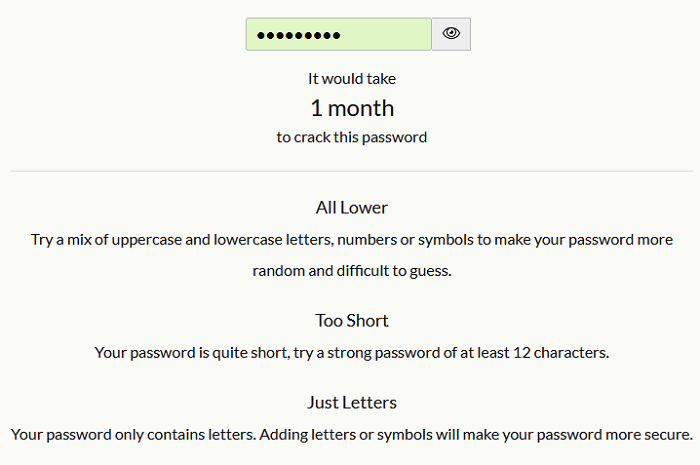
The Gosafeonline Password Checker tool is a simple and reliable tool to check the strength of your passwords. It claims to be managed by a Singapore government agency. Upon entering the password, it quickly tells the time needed to crack it. Even more, the Gosafeonline Password Checker tool lets you know of how to improve the quality of your password by pointing parameters like the length of the password, the case of the letters used (if any), and the combination of numbers, letters,a nd special characters. Learn more about this tool from the official csa.gov.sg.
4] How Secure Is My Password
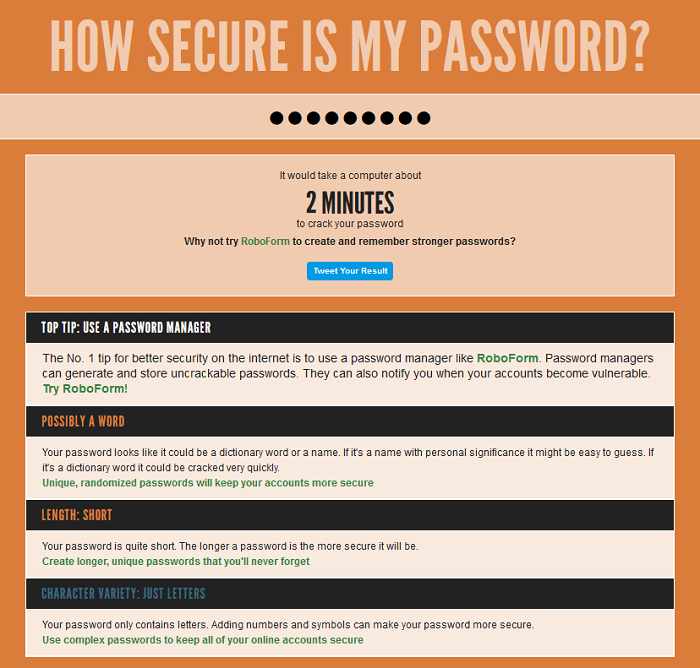
Yup! That’s the name of the website. Simply open it and enter your password. The screen’s color changes. As the colors change from red to blue and finally green, the efficiency of your password is tested. This tool is pretty simple and tells the situation with the length, complexity, and type of password. Try it; it’s fun. Check more about it from howsecureismypassword.net.
5] My1Login Password Checker
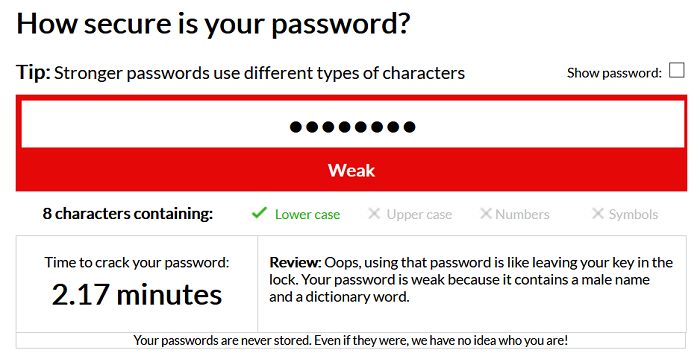
What makes the My1Login Password Checker different from other options mentioned in this list is its precision in predicting the exact maximum time a brute force attack would reveal your password. To make it simpler to get to the point, the tool mentions the situation with the case of letters, numbers, symbols, etc in one single line. Learn more about this tool on the my1login.com.
TIP: This list of Data breach checker websites may also interest you.
7] Lastpass Password Checker
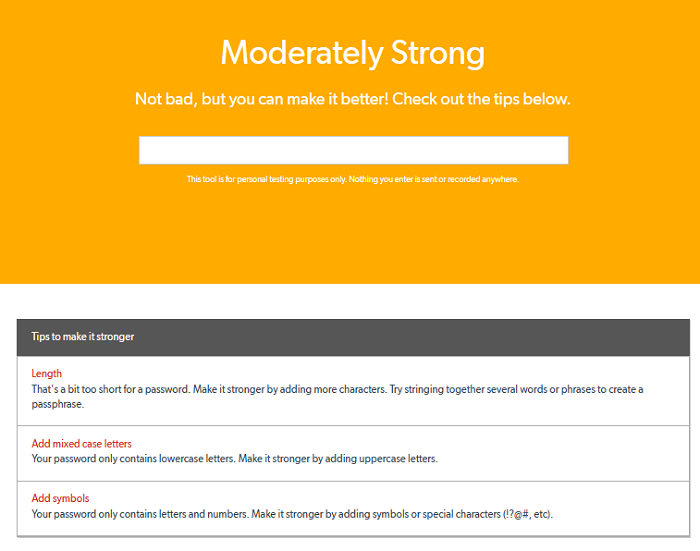
The Lastpass Password Checker is an excellent tool to verify the strength of passwords. The company claims that the password entered in the tool is not stored and that makes the tool safe. The webpage changes its color depending on the strength of the password. Red means weak, yellow means moderately strong, and green means strong. Check this tool from lastpass.com.
Do you have any favorites from these? If yes, please let me know in the comment section.
What is the 8 4 password rule?
The “8 4 Rule” for strong passwords suggests that a password should be at least eight characters long and include at least one character from each of four categories: uppercase letters, lowercase letters, numbers, and special characters. This combination enhances security by increasing password complexity.
Check password strength with Kaspersky Online Password Strength Checker website
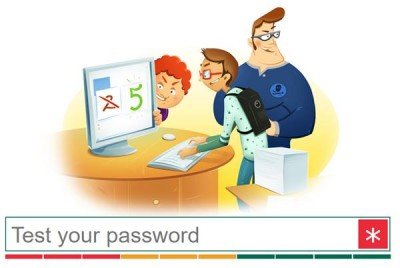
Passwords for your email accounts or social networking accounts should be strong and unique. A standard definition of a Strong Password states that it should consist at least 8 characters with a combination of numbers, symbols, and letters in both upper and lower case. The more the characters, the stronger is your password.
It is always a good idea to analyze and check the strength of your password using some software. There are also many good websites available, which one can use to check the strength of the password. Microsoft also has its own Microsoft Password Checker which lets you check the strength of your password.
Kaspersky Secure Password Check is another reliable password checking website. This is an official website launched by the security firm Kaspersky. It allows you to check the strength of your password and estimate how long an average home computer would take to crack it.
It also gives you funny facts – for example, if it shows an average computer will Brute Force attack your password in 12 days, the website will give a fact that “It would take this long to travel 45378 miles in your new Ferrari” or if your password is very strong and approximate time is shown as 1000+ centuries to crack it, the website will give a funny fact, “Bender Rodriguez would steal everything valuable in the Universe in that time. Including your password”.
The website will let you know if your password is too short or you are using repeated characters, numbers or letters. It will also show an error if you are selecting widely used combinations as your password or using the keyboard sequences in your password.
Tips for creating a strong password
- You should never keep the same user-ID or passwords for different accounts.
- Make sure that your password is strong with at least 8 characters long.
- You should never include your username, real name, or company name in your password.
- Never use a complete word as your password.
- Keep it different from your previous passwords.
- Creating passwords using ASCII Art is also a great idea if you want to create strong passwords.
You can visit the interesting Kaspersky Secure Password Check here.
Is Kaspersky Password Checker safe?
Yes, Kaspersky Password Checker is a safe online tool you can use to check the strength of the password. As the parent company is known for producing trustworthy anti-malware tools, you can also rely on this online tool. Whether you need to verify the existing password or anything else, you can use this app to get the job done.
What is the best password strength checker?
While browsers like Google Chrome and Edge come with a feature to check the health and strength of saved passwords, some tools help you determine if the password you entered is strong enough. Kaspersky Password Checker, Password Strength Testing Tool (by Bitwarden), NordPass Password Strength Checker, How Secure Is My Password, and LastPass Password Checker are some best free password strength checker tools to use.
