
Notion is everyone’s favorite productivity tool. For a long time, it only let people manage their lives, projects, and tasks. It has also integrated AI features for some time now. Now, in addition to the usual AI chatbot, Notion has introduced agents too. However, if you aren’t sure how to use Notion AI and Agents on Windows or any other platform to write, edit, summarize, or use the agents, the guide below will help you out.
How to get started with Notion AI and Agents on Windows
Before you start, download Notion from the Microsoft Store or its official site, install it, and sign in to your account or create a new one. Once done, here is everything you need to know:
1] Use Notion AI inside any page
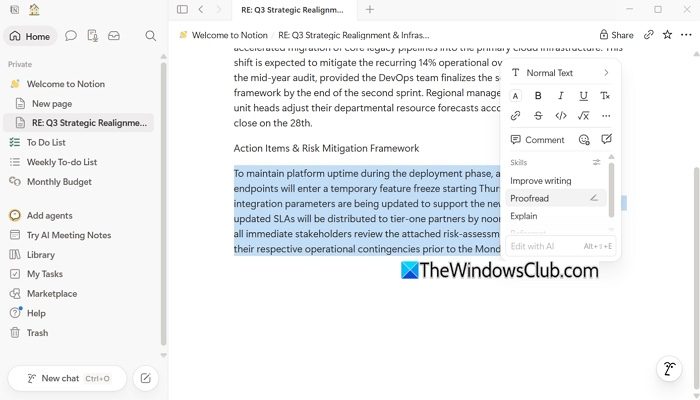
You can use its AI inside any of your pages to write, summarize, or translate content. Simply open Notion and go to the page you want to work with.
Next, select your text, and an Edit with AI menu will open. From there, you can improve writing, proofread, explain, or reformat. Or you can write your own prompt.
2] Notion AI search
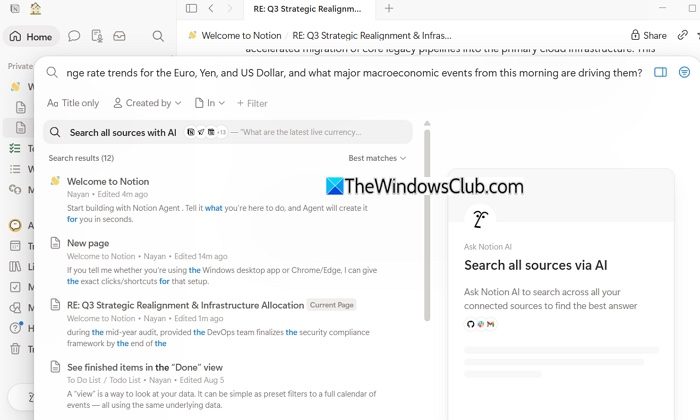
You can use Notion to research any topic by simply clicking the Search button. From here, you can perform two tasks: you can either search for any existing pages, or you can simply type in your question, and Notion will start answering your query in a new page, and you can chat with it further.
3] Notion capabilities
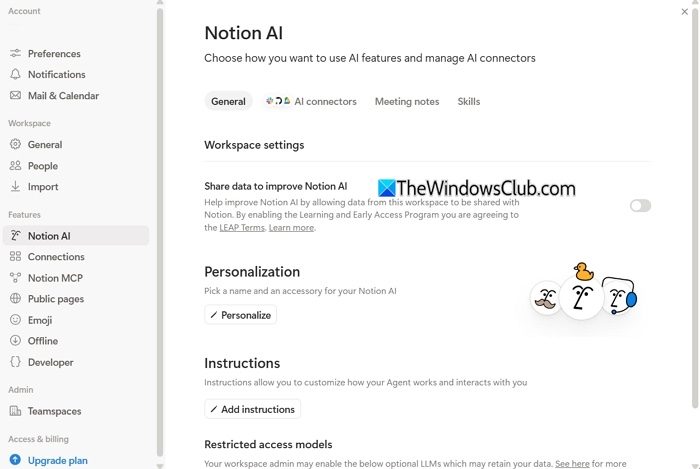
Beyond standard text generation or research, you can further enhance Notion AI’s capabilities.
If you click on your Workspace, then select Settings and go to Notion AI, you will get additional settings. From here, you can personalize your Notion AI, add instructions or restrictions, and use other optional LLMs.
You can also add connectors to connect with apps like Slack, Outlook, Gmail, etc. This lets you use AI across your workspace.
Another interesting feature is its skills. You can discover and configure your skills in the library, which will allow you to perform certain tasks the way you want them to be accomplished. For instance, you can write an article that follows a specific voice or instructions.
4] AI meeting notes
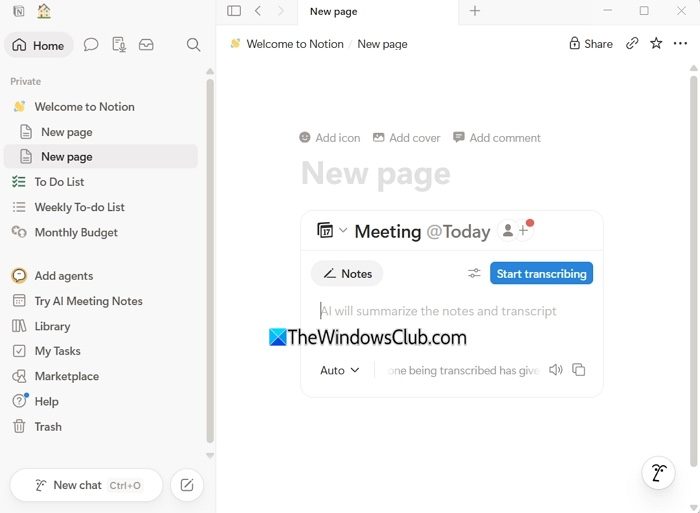
You can also use Notion AI during your meetings to generate notes. The feature transcribes and summarizes meetings into a Notion page.
To do this, create a new page or open an existing one, type the /meet command, choose AI Meeting Notes, and click Start transcribing to get started.
5] Notion Agents
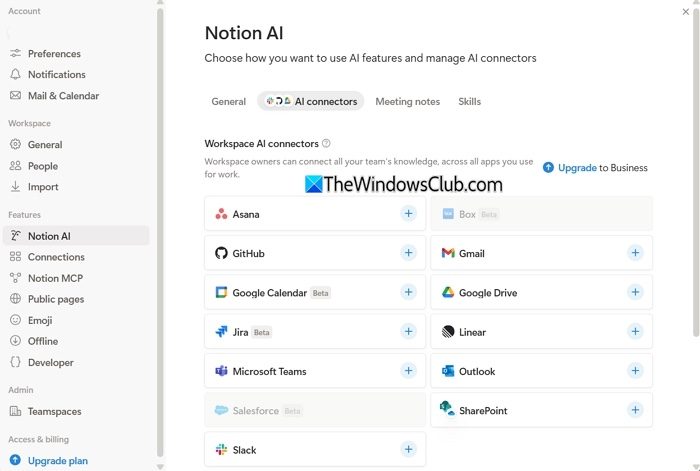
Notion also has agents that can do tasks for you. Notion agents can take action in your workspace, such as creating or editing pages, creating or updating databases and filling properties, summarizing and transforming existing content, and more. However, it is a premium feature, but it comes with a 14-day trial so you can try it out.
To use Notion Agents, you can open any page, and in the bottom right corner, you will see your agent, which you can instruct to do the task you want.
So that was a quick guide on how to use Notion AI on Windows. Most of these features, such as AI Meeting Notes, only work when you have the app installed on your PC. So go ahead and try it yourself to see if it’s useful for your needs.
