
Someone asked me – Is it safe to delete empty folders, which made me search for some good empty folder deleting freeware. While you would make no real space savings as they occupy 0 bytes, if it is just good housekeeping you are looking for, it may be a good idea.
in cleaning or removing them. Doing so may not save disk space, but it will definitely allow us to reduce the unwanted clutter and can also be considered as a good housekeeping habit, in a way. Empty Folder Cleaner, as its name suggests, helps you locate and delete empty folders from your Windows PC.
Remove empty folders & directories in Windows 11
There are several free software available to delete empty folders. Here are some I came across:
1] Find Empty Files and Folder
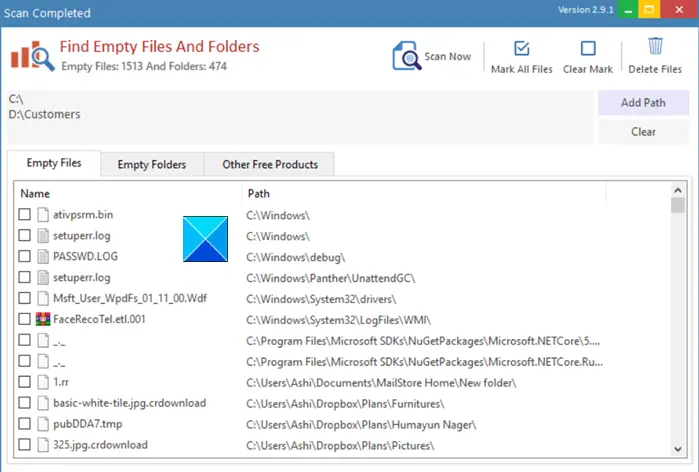
Find Empty Files and Folders scans your entire drive, analyzes the folders in it, and displays all the empty directories if found. Once the list is ready, click the Delete button and watch the files disappear. Folders that can’t be deleted from this tool might include hidden files or be connected to a program that relies on them. So, it’s better not to delete them. It also allows you to delete 0-byte files.
2] Remove Empty Directories
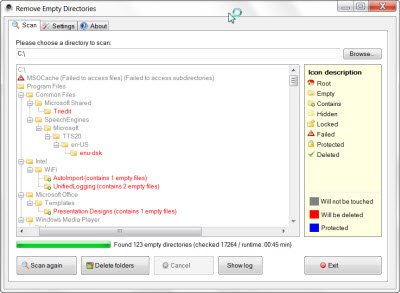
It displays the empty directories before deleting them, supports multiple delete modes (including “Delete to Recycle Bin”), allows white and blacklisting of directories using filter lists, and can detect directories with empty files as empty. It allows you to ignore certain directories and offers various other options. It also identifies Protected folders.
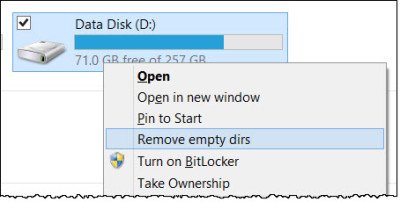
Remove Empty Directories allows you to find and delete empty folders and directories directly from the context menu. This is quite convenient in my opinion. You have to open its Settings and click the Integrate button to integrate the program’s entry into the Explorer context menu. Get it here.
3] Empty Folder Cleaner
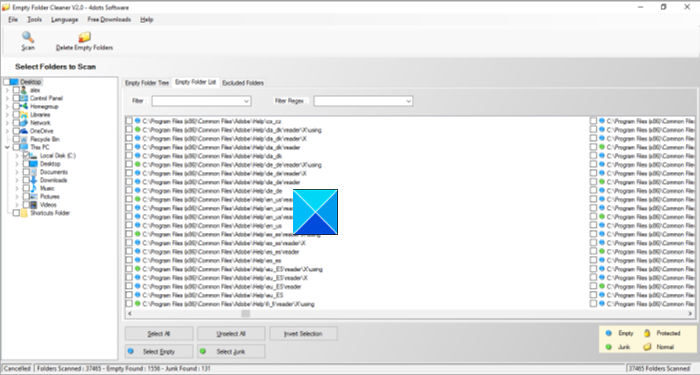
The free tool from 4-Dots allows you to permanently delete empty folders, move them to the Recycle Bin, or store them as a backup in a compressed zip file. Moreover, each deletion can be undone if necessary.
4] Empty Folder Nuker
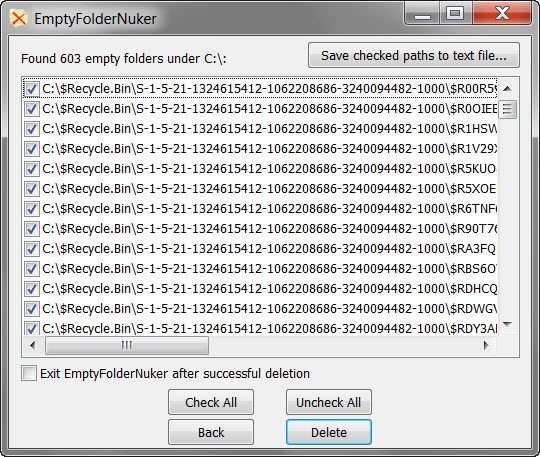
This is a portable app that finds and deletes all empty folders (including empty subfolders) starting from a base folder of your choice. It allows you to delete the files to the Recycle Bin where available. A plus here is that it will enable Shell integration, allowing you to right-click on any folder in Windows Explorer and find empty folders within it.
5] FMS Empty Folder Remover
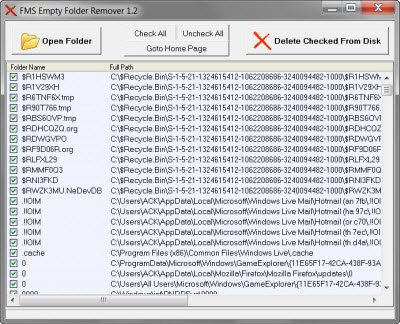
Here is another freeware tool. This useful application will enable you to easily remove unwanted directories. This lightweight tool scans a source folder and instantly identifies the empty directories within. Go here to get it.
6] Fast Empty Folder Finder
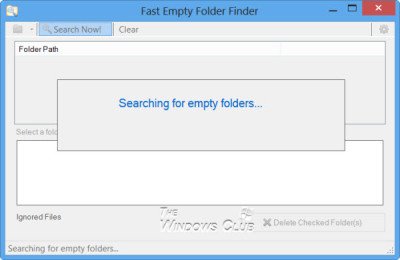
It quickly finds empty folders, shows you a preview of their contents, and gives you the option to delete them to the Recycle Bin or directly. Download it here.
As a matter of abundant precaution, I suggest you empty your Recycle Bin, create a system restore point, and then, if the software allows, opt to delete the empty folders to the Recycle Bin rather than directly deleting them.
Which files & folders are deleted by free Folder Cleaner software?
Empty Folder Cleaner software deletes empty folders and folders with empty sub-folders. Likewise, folders with files of zero file size are also deleted. It also deletes folders that include specified junk files like thumbs.db, desktop.ini, etc. Such folders hold or contain nothing and are, therefore, of no value. Empty Folder Cleaner software cleans such files and folders.
Read: Is it safe to delete Empty Folders or zero-byte files in Windows?
