Create animated cursor for Windows with AniTuner

Create animated cursor for Windows with AniTuner

Customizing cursors is something not many of us think of doing – possibly because it is rather difficult to create animated cursors, unless you know how to do it.

Solved: The case of the spinning Windows 7 Media Center Gadget cursor

Solved: The case of the spinning Windows 7 Media Center Gadget cursor

No, this is not a title of a Perry Mason novel, but an issue some may face when using the Windows 7 Media Center gadget to list recorded content in the Recorded TV folder.

Add a Cartoon Character to your Mouse Cursor in Windows

Add a Cartoon Character to your Mouse Cursor in Windows

If you are bored with your default Windows mouse cursor design you might want to check out this tool adds a cartoon character to your mouse cursor. Its great to break the monotony once in a while or to surprise …more >>>

Make Windows 7 cursor blink faster

Make Windows 7 cursor blink faster

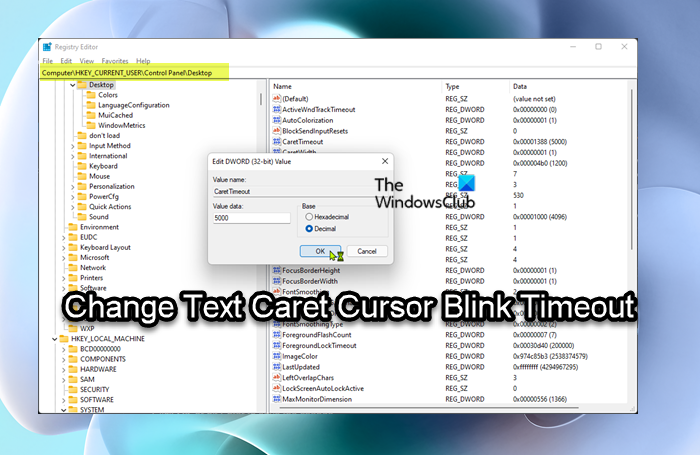
Should you feel the need, you can make your Windows 7 cursor blink faster…

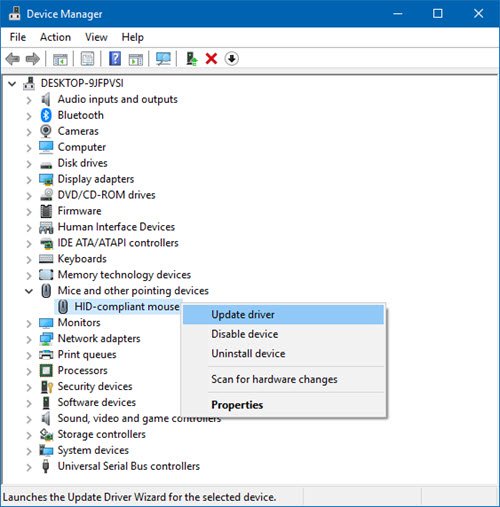
How to install & customize Windows 7 Cursors

How to install & customize Windows 7 Cursors

Windows 7 has a fine set of default aero cursor set or mouse pointers. But if you feel like a change and would like to replace them with a customized set, you can do so easily.

Windows 7 Pointers & Mouse Settings for left-handed people

Windows 7 Pointers & Mouse Settings for left-handed people

Left-handed people are sometimes placed at a slight disadvantage by the prevalence of right-handed tools, since most of them are designed to be comfortably used with the right hand. This may apply in the case of Windows too!

Make confirmatory dialog windows appear near mouse cursor.

Make confirmatory dialog windows appear near mouse cursor.

If you have a large monitor, and you always getĀ  irritated when you have to keep moving your mouse pointer to the center of the screen to acknowledge small dialog boxes that appear, and if you’d ratherĀ prefer, that the small …more >>>

© 2012 The Windows Club All Rights Reserved