
Comodo Internet Security is another good free, multi-layered security software for your Windows 11/10 computer, that keeps hackers and malware out and personal information in. It offers complete protection by combining powerful Antivirus protection, an enterprise-class packet filtering firewall, advanced host intrusion prevention and automatic sandboxing of unknown files.
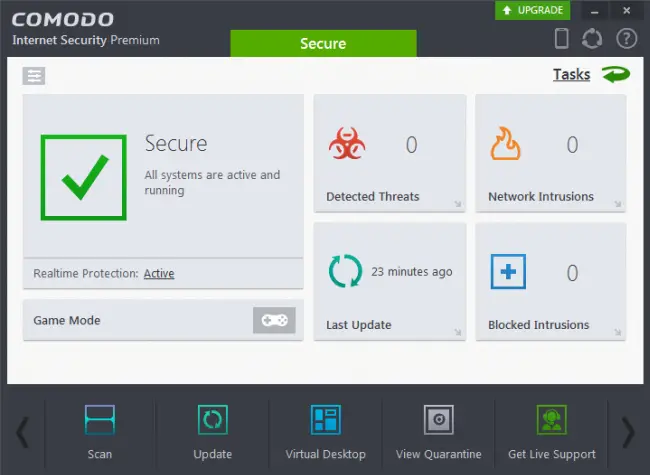
Comodo Internet Security Free for Windows PC
It more than just an antivirus program, it also includes an award-winning firewall, host intrusion prevention, a sandbox for untrusted software, anti-malware and buffer overflow protection to deliver comprehensive protection against today’s diverse range of threats.
Features of Comodo Internet Security Free:
- Antivirus: Tracks down and destroy any existing malware hiding in a PC.
- Anti-Spyware: Detects spyware threats and destroys each infection.
- Anti-Rootkit: Scans, detects & removes rootkits on your computer.
- Bot Protection: Prevents malicious software turning your PC into a zombie.
- Defense+: Protects critical system files and blocks malware before it installs.
- Auto Sandbox Technology: Runs unknown files in an isolated environment where they can cause no damage.
- Memory Firewall: Cutting-edge protection against sophisticated buffer overflow attacks.
- Anti-Malware Kills malicious processes before they can do harm.
- Works on Windows 11/10/8/7/Vista.
Go get it from its download page. If you want antivirus software only, check out Comodo Antivirus Free.
I’d be delighted if any Comodo Internet Security Free users here, would like to share their experiences here for the benefit of others!
Go here if you are looking for some more free Internet Security Suite software for your Windows computer.

