
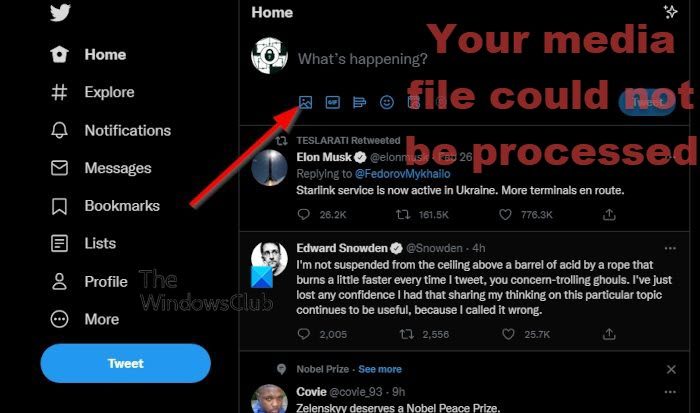
So, you’re an X (Twitter) user who has been trying to upload videos to the popular microblogging network without much luck. Apparently, you are encountering an error: “Your media file could not be processed.” The question is, what to do in a situation like this? Well, we believe this error is easily solved if you follow the rules of uploading videos to Twitter.
X (Twitter) video guidelines to follow
In order to follow Twitter’s guidelines, you must first understand what those guidelines are. Worry not, there is no need for you to scour the web to get a deeper understanding as we are going to explain it all right here.
Your media file could not be processed X (Twitter) error
The information below will ensure you never experience the Your media file could not be processed ever again when uploading videos to Twitter in the future.
- Supported file types
- What about the file size?
- Maximum video length supported and resolution
- Aspect ratio
- Framerate and bitrate
1] Supported file types
Twitter, like every social network we know of, only supports a limited number of video formats. On Twitter, the platform only supports MP4 and MOV as of this writing. When it comes down to the audio format, it must be H264 or AAC.
2] What about the file size?
You can upload a relatively large video to Twitter, but the file size cannot exceed 512MB. These days, a short video of just a few seconds can hit the 512MB park quickly due to HD and 4K. If you want to upload of larger size, then you’re better off using YouTube or alternatives such as Odyssey or Rumble.
3] Maximum video length supported and resolution
According to the folks at Twitter, the maximum video length is set at 2 minutes and 20 seconds. To achieve that while keeping the file size low, you will have to shoot at a lower resolution. Luckily, Twitter supports video resolutions as low as 32 x 32, and as high as 1920 x 1200 and 1200 x 1900.
4] Aspect ratio
When it comes down to the aspect ratio, Twitter supports from 1:2.39 to 2.39:1. You will need to follow this to the tee. Then again, not much editing is required in this department because the aspect ratio of most smartphones and video cameras are in line with what Twitter requires.
5] Framerate and bitrate
Finally, we have to talk about the support for framerate and bitrate. From our understanding, the maximum frame rate is 40 fps, while the maximum supported bitrate is 25 Mbps.
In conclusion
OK, so as long as you take the time out to ensure the above rules are followed, you should have no problems with Your media file could not be processed in the future.
Is X a dying platform?
Not at all! X (Twitter) is fine and that will be the case for a long time to come. Many users fear the popular microblogging platform will end up in a similar position to Google+ and others, but such fears are unwarranted.
Can I upload a 3-minute video on X?
If you are a X (Twitter) Blue subscriber, you can upload longer videos. Twitter Blue subscribers can upload videos up to 60 minutes long on x.com. Whereas the maximum upload limit on iOS and Android for Twitter Blue subscribers is 10 minutes. If you are not an X Blue subscriber, you can still upload videos of a duration of up to 140 seconds on both twitter.com and the X app.
Read: Best Twitter Tips and Tricks for better microblogging.
