
ClearType is a font technology that allows you to read text at all times. It is possible because it makes text on your screen almost as sharp and clear as text printed on paper, i.e., you feel as if you are reading from a book. It works fantastically with LCD and LED monitors because they are high-quality flat-panel displays. Even your traditional CRT monitor might benefit from ClearType. This post will share how you can make the text easier to read using ClearType Tuner in Windows 11/10
Make Text easier to read using ClearType Tuner
Windows 11/10 has an in-built ClearType tuner. Let us understand how to turn it ON and use it :
- Click on the Start button and type Win + S
- In the start search box, type cleartype or cttune.exe and hit Enter to open the ClearType Text Tuner.
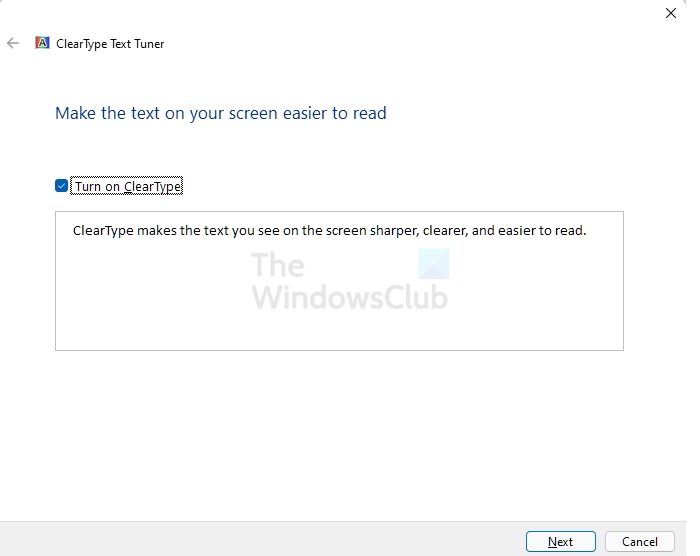
- By default, Turn in ClearTyoe is checked. Ensure that it is and click Next. Windows will check your resolution and ask whether you want to continue with your current resolution if it detects that it is not set to its native resolution.
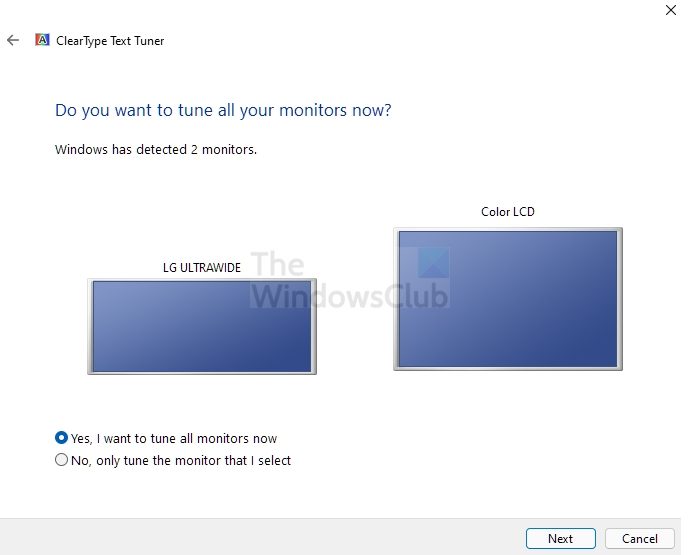
- The next suggestion the tool will is to set the monitor to its native resolution. If it’s not, change it, then click on the Next button
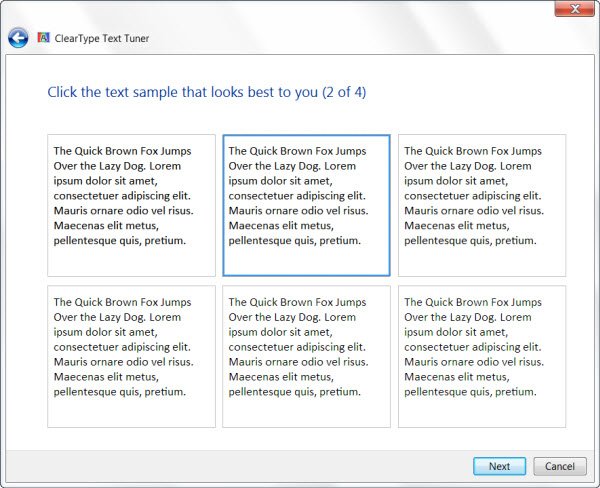
- Then you will see the following window. Over the next 4 windows, you will be asked which font looks the best to you from the numerous choices. Click Next in each window after you have indicated your rendering preferences and selected the font that looks best to you. These choices pertain to bi-level rendering, font smoothing, grayscale rendering and similar options.
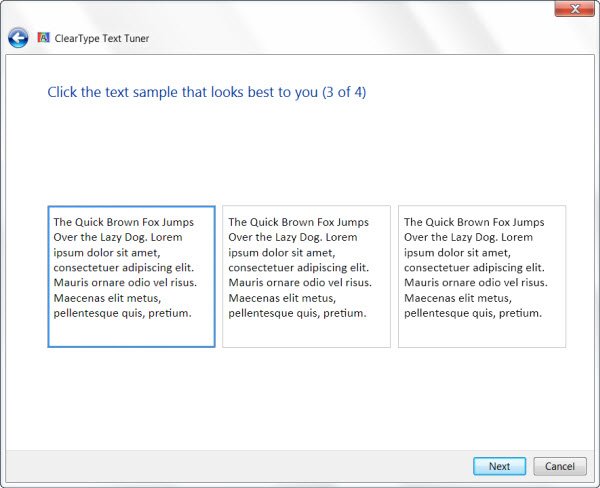
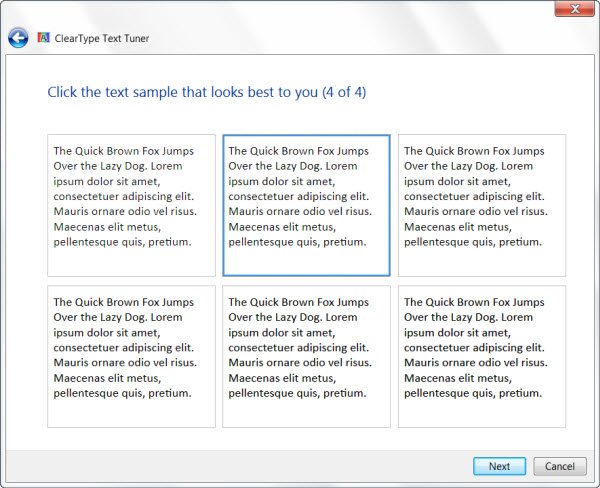
- When you complete all the above steps, you will see the final window.
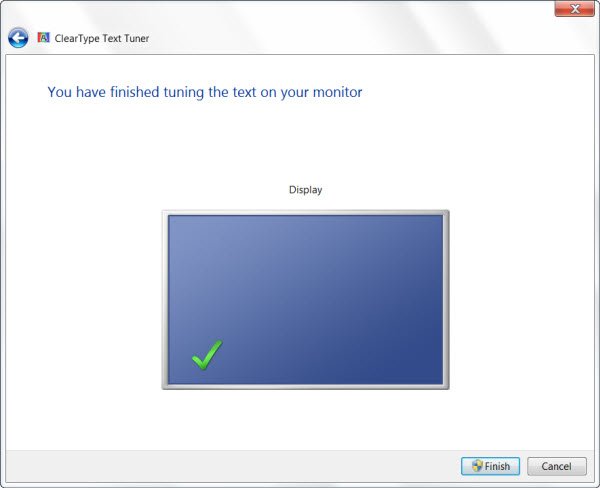
Click on Finish. That’s it!
Now you should be able to view the text more clearly. It should be clearer than the earlier text views. If you cannot see any difference, either your monitor doesn’t have a video card that supports at least 256-bit color settings, or ClearType is already turned on and tweaked to its best.
If you have any questions, please do let us know!
Check this post if your desktop applications & fonts appear blurred in Windows 11/10.
What is ClearType text?
Microsoft’s ClearType software technology makes text on LCDs more legible, including on laptop screens, Pocket PCs, and flat panel monitors. It gives your computer screen words the same level of sharpness and clarity as if they were printed on paper.
Are 4K monitors good for text?
No, unless you scale everything up, without which text would be hard to read, and onscreen buttons would be difficult to click. Display scaling makes onscreen elements, like windows, buttons, and text, appear more prominent, making them easier to see and use.
