
Microsoft removed the built-in support for HEVC-coded videos in Windows. Some other codecs were previously available inbuilt but are now supposed to be downloaded and installed separately from the Microsoft Store. They are the codecs to run OGG, Vorbis, and Theora media files.
Play OGG, Vorbis, Theora coded videos on Windows 11/10
A Codec is a combination of Coder and Decoder, or Compressor and Decompressor, and it is software used to compress or decompress digital media files, such as songs or videos. To play OGG, Vorbis, and Theora-coded videos on Windows 11/10, you need to install the Codec manually. This is so because Microsoft removed the built-in support for OGG, Vorbis, and Theora Codec.
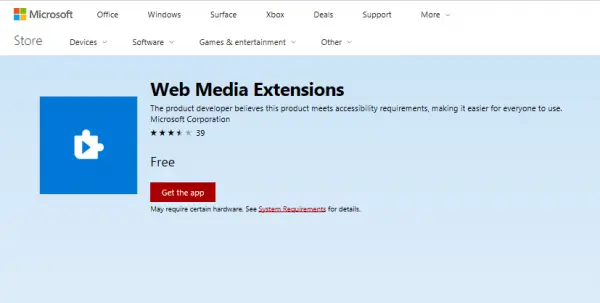
Web Media Extensions
Microsoft Store now offers Web Media Extensions, similarly as it happened in the case of HEVC Codec. The description on the download page says that :
The Web Media Extensions package extends Microsoft Edge and Windows 10 to support open source formats commonly encountered on the web. By installing this Media Extension package, users will be able to natively play content delivered in the OGG container or encoded using the Vorbis or Theora codecs. Once installed, this extension is automatically used by both web sites and apps with no user action required. Simply install and play new content in Microsoft Edge and apps today! Included Technologies: OGG Container, Parser Vorbis Decoder & Theora Decoder.
According to the information on the page, it is an extension that allows playing open-source media file formats, such as OGG, Vorbis, and Theora, on Windows PCs and Xbox.
This app costs around $14.99 on the Internet, but Microsoft is giving it out for free for a limited time. And in case you wish to use a third-party solution, there are plenty of them available on the Internet. They provide these services either free of charge or for a fee, as mentioned earlier. Some of the famous solutions available for free include software such as VLC Media Player, AIMP, SMPlayer, or Media Player Classic, often referred to as MPC by many.
However, if you wish to use these media formats with the services available on Microsoft apps similar to Netflix or Hulu, then there is no alternative but to obtain this extension from the Microsoft Store.
