
When you open a new tab in Microsoft Edge (Chromium), it offers a personalized experience. You get to see an image of the day, quick links, the content section, which is mostly from Microsoft News, it is distracting and takes a lot of space. However, there is no option to open a blank tab in Edge that has nothing in the body section. I remember Edge HTML or Edge Legacy had these features – but not anymore in the new version.
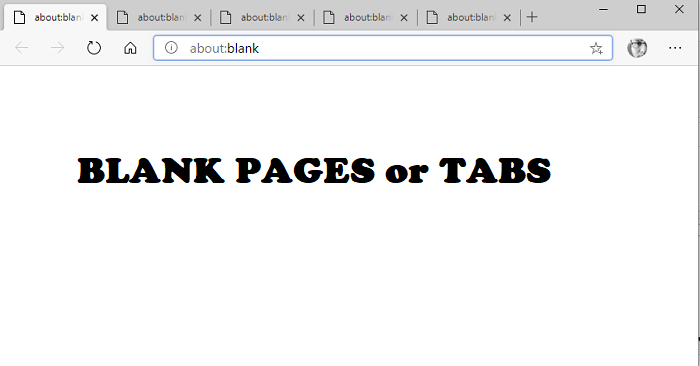
Open an ‘almost’ Blank Tab or Page in Microsoft Edge
So now that we know that it is not possible to open Blank TAB or Page, here is what I did to get close to it. Its a workaround, and you may or may not like it. However, its the closest thing you can have. There are two ways to achieve this.
- Open Blank Page when you launch Edge
- Open an almost Blank New Tab page
Blank tab or Blank Page is usually preferred because it opens quickly.
1] Open Blank Tabs or Pages when you launch Edge
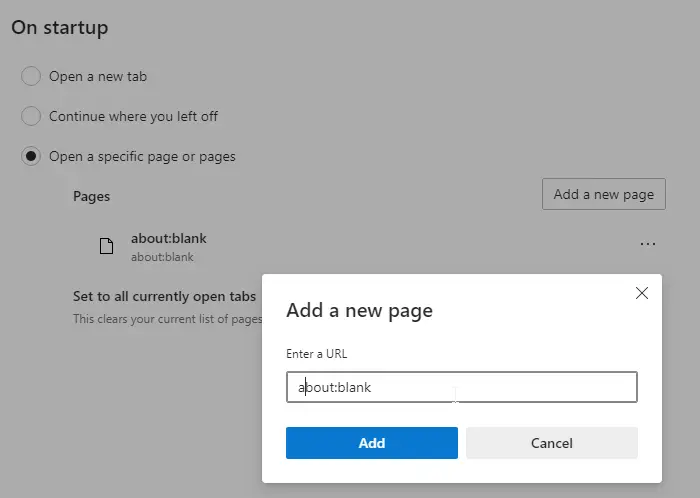
While Edge doesn’t allow you to open a blank tab when you open a new tab, you can do that when you launch Edge for the first time.
- Open Edge, and then click on the three-dot menu to open Settings
- Go to Navigate > On Startup. Select Open a specific page or pages
- Click on the Add a new page button.
- Type about:blank and click on Add button
- Add multiple pages with about:blank as URL. So every time you open, you have numerous blank tabs
2] Almost Blank New Tab page
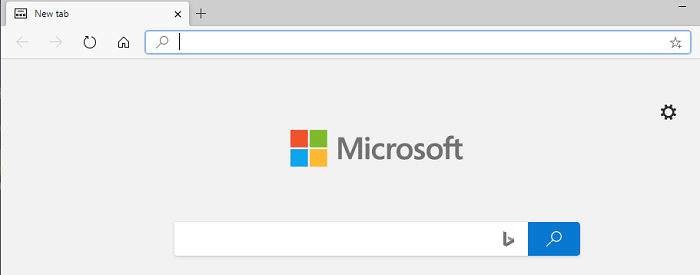
Here we will first remove all extra jargon that we get to new on every new TAB.
- Launch Microsoft Edge, and open a new tab
- Click on the gear icon available on the top right
- Under Page Layout, click on Custom
- Here you will have three options
- Show Quick Links—Toggle off
- Image of the day—Toggle off
- Content: Select Content off
So once you have turned off Image of the day, Quick Links, and Image of the day what you will be left with an almost blank tab with Microsoft Bing Search. Chrome offers something similar for every new tab.
It is the closest you’ll get to a blank or minimal new-tab experience because you can’t remove the Bing Search box. It doesn’t look that bad and will be the least distracting.
What is the about:blank page in Chrome or Edge?
The about:blank page in any browser is an empty placeholder page that displays a blank page. The about: prefix tells the browser to run an internal command, and “blank” directs the browser to display a white, empty page.
