
If you are running Windows 11 and suddenly encounter an error stating that HTMLayout.dll cannot be loaded, you’re not alone. HTMLayout.dll is a rendering library used by older programs for building HTML-based user interfaces. As these applications were built years ago, they may not always integrate well with Windows 11. However, you can re-download the DLL file and restore it to fix the issue.
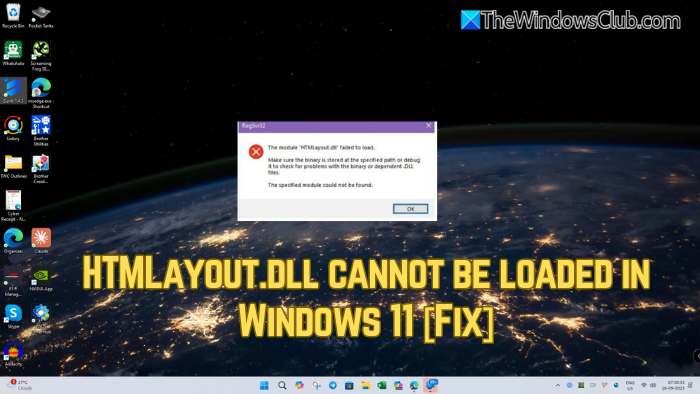
HTMLayout.dll cannot be loaded in Windows 11/10
Follow these suggestions to fix the HTMLayout.dll cannot be loaded issue
- Reinstall the affected program
- Replace HTMLayout.dll manually
- Install or repair Visual C++ Redistributables
1] Reinstall the affected program
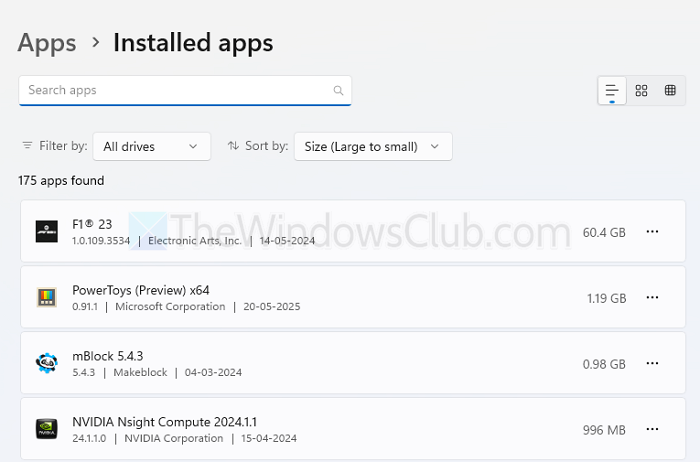
If you encounter the error while launching a specific program, reinstalling the program is recommended. This way, the program will install all the required DLL files itself.
- To install the app, press Windows key + I to open Settings.
- Then go to Apps > Installed apps and remove the app from there.
- Once done, re-download the application and install it by following all the on-screen instructions.
2] Replace HTMLayout.dll manually
If reinstalling the application didn’t help, it would be better to manually replace the DLL file.
To fix DLL errors, you can:
- Download DLL files from Microsoft
- Copy the DLL file from another system, restore it on your PC, and then re-register the DLL file
- Download dll files from a 3rd-party site. You have to be careful if you decide to download the DLL file from a 3rd-party website.
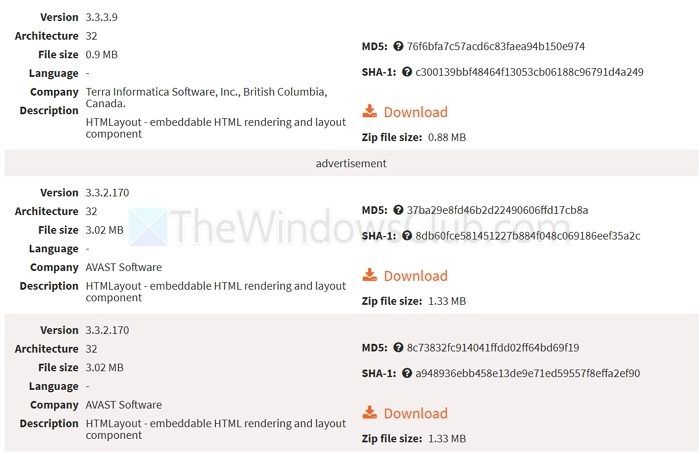
Once you have the DLL file, copy and paste the DLL file into the program’s installation folder. You can also copy it to C:\Windows\System32 (for 32-bit apps) or C:\Windows\SysWOW64 (for 64-bit apps).
After pasting the DLL file, you will also need to register it. To do this, go to Windows Search, type “CMD,” right-click on it, and then run it as administrator. Next, run the following command:
regsvr32 HTMLayout.dll
3] Install or repair Visual C++ Redistributables
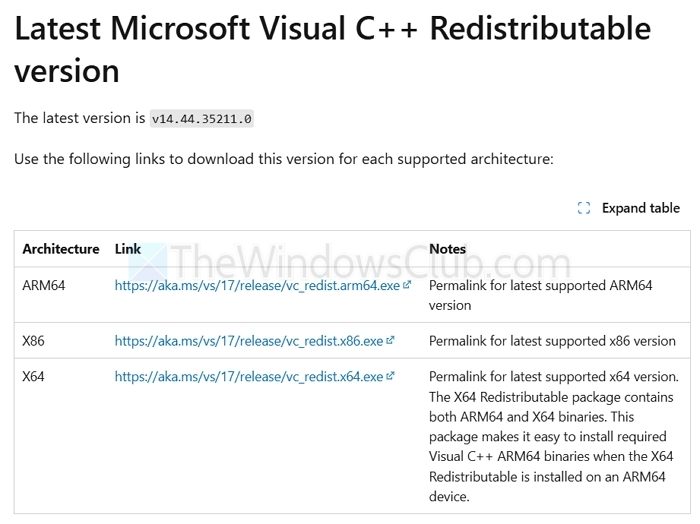
Many applications that use HTMLayout.dll usually depend on Microsoft Visual C++ runtimes, so installing or repairing Visual C++ Redistributables might help.
- Visit Microsoft’s official website and download the 2005–2015 Redistributable packages.
- Next, install them by following all the on-screen steps.
- Once done, reboot your system and check if you are still getting the same error.
So those were a few fixes that help you get rid of the “HTMLayout.dll cannot be loaded” error. The error usually occurs due to a missing DLL file; downloading and replacing the correct version in the installation folder should resolve the issue.
Can Windows Updates cause the “HTMLayout.dll cannot be loaded” error?
Some Windows 11 updates may remove or block outdated libraries that older programs depend on. If the error started appearing after a recent update, try running the program in Compatibility Mode (right-click the app > Properties > Compatibility tab > select an older Windows version like Windows 7 or 8). This often restores functionality without replacing system DLLs.
What if HTMLayout.dll keeps failing to load even after reinstalling or replacing it?
In such cases, running the program in a Windows Sandbox or inside a virtual machine with Windows 7 or 8 can provide a workaround. Alternatively, check if the developer offers an updated or portable version of the software that no longer relies on HTMLayout.dll.
