
We love search engines because they are the window to the web, as most would say. And that’s very much the truth, to be honest. Many things on the web today are difficult to find without a search engine, and some of those things are faces. Chances are, there might come a time in your life when you need to search for a face. Leveraging generative AI tools is the best & accurate option we have in the current era. We are not sure why you’d want to do something like that, but to ensure you have the right tools for when the time comes, we’ve decided to come up with the best Face Search Engines for finding faces with the help of AI.
Facial recognition search engines
Now, the web is filled with such tools, but it is best to focus on those with strong track records over the years. With that in mind, we will limit ourselves to the top ones can help you search online identity using Face. If you don’t like it, well, please share your own in the comment section and let’s have a worthy discussion.
Read: How does AI Face Search work
How to Search for a Face on the Internet using a Face Search Engine AI
You can use any one of these free Face Search Engines for finding faces on the Internet:
- Lenso.ai
- Eyematch.ai
- PimEyes
- PicTriev
- BetaFace
- Google Images
- FaceCheck ID
- Reversely AI.
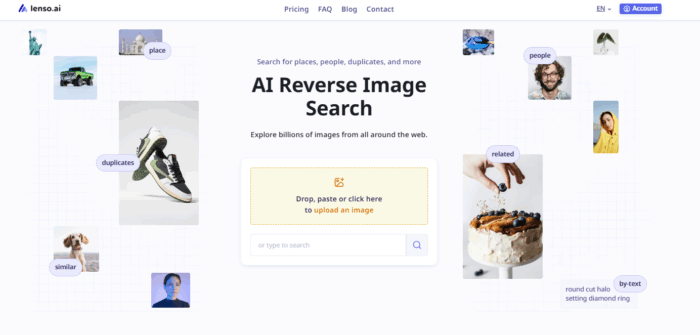
1] Lenso.ai
Lenso.ai – AI Reverse Image Search is one of the best facial recognition tools. With Lenso.ai, you can easily upload an image and view matches in the ‘People’ category. You can also filter the results by specific domain or keyword, and sort them by newest/oldest or best/worst match.
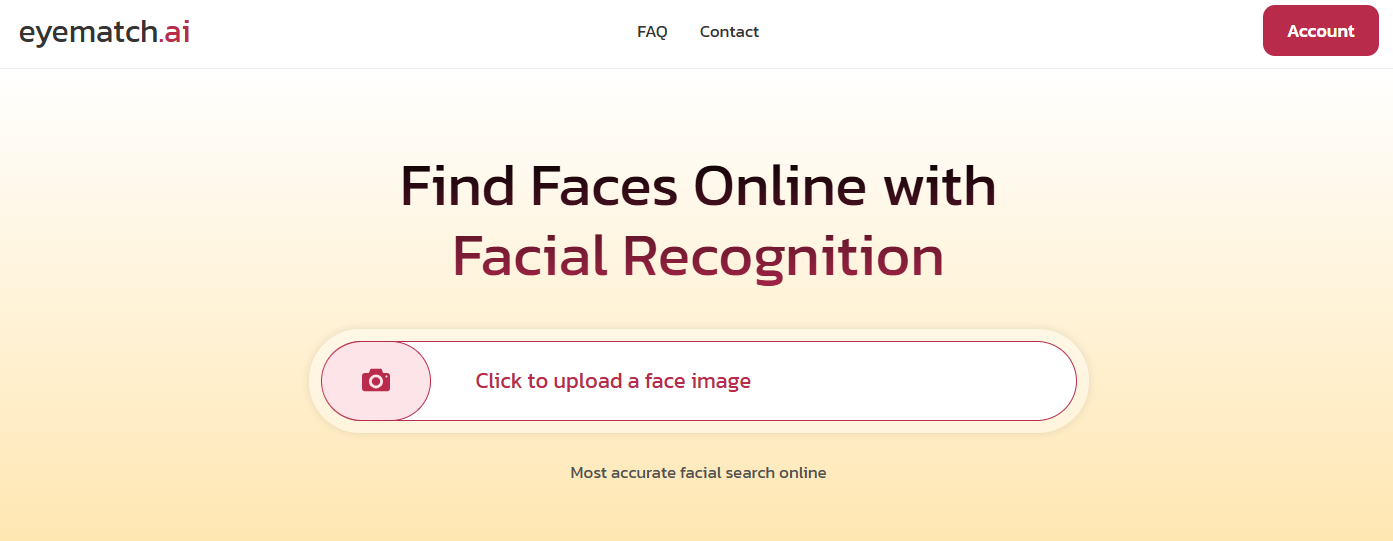
2] Eyematch.ai
Eyematch.ai is another alternative for face search. You can upload either a single photo or a group photo and select which face you’d like to search. In just a few seconds, you will find all possible image matches along with the URLs where the images were originally published.
3] PimEyes
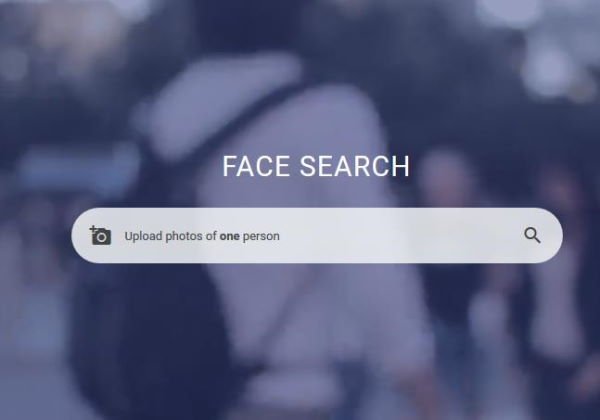
Having the ability to search for faces from over 10 million websites is an awesome superpower, and that is what PimEyes will deliver to the table. Yes, it’s very similar to Google Search in how it operates, but if you’re not a fan of the guys in Silicon Valley, then PimEyes is a great alternative.
Interestingly, users can search using four different photos simultaneously to narrow down results.
TIP: Take a look at some of these Google search engine alternatives like Bing, DuckDuckGo, etc.
4] PicTriev
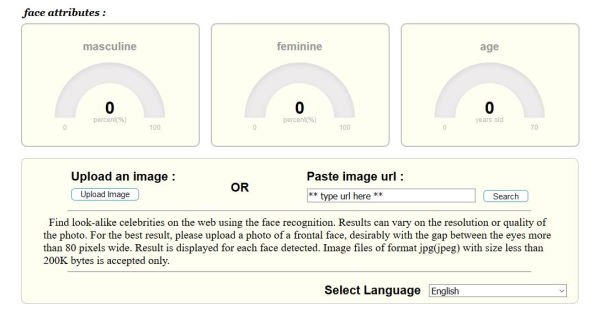
We find PicTriev quite different from the others because it focuses on look-alike celebrities. If you want to determine which celebrity you might resemble, then PicTriev is your best bet. Just upload your photo or add it via a URL, then go.
Bear in mind that it only supports JPEG images, and the file size must be up to 200 KB. If your picture is larger, please resize it in an image editor before proceeding with your plan.
5] BetaFace
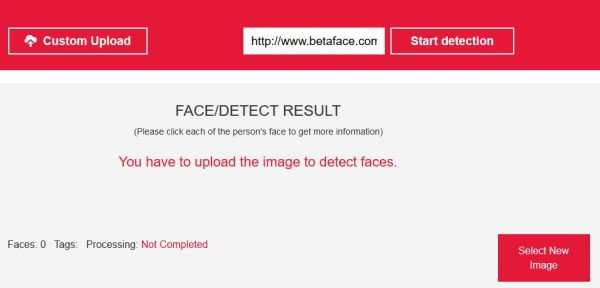
What we have here at BetaFace is a program similar to PicTriev in how it identifies photos. Simply upload the image or use an active URL, and the search engine will quickly return similar or identical faces.
If needed, the user can go one step further by comparing faces from BetaFace with those from other search engines, such as Wikipedia. It’s the perfect online tool for those who want to compare photos in bulk, though we doubt many will use it.
In terms of speed, well, it all depends on the setting you’ve selected. Choose the Best Face Only option for better quality, but expect processing to take longer than usual.
Read: Best People Search Engines to Find Anyone easily.
6] Google Images

By now, we should all have heard of Google Search, as it is the number one search engine platform on the planet. We suspect you must have heard of Google Images, but did you know you can search with an image instead of text? Yep, it is possible.
When visiting the website, you can click the camera icon to upload an image, then search. The search results will likely show the exact image or similar images. This is great for when you want to search for a particular face, and because this is Google, the chances of success are pretty high.
6] FaceCheck ID
FaceCheck ID helps you find people by a photo. It has a database of 1.35 billion faces. When you upload something to FaceCheck ID for verification, it compares the face you’ve uploaded with billions of faces and shows you its findings. It also helps you find criminals and avoid them, safeguarding yourself and your family. It provides a score if it matches something, indicating how confident the match is.
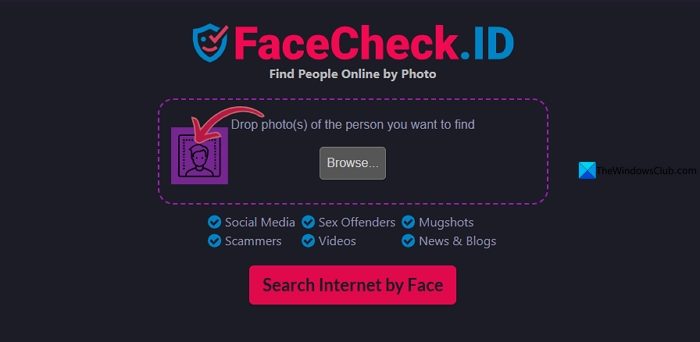
Visit FaceCheck.ID on a web browser and use it. You can also install the Google Chrome extension “FaceCheck Reverse Image Search” and use it.
7] Reversely AI

Reversely.AI is a dependable AI face search that you can use for free for a few searches. It uses advanced recognition and matching algorithms to accurately find matching faces. With Reversely AI, you can find fake social media profiles, identify individuals, verify online identities, protect your privacy, and prevent online dating and catfish accounts.
There are other ways to improve your search results. After searching for an image, please add “&imgtype=face” to the URL then hit the Enter key on your keyboard, and voila, magic.
Read next: How to find Similar Images Online using Reverse Image Search.
Did we miss any?
