
We regularly shoot videos on our mobile phones. You can easily edit them with video editors and turn them into memories. There are professional video editors like Premiere Pro and DaVinci Resolve that are very hard for a normal person to use. With the rise of social media, many video editing programs and tools have come online. You can use any of them to edit videos or make some content using online video editors and upload it to your social media accounts. They all come with some restrictions, such as the quality and number of projects, as they offer both free and paid packages. In this guide, we list the 10 best free online video editors you can use without downloading.
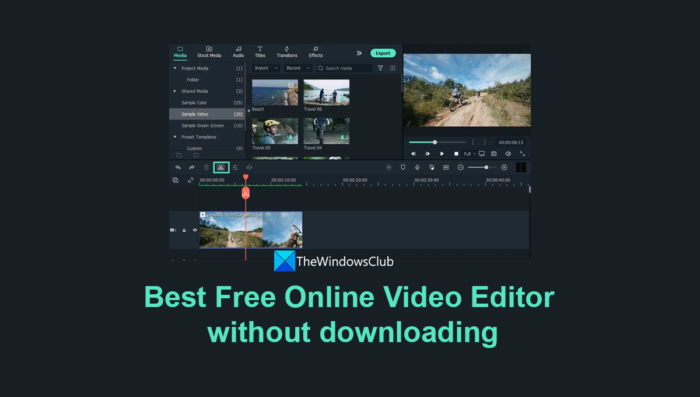
Best Free Online Video Editor without downloading
These are the best online video editors you can use to create videos without downloading any program. The list is not a ranking list but a compilation of the best tools available online.
- Clipchamp
- Movie Maker Online
- WeVideo
- FlexClip
- Wideo
- Clideo
- Veed.io
- Adobe Express
- Canva
- Kapwing
Let’s get into the details of each video editor online.
1] Clipchamp
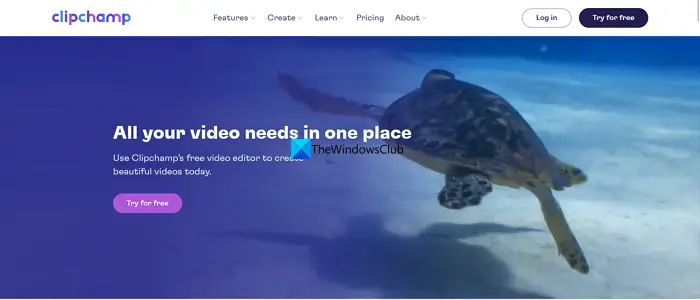
Clipchamp is owned by Microsoft using which you can create high-quality videos without any watermark on them. You can export videos up to 1080p resolution and use social media and other video templates to begin your videos. On Clipchamp, you can also use free audio, image, and video stock along with filters and effects. Clipchamp comes pre-installed on Windows 11 PC if you have one. All the projects you create on it are saved to your account, which you can access from any browser or your Windows 11 PC.
Read: How to use Clipchamp free online video maker and editor app in Windows 11
2] Movie Maker Online
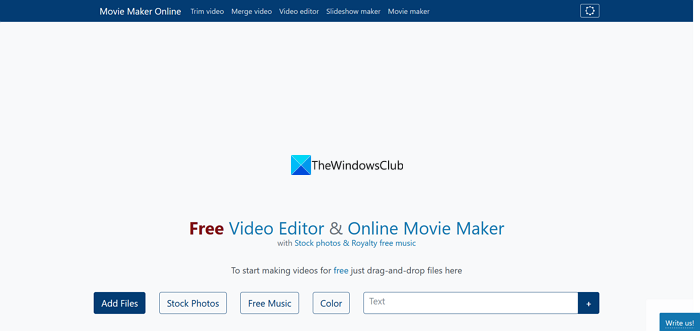
MovieMakerOnline is a free-to-use video editor on which you can get free stock photos and royalty-free music to use in your videos. You do not require any registration to use Movie Maker Online and there will be no watermark added to your video after you save it. It has an extensive collection of stock photos and royalty-free music to create content for your social media. You can do professional edits like blurring, mirroring, Chroma Key, and adding effects to your videos. If you can explore it, you can make wonderful videos using Movie Maker Online.
3] WeVideo
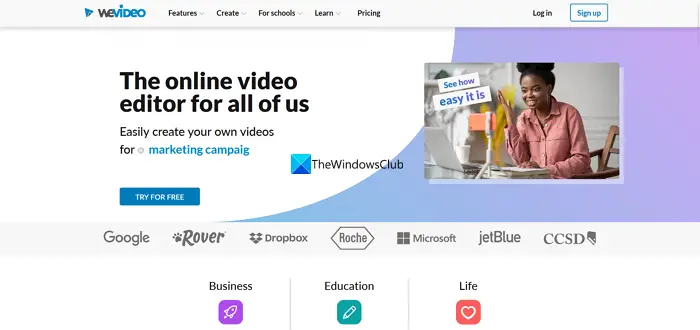
WeVideo is another online video editing tool that has both free and paid plans. A free plan is enough for beginner video edits and comes with 1 GB of cloud storage. You can edit your videos up to 480p resolution using the free version. There are options to save videos in multiple formats, create GIFs, export audio, add voiceovers, and screen-record. The free version automatically adds a watermark on your videos when you save them. WeVideo offers thousands of templates to help you create marketing content for your business or company.
4] FlexClip
FlexClip is a template-rich online video editing tool that you do not have to download anything to use it. You can create videos up to 480p quality and use one stock video, and audio per project. On FlexClip, you can create 12 projects of video lengths up to 1 minute in the free tier. You can remove the background in the video too using FlexClip. FlexClip is more useful to you if you create content for your social media accounts.
5] Wideo
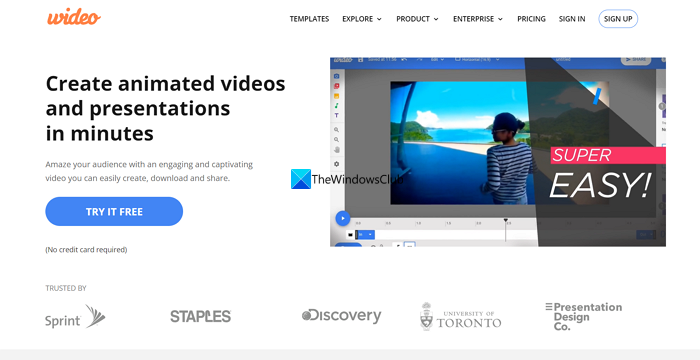
Wideo is a good video editor online if you want to create animated videos and presentations in a short time. It is simple to use and can create professional videos if you use it effectively. It is available in both free and premium versions. With the free plan, you can create 10 one-minute videos using the available templates. You can use Wideo’s text-to-speech tool and create videos in minutes. Then you can share the MP4 video with a link.
6] Clideo
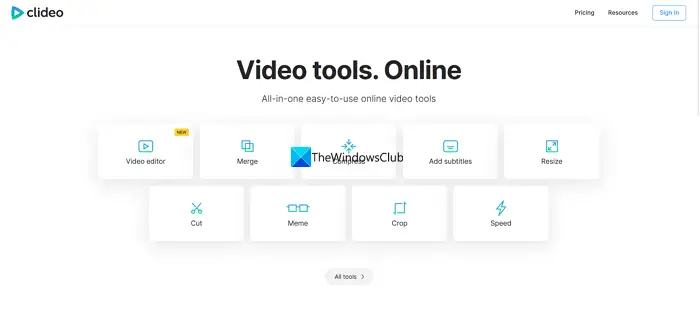
Clideo is not only a video editor online, but it has powerful video tools you can use to merge, compress, resize, add subtitles, cut, crop, and do everything with videos. You can use all the tools without signing in and do a lot with your videos. It adds a watermark to the videos you create on its platform in the free versions. It has presets for different social media platforms and content sizes. You can always upgrade to the premium version if you like the editor.
7] Veed.io
Veed.io is another free online video editor that you can use to create videos, add subtitles to your videos and do many things. It has limited features in its free version like other video editors. But it gives users more space than other online video editors. You can store videos up to 2 GB in your Veed.io account and upload files up to 250 MB. After creating a video, you can export it at 720p quality, which is better than many video editors offer. They have shifted their focus to AI-powered tools.
8] Adobe Express
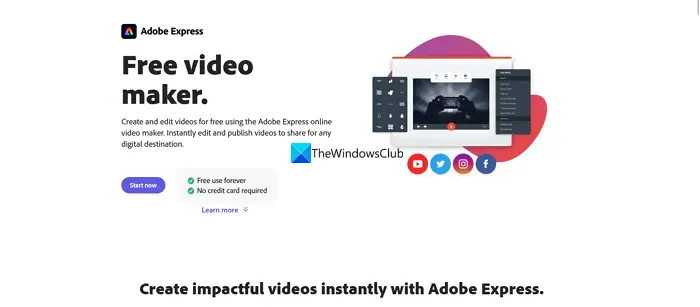
Adobe is a brand in professional video, audio, and image editing tools. It has created a free tool that lets users make videos online without paying. With Adobe Express you can create content for your social media accounts using the thousands of free templates and assets. You can use exclusive fonts available on Adobe platforms, get 2 GB of storage space, and use Adobe Stock photos to create videos. If you want more, you can upgrade to its paid plan to get more out of its tools. You can use this even on your mobile phones by downloading the application.
9] Canva
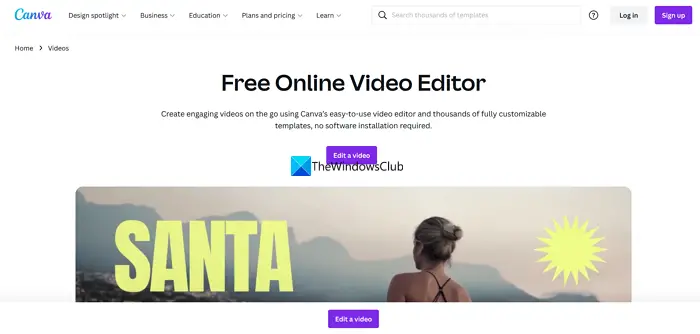
Canva is a known brand to create images for the web and social media. You can also create engaging videos with Canva’s easy-to-use video editor without installing anything. There are many templates available on it to create content for your YouTube, TikTok, and other social media platforms. You can upload your own videos to Canva and add filters, graphics, text, and music to them to create a powerful video. It has all the features to serve your social media needs like a professional video editor.
10] Kapwing
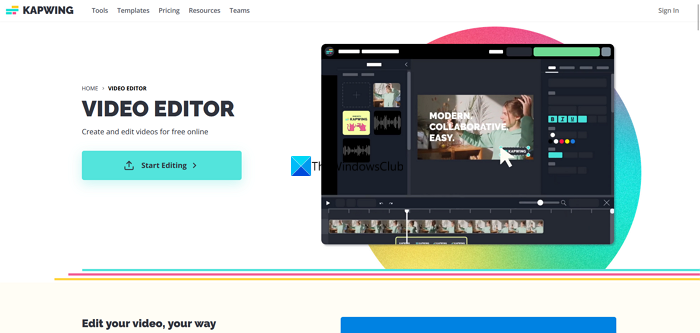
Kapwing is another best online video editors using which you can create videos up to 7 minutes in 720p quality in the free tier. You can export unlimited videos on it. In the end, a small watermark is added to your videos if you use the free version. You can also add subtitles to your videos up to 10 minutes in length.
Read: Top 5 free GoPro editing software for Windows
These are the video editors you can use for free to create or edit videos online without downloading.
Which is the best online free video editor?
There are many free online video editors that you can use. Clipchamp is one such video editor you can use to create 1080p videos without paying anything, unlike other video editors. You can export unlimited videos and use the available templates to create videos for your social media accounts. There is also Movie Maker Online, which does not require a sign-up or have any restrictions on creating videos.
Read:
- Best free Video Editing Software for Windows
- Best Free Portable Video Editors for Windows
Can I edit a video online free?
Yes, you can edit a video online for free. No matter which platform or operating system you use, you can certainly edit any video online at no cost. Here we have consolidated some of the best online video editing apps; we recommend trying them all to find the most suitable one.
Related read: How to add Subtitles to your Videos in Windows.
