Posts under Startups tag.

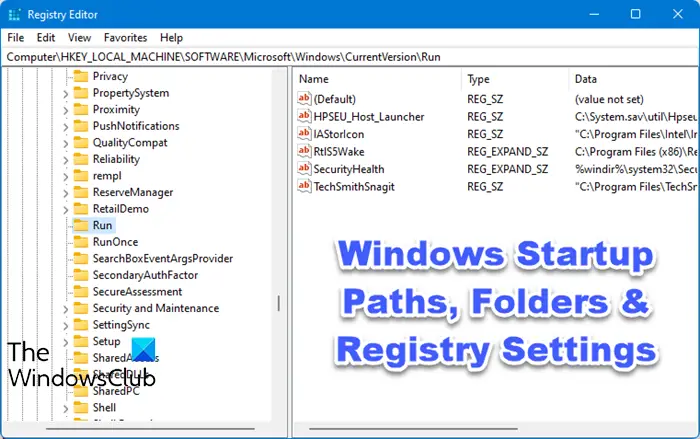
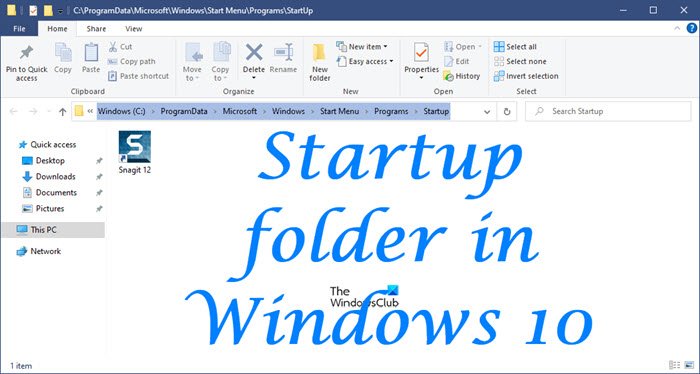
Windows 8 startup folder location

Location of the Startup folder in Windows 8

The Startup folder in Windows contains a list of shortcuts of those applications that start when your Windows start. Earlier, you could easily access the Windows 7 startup folder from Start  Menu > Startup. But where is the Startup folder [...]

msconfig-win8-1

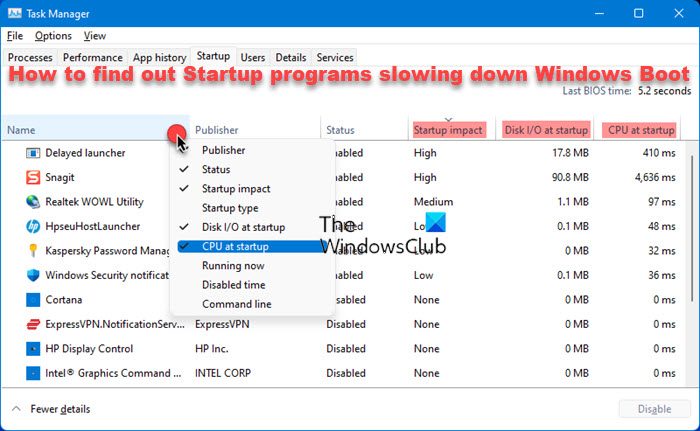
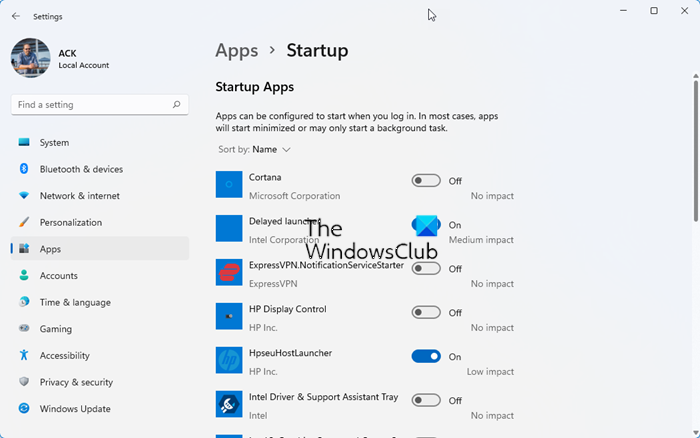
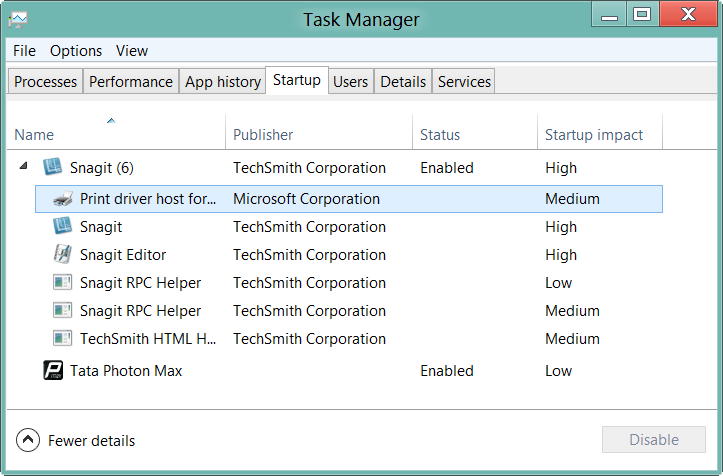
Disable or Manage Startup programs in Windows 7 | 8

It is important to manage startup programs in Windows 7 or Windows 8, that you do not need to start up every time your Windows boots. It is common for most programs to add themselves to the startup list as a result [...]

soluto2

Make Windows 7 computer boot faster with Soluto

Soluto labels itself as an ‘anti-frustration’ software ! If your Windows PC takes a long time to boot, you might want check out this freeware.  This software claims to dramatically speed up the  boot time of your computer. It allows [...]

autostart-explorer

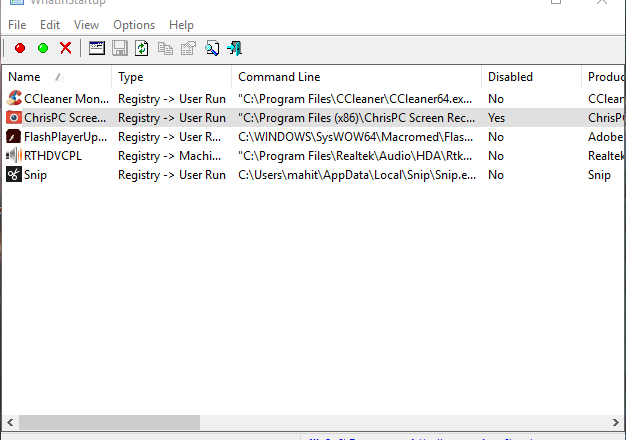
Explore EVEN the most obscure start up locations in Windows

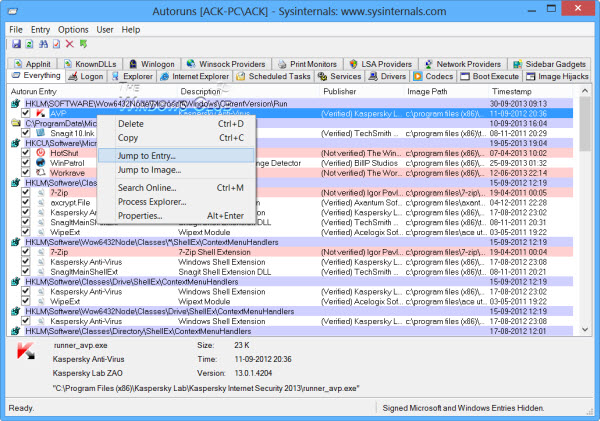
Windows has an in-built utility called as the msconfig utility which, inter alia, list the programs which start up along with your Windows. There are several other software available too, which list down, to varying degrees, the programs which start [...]

shift-key

Temporarily disable Startup applications in Windows easily

If for some reasons, you need to only temporarily disable startup programs from starting up during boot time, you can do so easily. Simply hold down the Shift key during the logon process. This will prevent Windows from starting up the programs [...]