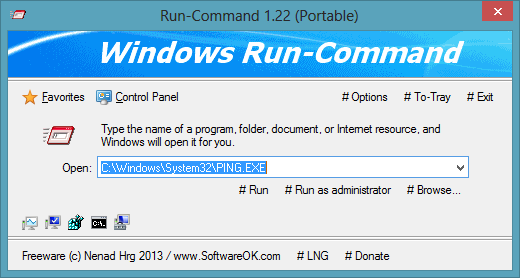
Executor: An Advanced Alternative to Windows Run Dialog box

Executor: An Advanced Alternative to Windows Run Dialog box

Today, a Windows user is very lucky to have such a wide eco-system of freeware that help organize our daily work and other various tasks on our computer. Though these applications are considered as useful, installing too many of them have …more >>>

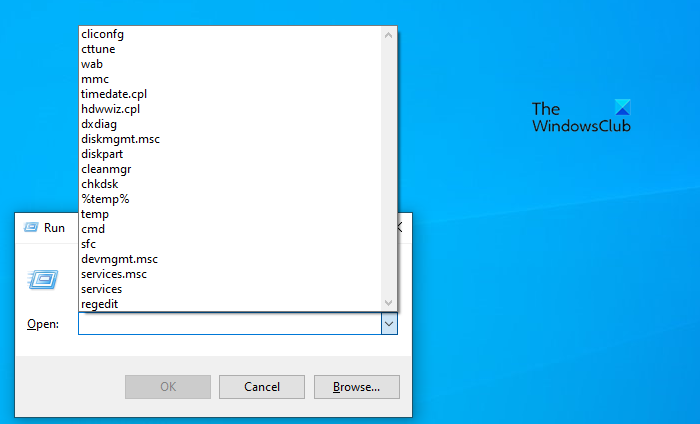
3 geeky Windows Run commands you want to know!

3 geeky Windows Run commands you want to know!

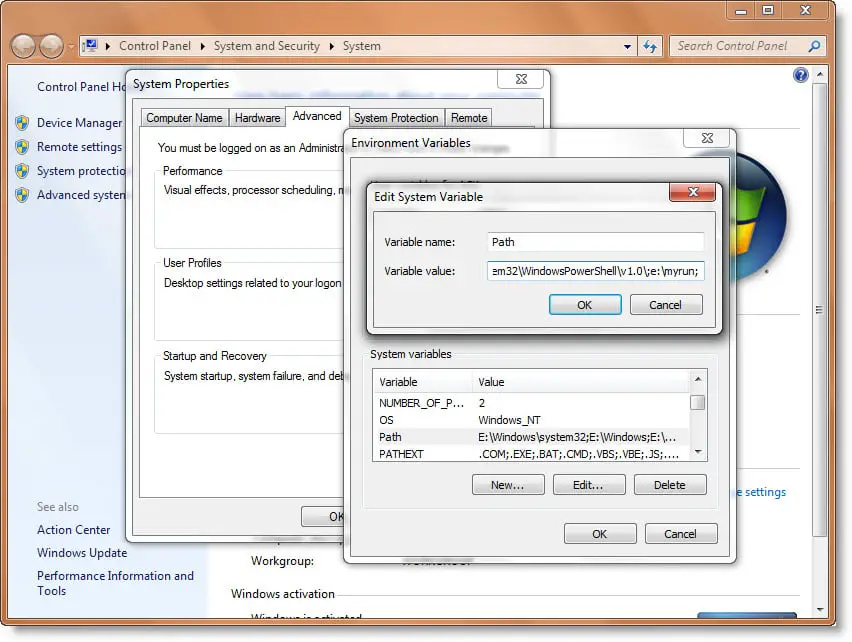
We have earlier blogged about the new Run commands in Windows 7 & Windows Vista & also seen how one can create your own run commands for Windows 7.

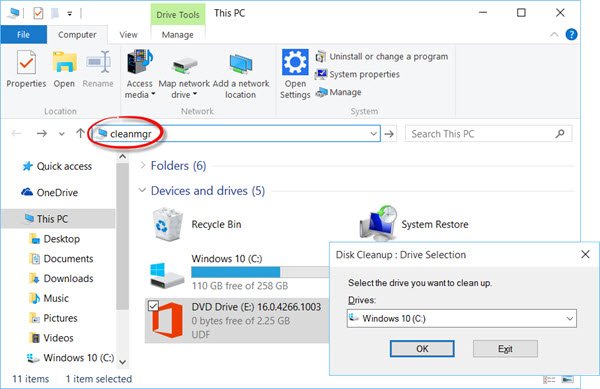
Ways to RUN any application from Windows 7 Start Search Box

Ways to RUN any application from Windows 7 Start Search Box

Via the Run command in Windows, you can use certain pre-defined commands to open up applications. In fact in Windows 7 & Vista, its Start Menu Search box itself acts as a Run box.

Pressing Ctrl+F does not bring up Find On This Page.

Pressing Ctrl+F does not bring up Find On This Page.

If when you press Ctrl+F together, with a view to doing an in-line search in Internet Explorer 8, the Find Bar does not appear, here is what you can try. 

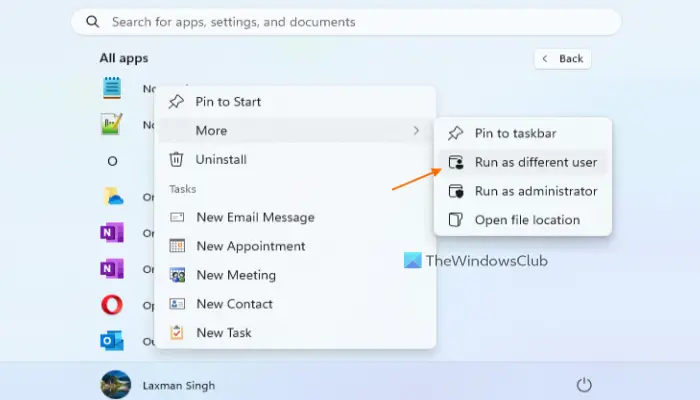
How to Run as different user in Windows 7

How to Run as different user in Windows 7

In Windows Vista, you had the ability to Run a program as an Administrator.

© 2012 The Windows Club All Rights Reserved