
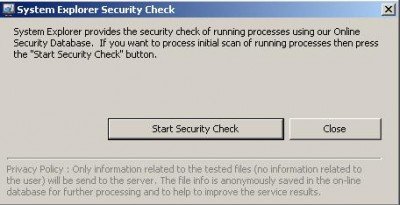
Today I found this nice freeware tool called “System Explorer“. It reminded me of Process Explorer from Sysinternals but it’s a little more advanced. It comes with both a portable and installer version. One of the interesting things I noticed about it is when we open the application for the first time it will be asked for a security check of processes with an Online Database.
System Explorer for Windows OS
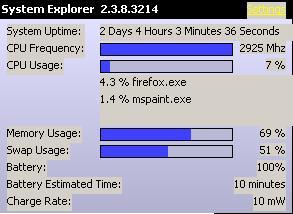
Also when you close the System Explorer it minimizes to the System tray with few option there as well.
Here is a quote from their website:
System Explorer is free, awards winning software for exploration and management of System Internals. This small software includes many useful tools which help you keep your system under control. With System Explorer, you get also fast access to File Database which help you to determine unwanted processes or threats. System Explorer is translated into 21 languages and is available for download in installer and portable version.
Main Features:
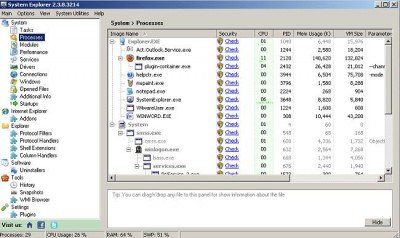
- Detailed information about Tasks, Processes, Modules, Startups, IE Addons, Uninstallers, Windows, Services, Drivers, Connections and Opened Files.
- Easy check of suspicious files via VirusTotal, Jotti service or their File Database.
- Easy monitoring of processes activities and System changes.
- Usage graphs of important System resources.
- Tray Hint with detailed System and Battery status
- WMI Browser and System Additional Info
- Multilanguage Support”
If you are looking for more, then these Task Manager alternative software are sure to interest you.

