
This is one of the most common boot issues you might come around, in the Windows operating system. Are you receiving the Missing Boot Manager error? In this article, I will tell you how you can fix the BOOTMGR is Missing error message in Windows 11/10.
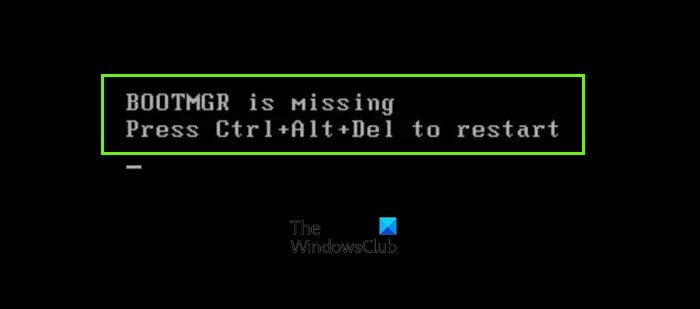
BOOTMGR is missing, Press Ctrl+Alt+Del to restart
Fix BOOTMGR is Missing error in Windows 11/10
To fix BOOTMGR is Missing error in Windows 11/10, you basically have three ways to fix this problem:
- Run System Restore from Windows Recovery Environment
- Run Startup Repair from Advanced Startup Options in Windows, or from WinRE
- Rebuild the Boot Configuration Data from Windows Recovery Environment.
1] Run System Restore from Windows Recovery Environment
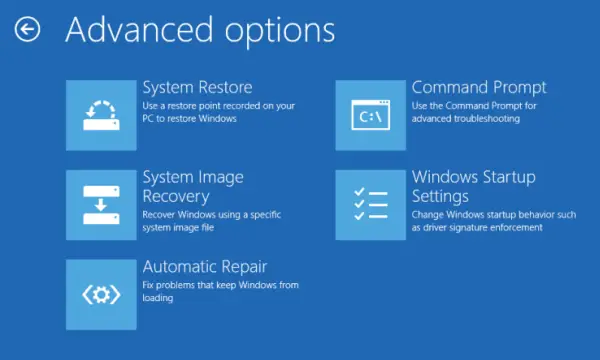
Boot Windows into Advanced Startup Options screen and use the System Restore option.
2] Run Automatic Startup Repair
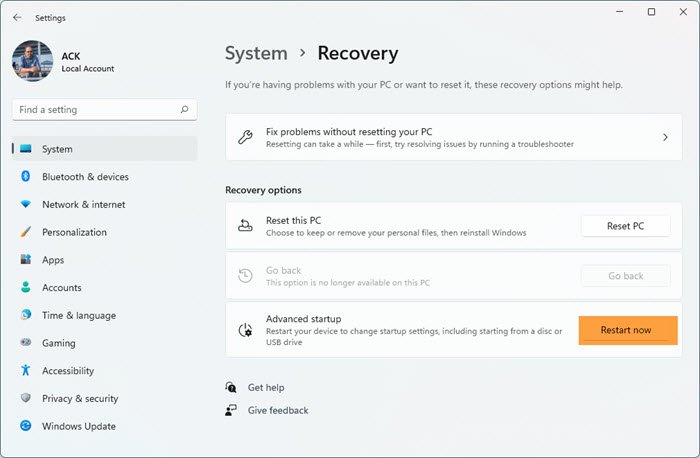
You can run Automatic Startup Repair from Advanced Startup Options in Windows, or from WinRE.
3] Rebuild the Boot Configuration Data from Windows Recovery Environment.
Although the images show Windows 7, Windows 11/10/8 users need to follow a similar procedure using the installation media for their version of Windows.
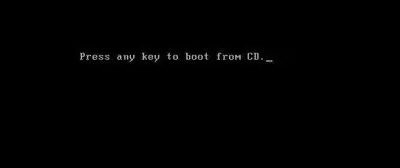
Insert the Windows Installation or Repair disk into your drive and reboot the system. You will be prompted to “Press any key to boot from disk” so go ahead and press Enter.
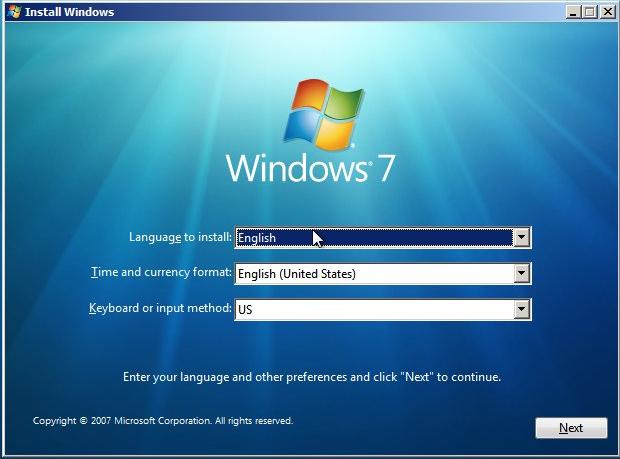
Then it will give you Language selection option click Next.
You will now get the option to “Repair your Computer“.
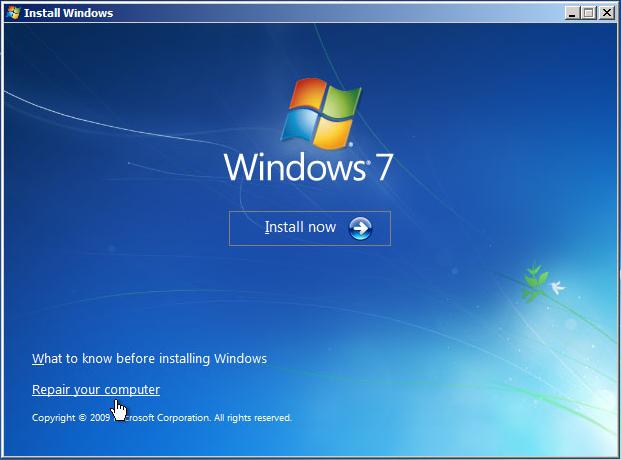
Select Repair your computer option and the operating system, i.e., Windows 7 next. Click Next.
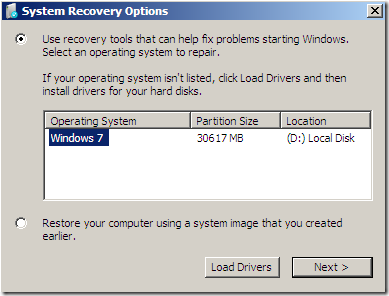
On some occasions, you may not find any operating system listed. Don’t panic, just click Next.
Now click on “Command Prompt“.
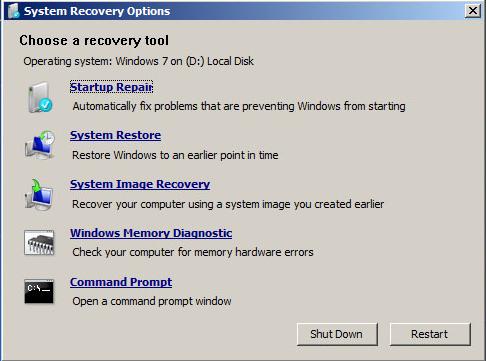
Type in the following commands:
bootrec /fixboot

bootrec /fixmbr

bootrec /RebuildBCD
Sometimes you may need to change the directory from X:\Windows\System to C:\ type in the command cd\ then c: then run the commands.
Once you finish running those commands, reboot the system, and see if it boots. It should! If not, then run Automatic Startup Repair three different times.
Read: Fix MBR Error 1, 2 or 3 on Windows
Why is Boot Manager missing?
BOOTMGR is Missing error can occur during computer boot time, if the boot files have become corrupted or gone missing. A failed Windows Upgrade, corrupt hard drive sectors, and misconfigured system files can result in this error.
What is the location of BOOTMGR?
The BOOTMGR file is a hidden, Read-only file, which is located in the root directory of the partition.
Related reads:
- Fix BOOTMGR is compressed error
- NTLDR is missing, Press Ctrl-Alt-Del to restart
- Missing Operating System
- Fix Invalid Partition Table error
- Boot Device Not Found.
