
I am delighted to mention that a post of mine on Troubleshooting Windows Search & Indexing Errors has been automated into a Fix it MSI package! It also gives me an immense sense of pride and satisfaction to mention that, I have also been informed that this is a First MVP Fix It.
How did this tutorial come about? The way most good tutorials come about! I was personally facing this problem. I had no idea what had broken my Windows Search and Search Indexer. I just had to have it working as I used the Search feature very often. Searching on the internet really did not give me an exhaustive or satisfactory solution. So went about it the only way there was to go … the good old trial and error method. Finally got it working – and I decided to write it down.
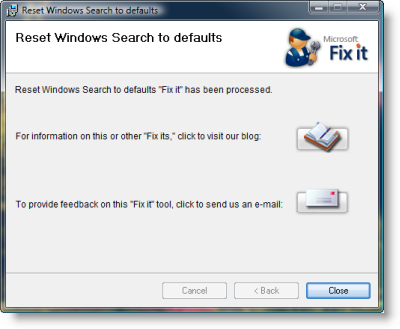
Here’s what the package does.
Stops the Windows Search Service
Configures the service to start= auto
Sets value of the following key to 0:
HKEY_LOCAL_MACHINE\SOFTWARE\Microsoft\Windows Search\SetupCompletedSuccessfully
Starts the Windows Search Service

It feels great Microsoft decided to automate it into a Fix-It MSI package (http://blogs.technet.com/fixit4me/archive/2009/04/24/reset-windows-search-to-defaults.aspx) and what makes it even better is being told that it’s a First MVP Fix It!
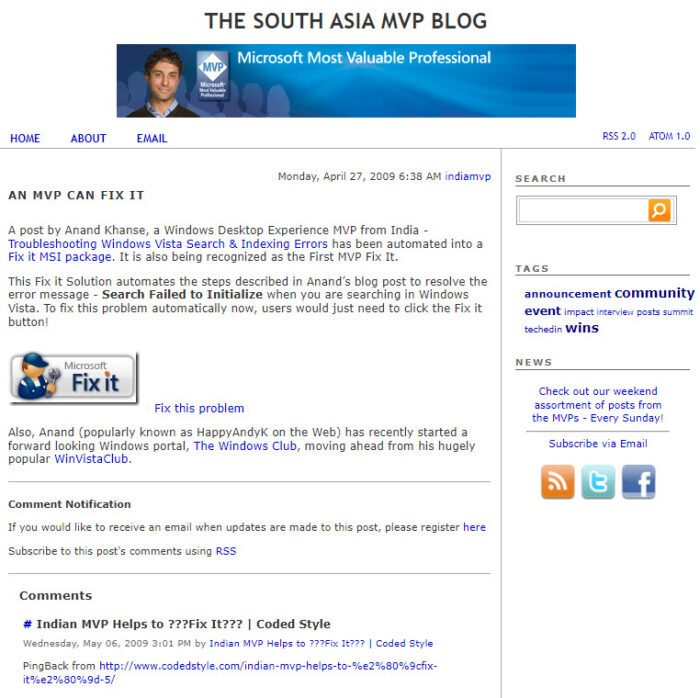
Read the announcement on Technet here – http://blogs.technet.com/southasiamvp/archive/2009/04/27/an-mvp-can-fix-it.aspx.
Thank you Fix it, Team! 
Go here if you want to find out how to become a Microsoft MVP or MCC.
