
VHD Attach is a small tool that adds Attach and Detach options to the right-click context menu of Virtual disk (VHD) files. This article explains how you can use VHD Attach on Windows 11 and Windows 10 PC to include an Attach and Detach option for mounting and unmounting ISO, VHD, etc., files.
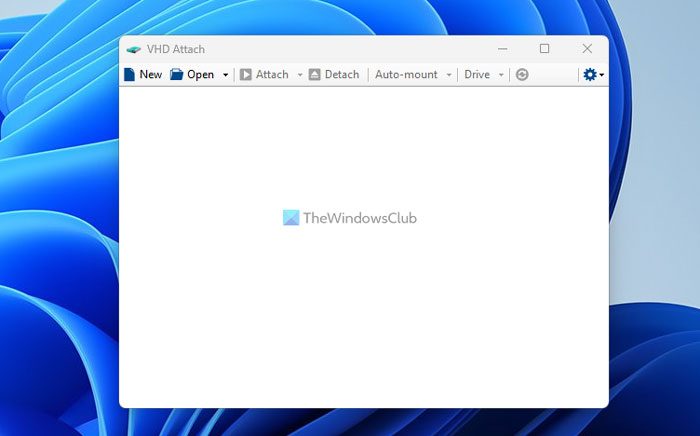
Add Attach & Detach option to VHD context menu
This tool enables those operations to be done easily, without a trip to the Disk Management console.
The Detach option is available on a hard drive contextual menu also.
Additionally, the program can be also used as a classic utility in order to see the various information about the virtual disk, even without attaching it.
Do note that this program only works with Windows 11/10, Windows 8, Windows 7 and Windows Server. Older operating systems are not supported.
VDH Attach free download
You can download VDH Attach from jmedved.com or Github.
How do you attach a VHD?
The best way to attach a VHD file to Windows 11/10 PC is to use the Disk Management panel. However, you need to create the virtual hard drive first with the help of third-party apps that you want to use to create the virtual machine. Disk Management works well when your virtual machine software doesn’t automatically mount it.
How do I keep VHD attached after reboot?
In general, VHD gets attached as long as you remove it manually. However, if it is being deleted automatically, you need to repair the virtual machine application. If you cannot do that for any reason, you can use the Task Scheduler to complete the job.
