
While searching for information on the web you often browse through various websites and find that the information you require is scattered on multiple sources. To extract the information, you have to note different URLs and store each link somewhere in your browser or email. The task gets even harder if you want to quickly share a list of URLs with friends via SMS, Twitter, Messenger, etc. Imagine the time you have to spend sharing each URL one by one!
The best way to handle this tedious task is to create 1 link for multiple URLs. With this 1 link, you will have access to all the multiple links anytime. It also lets you share the information quickly with others. Here are a few free services that will allow you to create one URL to open multiple links.
Convert multiple URLs into Single
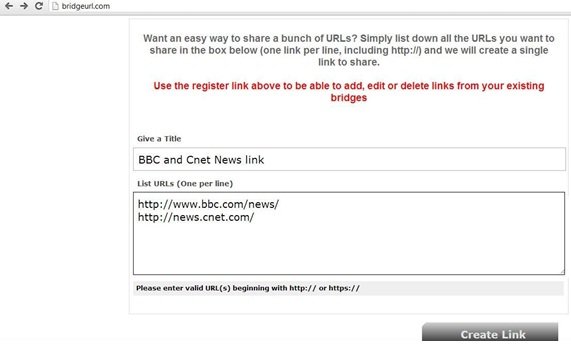
With BridgeURL you can input multiple URL’s and create a single URL. What’s unique about BridgeURL is that it creates a slideshow from your shared links, with left and right sliders for easy navigation. Let’s say you want to create a single link for news sites, BBC and CNet.
Go to bridgeurl.com > Simply give a TITLE (I gave BBC and CNet News link) > List the URL for BBC News and CNet > Click on Create Link.
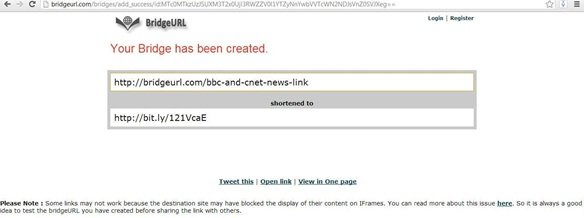
After clicking on CREATE LINK, you get a short link for BBC news and CNet. Refer to the screenshot.
So, now when you open either of the above-generated URL’s (link or short link) you get a slideshow link for all the URL’s that you have listed. By using the Prev and Next tab you can easily browse between your favorite URLs.
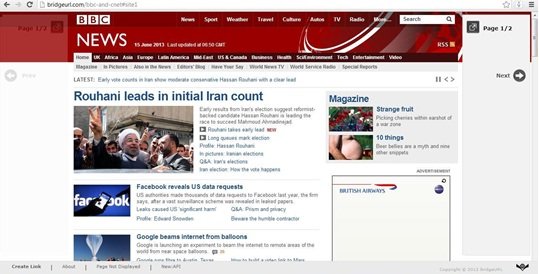
The only disappointment that you may come across with BridgeURL is that since it uses in-line frames to display the content from shared links there are certain websites such as Facebook, MSN, etc, that may block this feature. So always test the bridge URL you have created before sharing the link with others.
TIP: You can also create a single desktop shortcut to open multiple web pages.
FatURL combines and displays all links on a single page
FatURL is a free service from the Name.ly platform that enables you to forward multiple long or short URLs with just one single URL. You can then share this new URL with friends, add more URLs to it or delete it. Combining links in FatURL is easy. Just sign up and you can start generating single URLs.
Go to faturl.com > and under Bundle, list all the URLs> Click on Create.
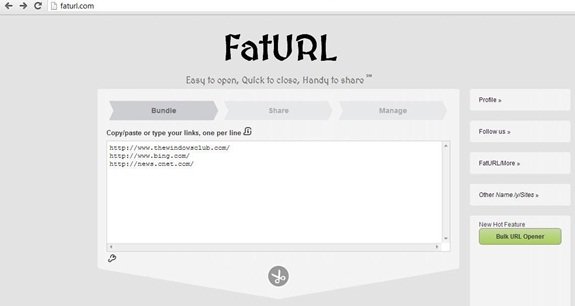
You will see a bunch of URL’s that you can use as a single link. Just click on any of them.
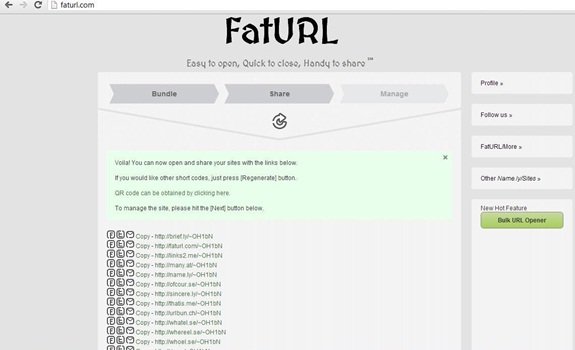
On clicking on any of the short links you will get a page displaying links to all the URLs.
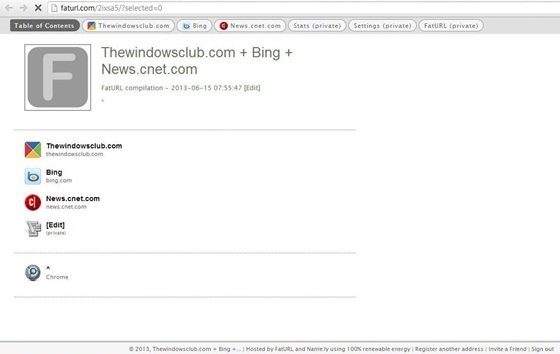
Click on any of the links, and you will see the page displayed instantly, describing it as one of the unique features that FatURL possesses.
MultiURL creates a single link, allows for easy share with Toolbar
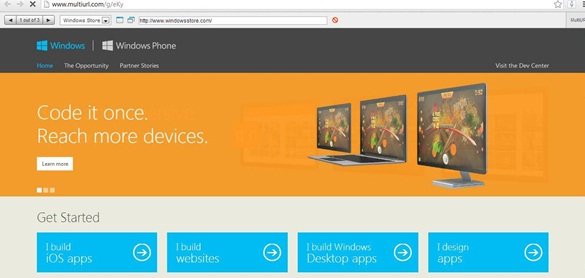
MultiURL allows you to combine multiple links into single, and then share them with Toolbar, Browse list and Random Link. Adding links at MultiURL is easy. Suppose you want to add webpages such as Bing, Windows Store, and TheWindowsClub in one link. Simply go to MultiURL website > Enter your Links > Name the fields > click on SUBMIT.
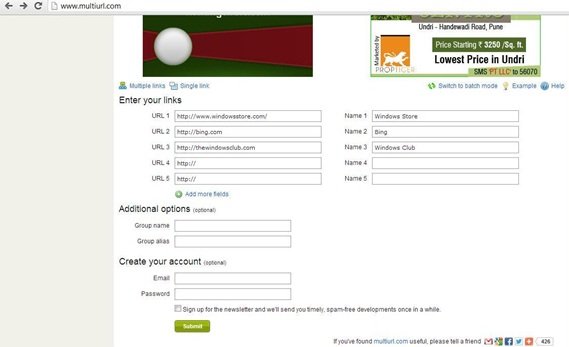
As shown in the below screenshot, with MultiURL you can share your link with a toolbar, a browse list, or via a random link.
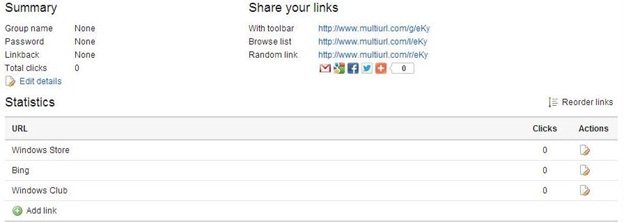
MultiURL also allows you to advertise and view statistics to check the popularity of your single link page. However, like BridgeURl and fatURL, some websites may not function on MultiURL due to the blocking of its inline-frames features. Hence do check your single link before sharing with others.
So next time you want to share multiple links with your friends, instead of copy-pasting all the links and making it messy and time-consuming, use one of these free web services to create a single URL.
This post will show you how to open multiple URLs or links at once in a single click.
