
Microsoft MAI is becoming an important part of Microsoft’s growing AI ecosystem, with applications spanning software development, automation, content creation, voice, image generation, and enterprise workflows. From helping developers write and debug code to automating repetitive business processes and powering AI agents, Microsoft MAI use cases go far beyond simple chatbot interactions. In this article, we explore 20 real-world use cases of Microsoft MAI, covering how developers, businesses, and enterprises can use Microsoft AI models to improve productivity, automate everyday tasks, analyze information, and build smarter applications.
20 Real-World Use Cases of Microsoft MAI
If you are looking for real-world use cases of Microsoft MAI Models, go through the ones listed below.
1] AI-Assisted Software Development
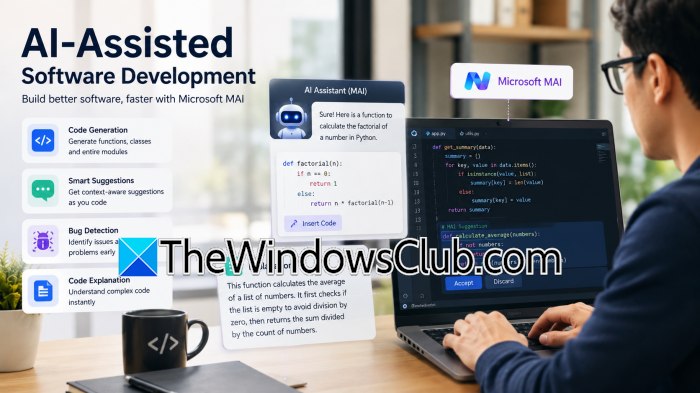
If you are a developer, you can use Microsoft MAI to write code, complete functions, generate boilerplate, and explain programming logic. This makes it useful for speeding up everyday development while allowing developers to focus on more complex parts of a project.
2] Code Debugging
Another perk of MAI models is that they can analyze error messages, stack traces, and problematic code. This helps you identify potential causes and suggest fixes, making debugging faster and reducing the time spent searching for solutions.
3] Code Review
Microsoft MAI can assist with code reviews by looking for potential bugs, inefficient logic, missing error handling, and other issues. It can provide developers with another layer of feedback before code is merged into a project.
4] Unit Test Generation
Writing unit tests manually can become repetitive, particularly in large applications. MAI can generate test cases based on existing functions and suggest edge cases that developers may want to cover.
5] Understanding Legacy Code
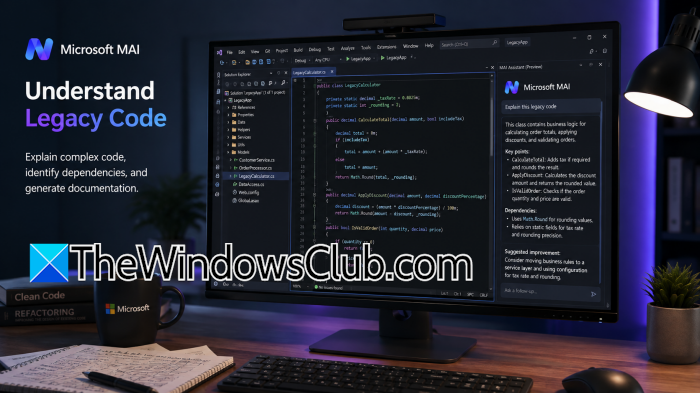
Many enterprises still rely on older applications that are difficult to maintain. Developers can use Microsoft MAI to explain legacy code, identify dependencies, and create documentation for unfamiliar parts of an application.
6] Technical Documentation
If you have worked in a corporation, one of the most tedious and boring tasks is to turn source code and technical information into a useful document. With the help of this model, you can create API descriptions, setup instructions, configuration guides, and internal technical documentation.
7] Repetitive Development Automation
I have worked with multiple databases, Oracle, PostgreSQL, MySQL, and MS SQL, and one common task I have performed across platforms is generating scripts to automate mundane day-to-day tasks. However, with MAI, you can automate parts of this work with ease.
8] Image Generation
Not every AI use case involves writing text or code. Microsoft MAI image models can generate visuals from a description, which can be useful when a marketing team needs a quick product concept or a designer wants several ideas to work from. It can also save time when creating simple graphics for presentations, websites, or internal projects.
9] Image Editing
The same idea applies when you already have an image but need to make a few changes. MAI can assist with tasks such as changing a background, removing an unwanted object, or creating different versions of an image. For teams producing a lot of visual content, those small edits can add up to a significant amount of saved time.
10] Speech Transcription
Think about a one-hour meeting where several people discuss a project, make decisions, and assign tasks. Going back through that recording later is not exactly fun. MAI’s speech capabilities can turn conversations into text, giving teams a searchable record they can refer to later.
11] Meeting Summaries
A transcript is useful, but most people don’t want to read a 10,000-word meeting transcript. MAI can take that transcript and pull out the points that actually matter, such as decisions, action items, deadlines, and unresolved questions. That can be especially useful for people who couldn’t attend the meeting.
12] Voice-Based Applications
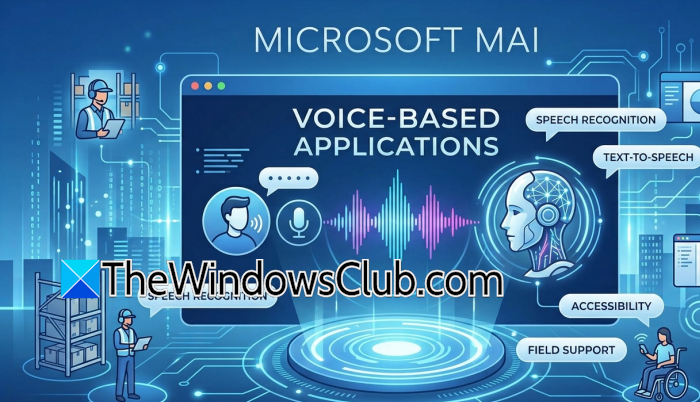
Voice interaction can make sense when users don’t want to type. For example, a company could build a voice-based assistant for field workers who need to retrieve information while working, or an accessibility feature for users who have difficulty interacting with a traditional interface. MAI’s voice capabilities can provide the underlying speech functionality for these kinds of applications.
13] Customer Support Automation
Customer support teams answer the same questions repeatedly. An MAI-powered support assistant could handle straightforward requests by looking up information from approved company documentation. If a customer asks something outside its scope, the conversation can be handed over to a human agent rather than forcing the AI to guess.
14] Enterprise Knowledge Search
Imagine joining a large company and needing to find one particular policy. The information might be sitting in a SharePoint site, an old PDF, an internal portal, or another company system. Instead of remembering where everything is stored, employees could use an MAI-powered search experience to ask a question in plain English and find the relevant information.
15] HR Process Automation
HR departments deal with plenty of repetitive questions. Employees may want to know how much leave they have, where to find a particular form, or what the company’s travel policy says. An MAI-powered internal assistant can answer questions like these using approved company information, allowing HR staff to focus on requests that actually need their attention.
16] Financial Document Analysis
Finance teams regularly deal with invoices, contracts, expense reports, and other documents. Instead of manually going through every page, MAI can help extract specific information, summarize documents, and flag details that require a closer look. A human should still make the final decision, particularly when money or compliance is involved.
17] Sales Assistance
A salesperson heading into a customer meeting often has to dig through previous emails, notes, and CRM information just to understand the account. MAI can summarize previous interactions, prepare a quick customer brief, and help draft a follow-up message after the meeting.
18] AI Agents and Workflow Automation
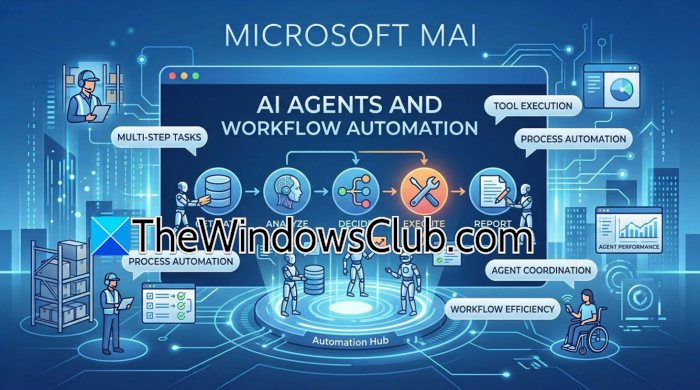
This is where Microsoft MAI becomes more interesting than a basic chatbot. An AI agent can be given a task that involves several steps rather than just one question. For example, an agent could retrieve information, use an approved tool, process the result, and prepare the next action. That opens up possibilities for automating parts of business workflows instead of simply generating text.
19] IT Operations and Troubleshooting
IT teams already spend a lot of time looking through alerts, logs, and monitoring dashboards. MAI can help summarize an incident, identify related errors, and suggest possible troubleshooting steps. For example, an operations team could use it to quickly understand what changed before an application started generating errors.
20] Custom Enterprise AI Applications
Every company has processes that don’t fit neatly into an off-the-shelf application. That’s where custom MAI applications can become useful. A business could combine an MAI model with its own documents, internal tools, databases, or workflows to build an AI application for a specific requirement rather than trying to force a generic chatbot into the job.
That’s it!
Read: 5 best AI tools for Microsoft Office
What are the top 10 use cases for Microsoft Copilot?
Microsoft Copilot is commonly used for writing and editing documents, summarizing emails, creating presentations, analyzing Excel data, summarizing Teams meetings, generating content, answering work-related questions, assisting with coding, automating repetitive tasks, and improving productivity. Its main advantage is that Copilot works within Microsoft applications such as Word, Excel, PowerPoint, Teams, Outlook, and GitHub, allowing users to access AI assistance without constantly switching between different tools.
Read: How to make money using Microsoft CoPilot AI
What are the top 10 use cases for AI?
The most common AI use cases include software development, customer support, content creation, data analysis, document processing, workflow automation, personalized recommendations, cybersecurity, healthcare, and business intelligence. AI can write and debug code, answer customer questions, analyze large datasets, process documents, detect unusual activity, generate text and images, and automate repetitive work. Businesses are also increasingly using AI agents to connect information, tools, and workflows.
Also Read: Microsoft Scout: An always-on Personal AI Agent for Microsoft 365.
