
If the Create New Text Document item is missing from the right-click context menu in Windows 11 or Windows 10, then this post may be able to help you restore it.
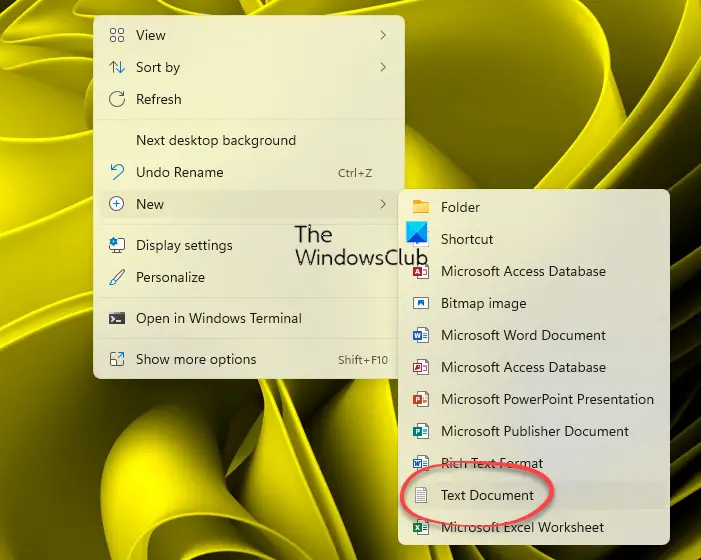
New Text document missing from Context Menu in Windows 11/10
This issue can occur if the Registry items have become corrupted or if you installed and uninstalled some software, which corrupted the context menu. If you face this issue, this is what you can do!
- First backup your Registry and create a restore point
- Next download this file from our servers
- Extract its contents
- Click on the .reg file to add its contents to your Registry
- This will add the missing New Text document item back to the Context Menu.
- Restart your PC and check.
If the changes do not meet your expectations, you may restore your registry or your computer.
Related read: How to Edit, Add, Restore, Remove items from New Context Menu.
How to restore the entire New context menu to default in Windows?
- If you wish to restore the entire New context menu to Windows default, download this registry fix from our servers.
- Extract its contents, then click the .reg file to add it to your Context Menu.
- Make sure to back up your Registry and create a system restore point first.
Also read: How to restore missing NEW context menu item in File Explorer.
