
Are you finding it difficult to find old emails of a particular time period? In this guide, we have tips to search Gmail by Date Range or Time Period.
Over time, our Gmail account gets cluttered with new emails, subscriptions, and other messages. Many important emails get buried under new emails. You may not have time to clean up your Gmail account and delete those unnecessary emails; there are likely thousands of them. When you want to find a specific email or emails from a certain time period, it takes a lot of time to go through thousands of emails. We have a few tips to cut down the time. Let’s see how we can find emails by date or time period.
How to search Gmail by Date Range or Time period
There are different ways to search for an email in Gmail by date.
- Before a certain date
- After a certain date
- Between two dates
- Keywords with dates
- Older than or Newer than
Let’s get into the details of every option. Before going into the details, just remember that the format of the dates should be YYYY/MM/DD or Year/Month/Date.
1] Before a certain date
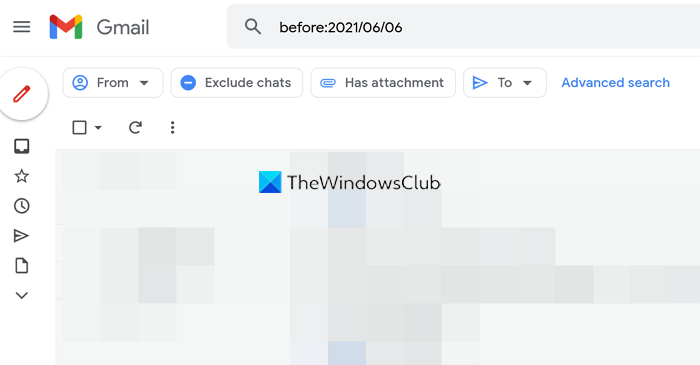
In the search bar of Gmail, enter before with a colon (:) after that. Don’t forget to enter the colon. Then, enter the date before which you want to find the emails.
The format to search for emails before a certain date would be: before:YYYY/MM/DD
2] After a Certain Date
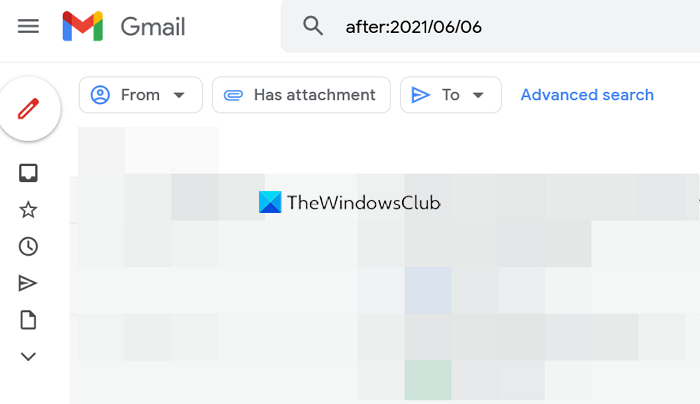
To find emails after a certain date in Gmail, you have to enter after with a colon (:) after that and date in the specified format.
The format for finding emails after a certain date would be after:YYYY/MM/DD
3] Between two dates
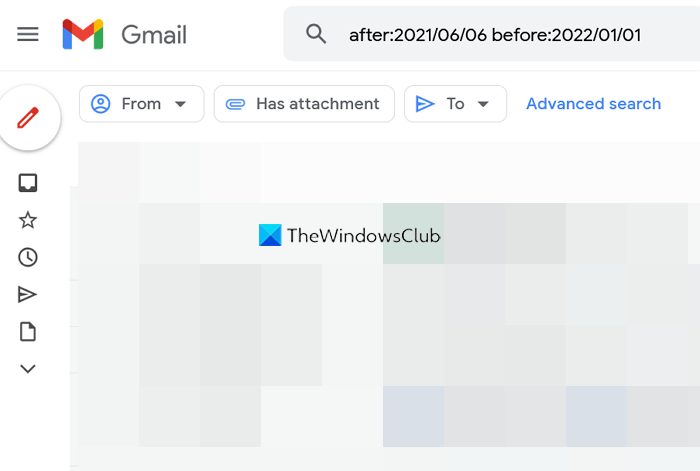
To find emails between two dates in Gmail, you need to enter both before and after formats in the search bar of Gmail.
The correct format would be after:YYYY/MM/DD before:YYYY/MM/DD. You can use the before date first and then the after date also. There is no specified rule in using that.
4] Keywords with dates
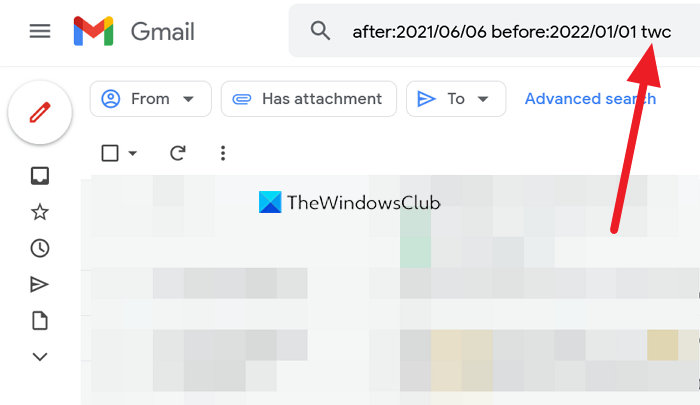
You can search for emails before a date, after a date, between two dates, etc. To find emails matching those date formats, you can use a keyword you remember from the dates.
5] Older than or Newer than
With the dates and keywords, you can also search for emails older than or newer than a certain time, like a year, month, or day. We use, y for a year, m for a month, and d for a day.
To search for emails before or after or between two days older than a month, the correct format would be to enter older_than:1m after you enter the dates. Likewise, you can use newer than function.
You can also use dates, keywords, and the “older than” or “newer than” operators together in a search.
Must read: Gmail Search Tips and Tricks.
Can someone check how old an email is?
You can easily check how old an email is. To do so, open an email and see the date and time you received that email. In Gmail, the date and time of an email are displayed on the right when you open it. If you are asking how old another person’s email account is, that is not possible. You can not know the date on which a person created his account on Gmail and another email client.
TIP: These hidden Gmail tips and tricks are sure to interest you.
How far back does Gmail keep emails?
Gmail by default keeps all the emails in your inbox. Only the mails in the Trash and Spam folders are deleted after 30 days. Other than that, every email you have on Gmail will stay forever.
