
Google Workspace is a cloud-based productivity and collaboration suite for businesses and enterprises developed by Google. It offers tons of tools and features that make it suitable for businesses of all sizes. However, if you are looking for an alternative, whatever the reason, this article will be helpful to you. In this article, we will talk about the best Google Workspace alternatives with better prices and features.
Best Google Workspace alternatives with better prices and features
In this article, we will talk about the following Google Workspace alternatives:
- Microsoft 365
- Zoho Workplace
- Lark
- Proton for Business
- Neo Mail
Let’s start.
1] Microsoft 365
Microsoft is one of Google’s strongest competitors. Microsoft 365, developed by Microsoft, is a complete productivity suite with useful apps, including Word, Excel, PowerPoint, Outlook, Teams, and more. Microsoft Office is among the most widely used tools in organizations. The best part of Microsoft Office is that you can work with your Office documents offline.
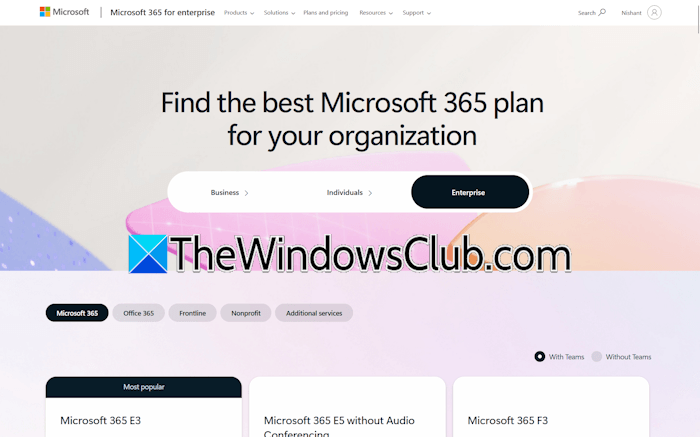
To ensure a seamless experience for every user, Microsoft has customized the 365 ecosystem for the needs of individuals, businesses, enterprises, and educational institutions. Each Microsoft 365 tier comes with a different pricing structure based on the features it offers.
While Microsoft 365 Individual Tier focuses on personal productivity and cloud storage, Business and Enterprise Tiers offer advanced business tools in addition to Microsoft Office, including Loop, Exchange, Intune, Power Apps, SharePoint, and more. The Education Tier is strictly focused on learning. It provides educators with specialized tools for digital classrooms and academic management.
Key features of Microsoft 365
Let’s see some key features of the Microsoft 365 suite:
- Desktop + Cloud Office apps
- Up to 1 TB of OneDrive storage space for each user
- Supports Office installation on multiple devices (depending on the plan you subscribed to)
- Custom business email ([email protected])
- Advanced security features
- AI-powered content assist and insights
- Copilot integration in all Office apps.
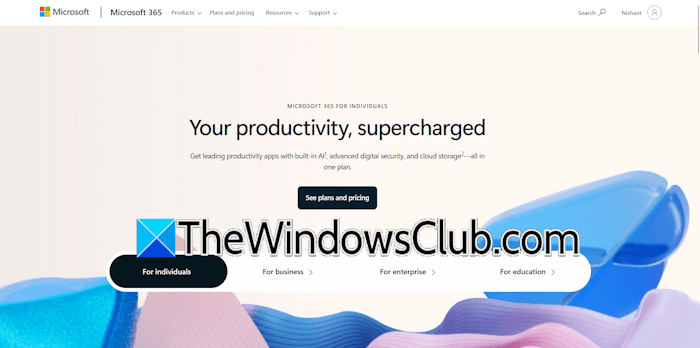
Microsoft 365 has different pricing plans for different Tiers. Visit the official website for more details.
2] Zoho Workplace
Zoho Workplace is a budget-friendly alternative to Google Workspace. It is a complete suite for businesses and enterprises, featuring a range of useful business tools, including email, document management, and collaboration apps. The suite also includes an AI smart assistant, Zia. Zia can help you with multiple tasks, like getting grammar suggestions in documents, insights in spreadsheets, translating messages, and more. Additionally, Zia helps you make your work easier by finding information quickly.
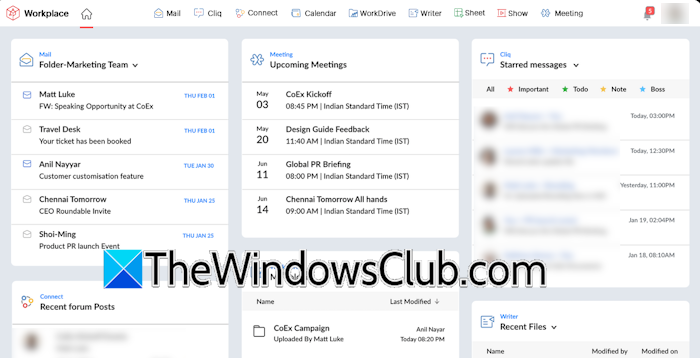
Some of the products that Zoho Workplace includes are:
- Zoho Mail: A secure and encrypted email service to host business emails.
- Zoho Cliq: A real-time collaboration and communication tool designed to streamline workplace productivity.
- Zoho Writer: A collaborative word processor that allows team members to work on documents in real time.
- Zoho Sheet and Show: These are the Google Sheets and Slides alternatives.
- Zoho Connect: It is a team collaboration tool.
- Zoho ToDo: It allows you to manage, organize, and collaborate on your teams’ tasks.
- Custom app-builder: It provides you with a drag-and-drop interface to build apps tailored to your business.
Apart from these tools, Zoho Workplace also offers enterprise and admin tools, such as eDiscovery, Admin Console, and third-party integrations.
Some key features of Zoho Workplace
Let’s have a look at some of the key features of Zoho Workplace:
- No users limit
- Up to 1000 meeting participants (depending on the plan you select)
- Desktop email client
- From 5 to 100 GB storage (depending on the plan you choose)
- Password manager
For complete information on the pricing structure, visit the official website.
Read: How to download and use Zoho Meeting
3] Lark
Lark is another alternative to Google Workspace on this list. It is an all-in-one collaboration tool designed for businesses and teams. Unlike Google Workspace and Microsoft 365, Lark offers a free plan, suitable for small teams with simple communication needs. This is the biggest advantage of Lark over Google Workspace and Microsoft 365.
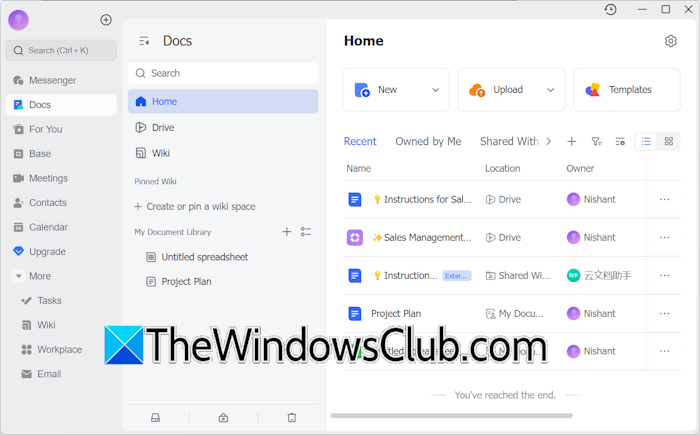
Lark is available as a web and desktop app. Like Google Workspace and Microsoft 365, Lark also offers productivity tools, including Docs, Sheets, Slides, Messenger, Email, Calendar, Meetings, and more.
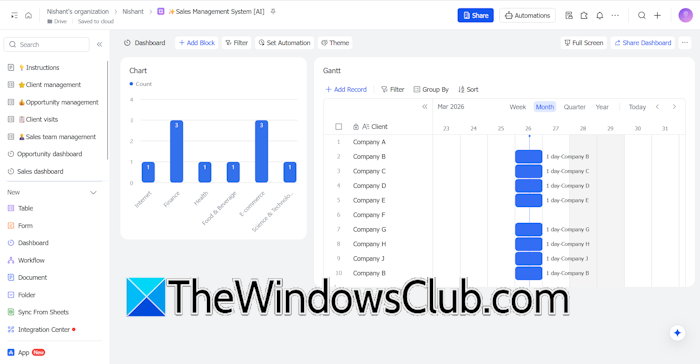
Base is a no-code database and workflow management tool in Lark. It is the most powerful tool available in the Lark ecosystem, combining spreadsheets, databases, project management, and more in a single workspace. With Lark Base, you can organize data, manage projects, and automate processes from one place, and the best part is, it is available for users with a free plan.
Key features of Lark
Let’s have a look at some of the key features of Lark:
- Built-in messenger and video calls
- Up to 100 GB of storage space (depending on the plan you select)
- Single meeting duration of up to 24 hours
- Up to 500 participants in a meeting (depending on the plan you choose)
- Automatic document translation
- Lark OKR, a performance management tool (also available in the free plan)
- Admin log
- Customer support (also for the free account users)
Lark offers great features under the free plan, including up to 20 users for team collaboration, 100 GB storage, 18 months of message history, unlimited real-time translation, 1000 automations per month, a limited trial of Base AI, and more. For more details on the pricing structure and features, visit the official website.
4] Proton for Business
Proton VPN is one of the best VPN service providers. It is also available for free for a single user. Proton for Business is a comprehensive privacy and security suite for your business.
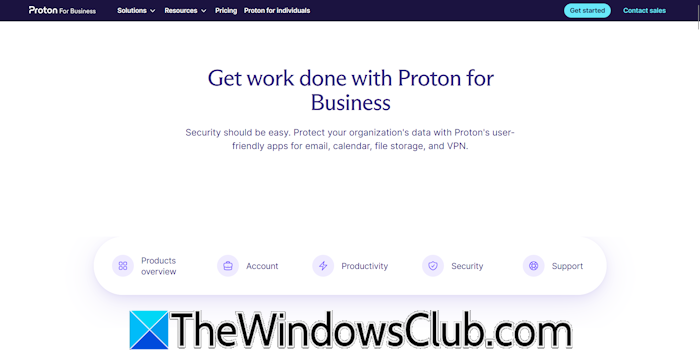
With Proton for Business, you will get the following products to manage your business:
- Proton Mail: It is a secure email for your business. You can also set a password to add an extra layer of security.
- Proton Calendar: It is an encrypted calendar that secures your events and tasks added to your calendar.
- Proton VPN: Proton VPN is among the most trusted VPNs.
- Proton Drive: It is a secure cloud storage service that offers end-to-end encryption for stored files and folders.
- Proton Pass: Proton for Business suite also offers a secure password manager where you can store all your passwords safely.
- Lumo for Business: Lumo is an AI chat assistant integrated within the Proton for Business suite.
Key features of Proton for Business
Have a look at some of the key features of the Proton for Business suite:
- Proton for Business suite apps are available for different platforms, including macOS, Windows, and Linux.
- Proton Mail Bridge allows you to encrypt your email messages on different email clients.
- You can set up a custom email domain with Proton Mail.
- The email automation allows you to automate common actions in email.
- You can save time and improve your emails with the smart writing assistant.
- You can create up to 20 custom emails per user.
- Up to 1 TB of storage space.
5] Neo Mail
Neo Mail is another good alternative to Google Workspace. It comes with many great features, including Neo Bookings, Email Designer, Invoice Builder, Signature Designer, and more. Additionally, it offers a business email and a one-page website with a custom domain. You can design a one-page website easily with its AI website builder; no coding is required.
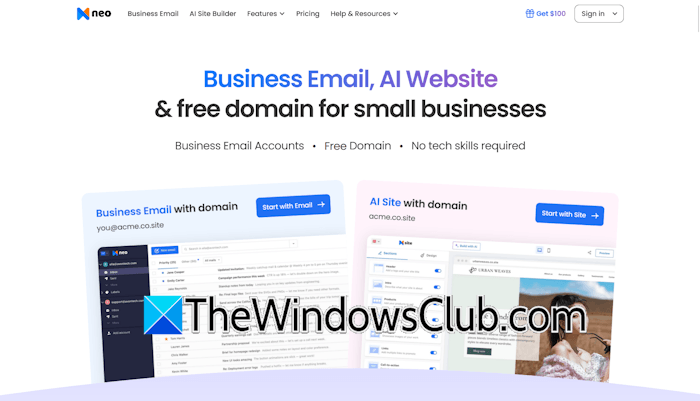
Neo Mail is suitable for small businesses. The pricing plans are affordable. You can get more information about the pricing structure on the official website.
That’s it. I hope this helps.
Who is Google’s biggest competitor?
Microsoft is widely considered the biggest rival to Google. While both tech giants offer a wide range of free products to users, their market dominance varies significantly. Microsoft dominates the market with Microsoft 365 and Windows. On the other hand, Google holds a monopoly in the world of the internet. Google Search Engine, Chrome web browser, and Gmail are some of Google’s unbeatable products.
Which workspace is better?
The selection of workspace depends on your requirements. If you are a startup or have a small team, you can use the workspaces available for free or at a low cost. However, if you are an organization, Google Workspace or Microsoft 365 will be the best choice for you. If you are on a tight budget, you can try other Microsoft 365 or Google Workspace alternatives, such as Zoho.
Read next: What are the best AI CRM tools?
