
Just like Firefox has different editions for its browser, so do Google Chrome and Microsoft Edge – since they are both based on Chromium. Google offers Chrome Stable, Beta, Dev, and Canary channels or versions. Being the most popular browser on almost any platform, it only makes sense for Google to make it even better with support from Developers, Tech Enthusiasts, and external contributors.
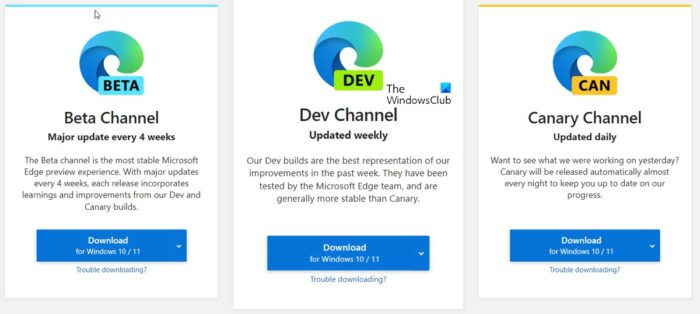
Edge or Chrome Stable, Beta, Dev, Canary Release Channels
For every software that is offered openly in different BUILDs has an update cycle. The most unstable build gets updated every day to the most stable build, which is only rolled out every six weeks, roughly. These builds are available for all platforms where Edge or Chrome runs, including Windows, Android, and Linux.
That said, the best part of these builds is that you can install them parallelly on your computer, i.e., you can have a Canary Build and a Stable build together. Since they have different profiles, they work without a problem.
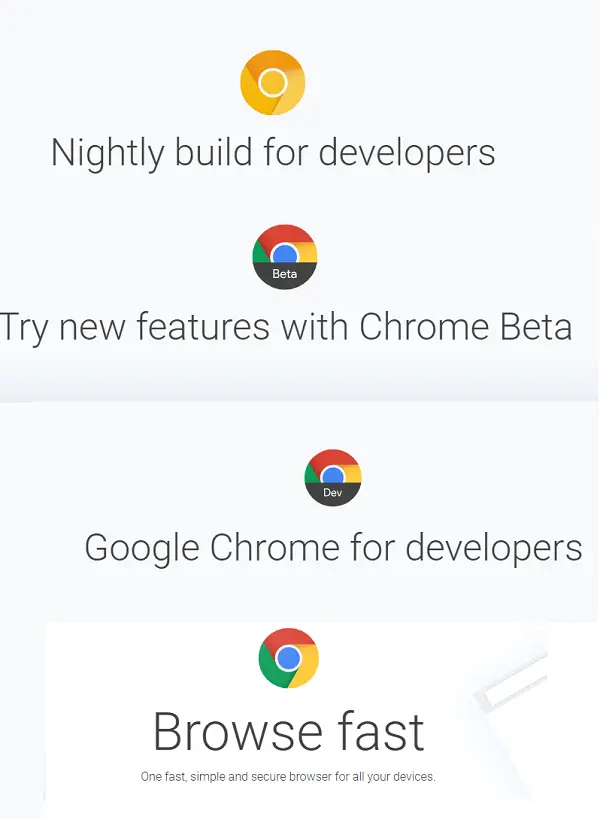
Living on the edge
If you are keen to try something just baked out of the oven and tastes bad, then you can download those builds from download-chromium.appspot.com. To go even deeper, you can choose to specific recent build by going to the Chromium continuous build waterfall, looking at the number near the top under “LKGR”, and then going to this Google Storage bucket and downloading the corresponding build.
What is Edge or Chrome Canary build?
This build is baked out of the oven but works. The updates are released daily and are available for end-user testing. You can always send feedback, and the Canary build does collect data that is sent back to Google Servers.
What is Edge or Chrome Dev channel?
This is the right build if you want to see the new features coming to Edge or Chrome. This version is updated once or twice weekly. While it is close to the stable version, it still has many bugs that need to be tested. So if you are ok with bugs but want what comes easily, this is the build to use.
What is Edge or Chrome Beta channel?
This is a stable version of the Dev channel and has the fewest bugs. This is also the public BETA version before the final build. A lot can be fixed when Google gets a lot of feedback from real-world usage, and it’s updated roughly every week, with major updates every six weeks.
What is Edge or Chrome Stable channel?
This is the perfect cookie, with the best taste in the world. Features come to this channel more than a month after they arrive in the Stable channel. This channel gets full testing, crashes, ironed out, and updated roughly every two to three weeks for minor releases and every six weeks for major releases.
Depending on how much risk you’re willing to take and how enthusiastic you are to try Edge or Chrome builds, pick one for yourself. However, always have a stable build on your computer, so you never get stuck for your primary work.
Follow this link on chromium.org or on microsoftedgeinsider.com to download them.
That’s it. I hope this helps.
Which is the most private web browser?
If you want to keep your identity private while surfing the internet, you can use the Tor web browser. It is the most private web browser and is used to access the dark and deep web. The speed of the Tor browser is slow compared to other browsers. Apart from Tor, other browsers, like Brave, Firefox, Epic Privacy Browser, etc., are also the best privacy browsers but Tor is at the top of the list.
Read: What are Firefox Nightly, Developer, Beta, and Aurora editions
Can I run 2 versions of Chrome?
Yes, you can run two versions of Chrome. Like Microsoft Edge, Google Chrome also has four different channels, namely, Stable, Beta, Dev, and Canary. The Stable build of Google Chrome is for regular users. If you want to run multiple versions of Chrome, you can install any of these channels of Chrome.
