
As a highly reliable money transfer platform, PayPal has introduced several useful features to help users maximize their service experience. Whenever you need to receive or send money to someone, you can use PayPal, which is very secure and helpful. However, if you often receive payments from third-party individuals or companies, here is a solution that allows you to receive payments through PayPal without sharing your email address. You can set up a personal URL for PayPal to receive money, and this service is also free like PayPal.
Create a personal URL for PayPal payments
It is needless to mention that PayPal is one of the best solutions for bloggers, affiliate marketers, etc. to receive their payments. In fact, some affiliate networks are using PayPal as their default payment method. However, if you want to receive money from a third person or a company that you do not know, you may end up getting tons of emails. This is because you must send your PayPal email ID to receive payment, and that third person may spam you with nasty advertisements and deals. By sharing your PayPal email ID, you are doing half the spammer’s work.
To solve all these problems here is a simple solution. Last year, PayPal launched a new service called PayPal.me. This service helps users to get a fancy URL for PayPal to receive payment. A fancy URL looks like paypal.me/unique_name.
So if you have a PayPal account, and you want to get a custom URL, do follow the following steps.
Go to PayPal.com and sign into your PayPal account. After logging in, you can find a settings button on your top right corner. Click on it. Alternatively, you can simply paste the following URL into your browser,
https://www.paypal.com/myaccount/settings/
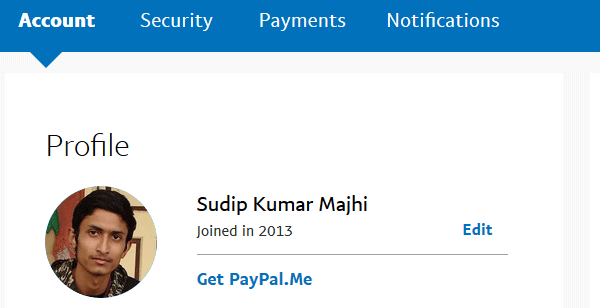
Under your name on the next screen, you will get an option called get PayPal.me. Click on it.
It will redirect you to the PayPal.me website, where you have to click on the Grab your link button.
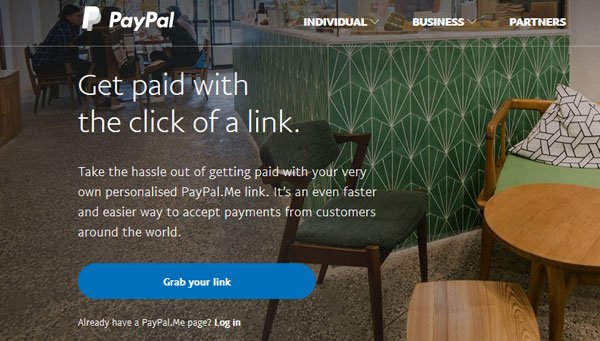
You can also go to the PayPal.me website directly but you will have to log into your PayPal account as well. Therefore, please go to PayPal.me site right from PayPal account.
Anyway, here, you should get a box like this:
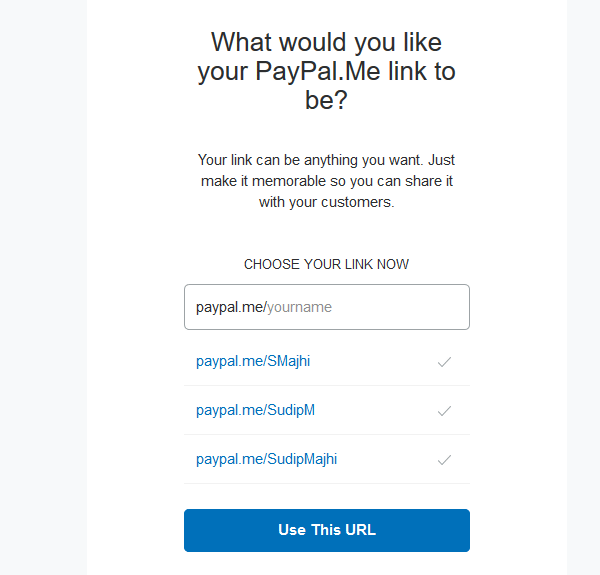
Now, choose a username that you want to use. You can choose one from the suggestions or enter your desired username. Following that, hit the Use This URL button.
You cannot change the username later. So, select it carefully.
Now, you have to choose a color and few other things. Simply follow the on-screen options to complete tasks. Finally, you will get a URL like this:
paypal.me/abcd
Now whenever you want to receive a payment, you just have to send that URL instead of your email ID. The sender can select the currency and send you the payment right from that page.
How do I set up a personal PayPal link?
You can set a personal PayPal link for your account. You can use this link to receive payment from anybody, and this link includes paypal.me. For that, log in to your account and click on Get Paypal.Me button. Then, click the grab your link button and customize the link as per your requirements. Once done, click the Use This URL button.
Read: How to remove Bank Account and Credit Card from PayPal account
Can I give my PayPal.me link?
Yes, you can give your paypal.me link to anybody. You can use it to receive payments from anyone, regardless of their account type. If you haven’t claimed your URL, you can do that by following the guide above.
