
Whether you are a student, freelancer, or gamer, you can install Chrome extensions tailored to your work to enhance your experience. If you are a gamer and want to improve your performance and productivity, here are some Chrome gaming extensions for you. They will work in the Microsoft Edge browser too!
At times, you might want to check what is happening on Twitch, your YouTube subscription status, or even play a game in your browser. If so, these extensions would be quite helpful for you.
Best Chrome extensions for Gamers
The best Chrome extensions for Gamers are:
- Gaming News Feed
- Screencastify
- Tank Riders
- Little Alchemy
- Ping Pong Pro
- Twitch Previews
- PocketTube
- KMineSweeper
To learn more about these extensions, continue reading.
1] Gaming News Feed
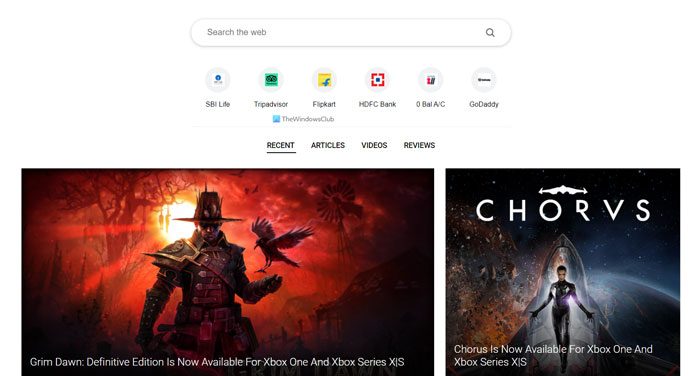
Gaming News Feed changes the default new-tab page with a custom tab so you can search for any game and access the latest news quickly. Whether it is an anime game or fully featured action or strategy game, you can get the latest updates from the given search engine. It shows some popular websites along with the tiles of some gaming-related news from across the world. You can click on any news tile to read more about the topic on the corresponding website. Download from chrome.google.com.
2] Screencastify
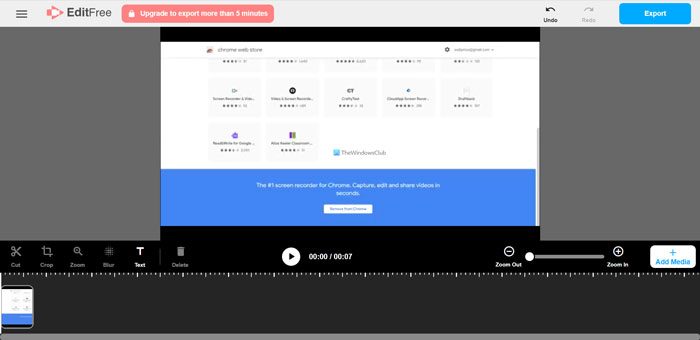
Assume you are playing a browser-based game on your computer and want to record it to upload gameplay to YouTube or another platform. At such a moment, you have two options – use a dedicated screen recording app or use the Screencastify extension. The second option seems more user-friendly and easy to use since you need to install a browser extension only. For your information, you can record your browser tab, desktop, webcam, etc. Alternatively, you can edit the recording on the official website after creating an account. Download from chrome.google.com.
3] Tank Riders
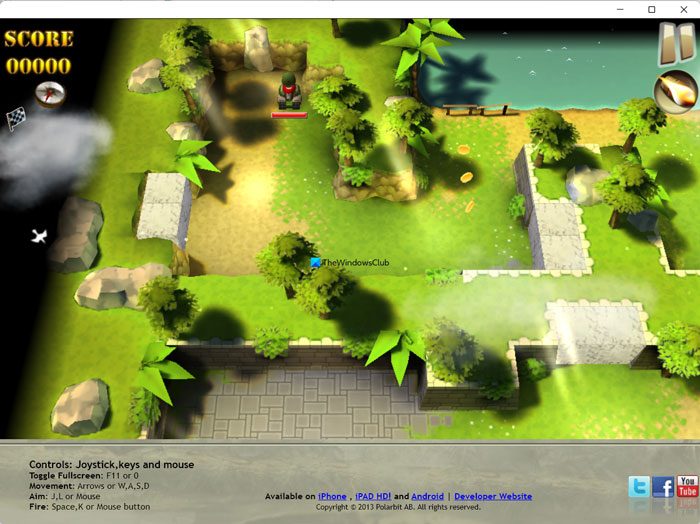
If you want to play a browser-based game, you can play Tank Riders on Google Chrome. It is one of the best strategy and action games you can play on your browser. You can play and increase the level by destroying other tanks while in a location. The number of tanks increases as you level up in the game. The graphics of this game is pretty good, and you should not find any lag while playing an upper level. Download from chrome.google.com.
4] Little Alchemy
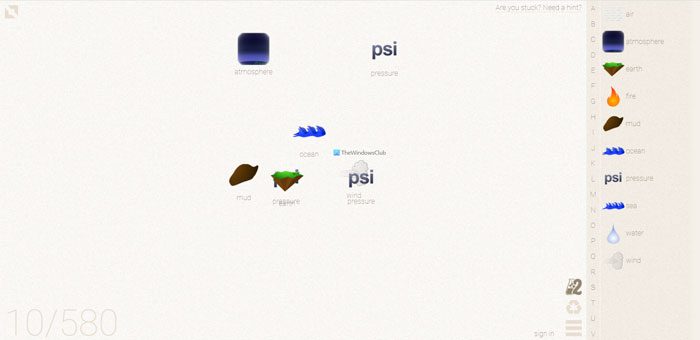
Little Alchemy is another browser-based game you can install in Google Chrome. You can start the game with Earth, Air, and Water. Following that, you can mix them up to find three items, including dinosaurs, unicorns, and spaceships. Following that, you can mix other items to find other objects, and the list goes on. You need to combine two or more items to create another one, and following that, a new object will be created, and the process goes on. Download from chrome.google.com.
5] Ping Pong Pro
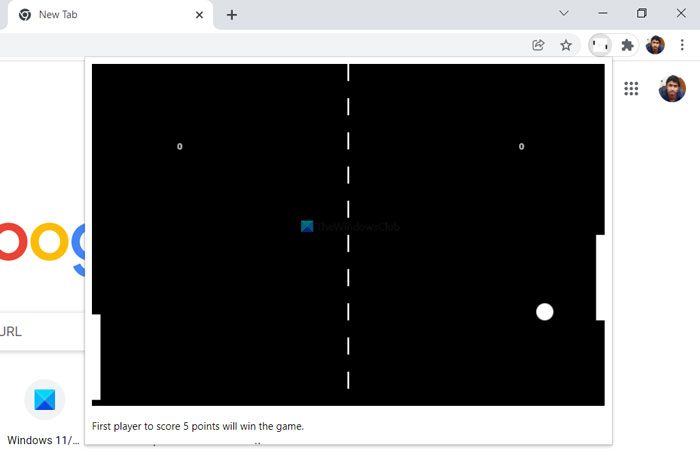
Ping Pong Pro is yet another browser-based game that you can play with your computer. That said, it is a single-player ping-pong game that you can install in Google Chrome. The left side of the screen will belong to you, and the right side will be an AI that you will play against. The first player between you and the AI, who scores 5, wins the game. Download from chrome.google.com.
6] Twitch Previews
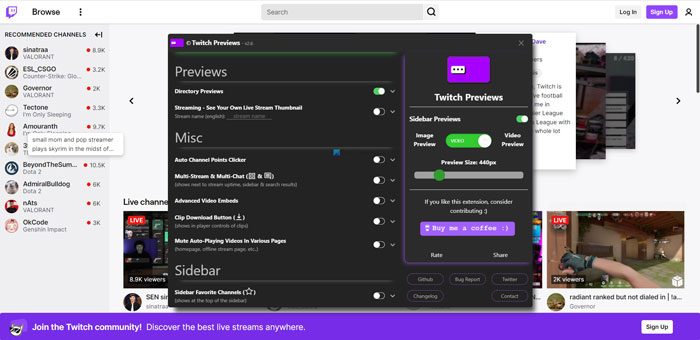
Twitch is one of the most popular platforms for streaming gameplay. However, the only issue with this website is that it doesn’t provide a live video preview. Users need to play the video to understand what is happening. However, if you install the Twitch Preview extension, you can check what others are streaming without opening or playing the video. You can get an image and video preview with this extension. Download from chrome.google.com.
7] PocketTube
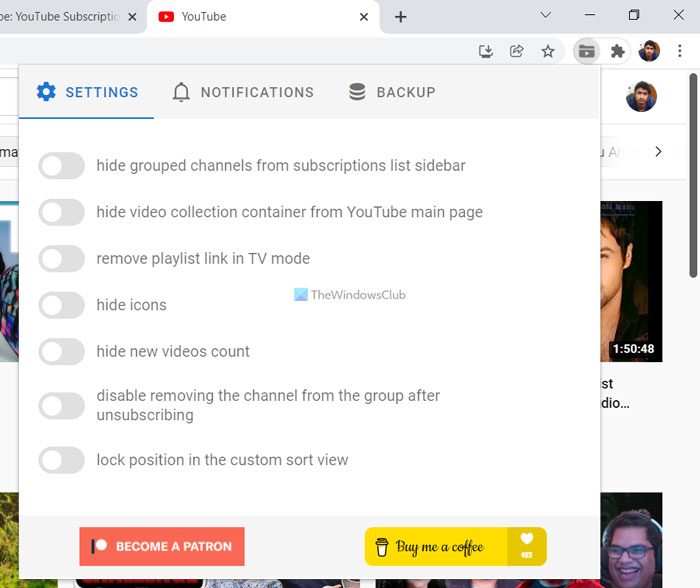
PocketTube is a YouTube extension for Google Chrome. It does several things on YouTube to help you manage your playlist and subscribers more effectively. For example, you can hide grouped channels from the subscriptions list sidebar, hide the video collection container from the YouTube main page, remove the playlist link in TV mode, etc. You need to open the website before using this extension. Download from chrome.google.com.
8] KMineSweeper
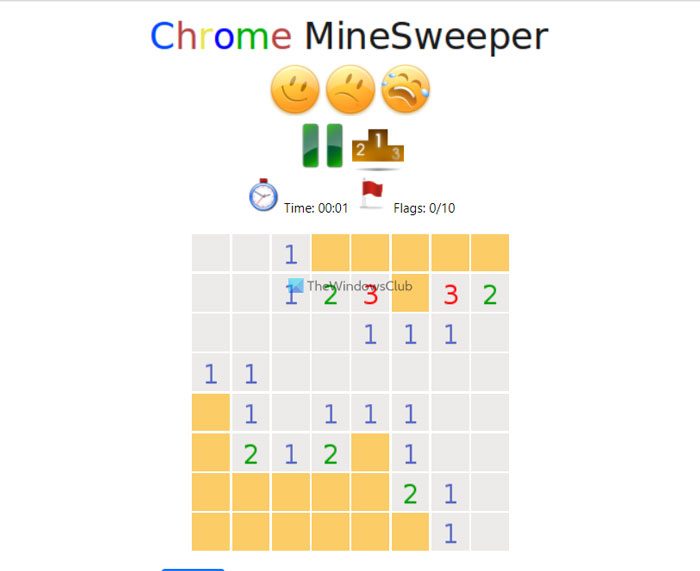
If you enjoy playing a simple, classic game, KMineSweeper is one of the best options. Although this game looks simple, you need some experience playing KMineSweeper in the browser. As the old Microsoft XP’s Minesweeper, you need to click on the blocks that don’t have any mines in order to complete a level and finish the game. Download from chrome.google.com.
That’s all! Hope these extensions helped.
Is Chrome good for gaming?
Google Chrome is one of the best browsers for cloud gaming. However, it depends on your computer hardware. Otherwise, you may find a lot of lag while playing any low-end game on the Google Chrome browser. However, some of the best browser-based games include KMineSweeper, Ping Pong Pro, and Tank Riders.
