
File Compression tools are of immense use, as they help reduce file size without losing important data, a process considered vital when sending and receiving large files. One open-source software that has largely earned a wide user base and deserves praise in this domain is 7-Zip. The program is a well-known open-source alternative to paid compression software.
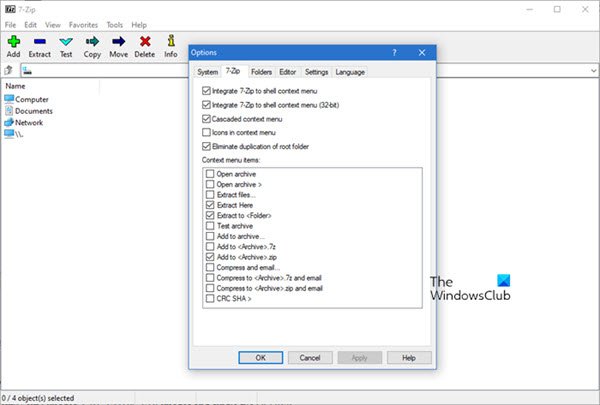
7-Zip Free File Archiver review
First, NTFS support has been extended. The tool has the capability to operate directly with alternate data streams. WIM/TAR archives can now store alternate data streams and file security information.
Next, there’s support for unpacking many more containers:
WIM files, RAR5 archives, UEFI BIOS files, ext2/ ext3/ ext4 images, GPT, VMDK, VDI images and single file QCOW2.
The latest stable release also has wider support for existing formats (correctly handling files larger than 4GB in ISOs).
Besides, new command-line switches include “h” to calculate hash values and “rn” to rename files in an archive. The long list of improvements and additions ensures good speed when opening 7z files, handling large archives, and navigating large disk folders. Apart from these, you can find major bug fixes, too.
Read: How to zip and unzip files in Windows using the built-in feature.
The app’s functions are straightforward. It has an easy-to-navigate interface. The main toolbar features the most commonly used options. For instance, you can switch between single- and dual-pane views.
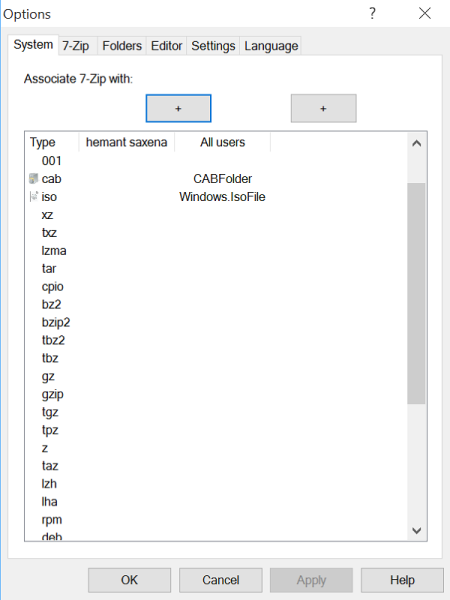
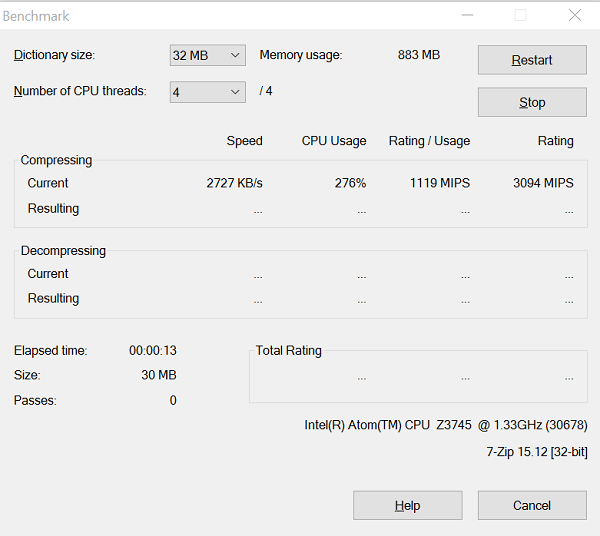
The tool also integrates with the Windows Explorer menus, displaying archive files as folders and providing a toolbar with drag-and-drop functions. Favorites menu lets you save up to ten folders and the Extract button lets you accept the default destination directory for your file. There’s also a Benchmark function.
What you cannot find in 7-Zip is feature is the checksum calculator, meant to help you verify the integrity of any downloaded package.
As advertised, compression is a smooth operation, and if you are really looking for software to save space on your hard drive, 7-Zip might emerge as a viable option. Right-click the files you want to compress, select the desired function, and you’re ready to go. You will be amazed by the speed of the program and how quickly it can perform compression and decompression actions.
TIP: You can also split & merge ZIP folders with 7-Zip.
7-Zip free download
It is available for download from its home page.
If you have any feedback to give about it, please do so in the comments section.
More free file compression software here.
Is 7-Zip download free for Windows 11?
Yes, 7-Zip is available for free for both Windows 11 and Windows 10. As said, it is one of the best free compression software available for Windows PC. Regardless of whether you want to install it on a 64-bit or 32-bit architecture, you can do so without any problems. It is always recommended to download this application from the official website only.
How do I download 7-Zip for Windows 11?
To download 7-Zip for Windows 11, visit the official website and locate the 64-bit version of the app. Next, click on the Download button. Once the download is complete, you can start the installation process.
