
Windows OS has a new Volume Mixer feature & Volume Control options. The key improvements to this feature are better graphics displays & the ability to control the sound levels of all the applications which call for audio support from Windows 11/10.
How to open Volume Mixer in Windows 11
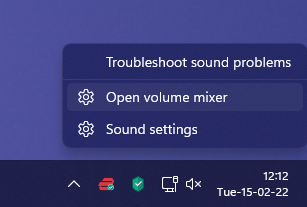
To open the Volume Mixer in Windows 11, do the following:
- Right-click on the Volume icon in the Taskbar
- Select Open Volume Mixer
- Settings > System > Sound > Volume Mixer will open
- Here you can set or mute/unmute the volume for each app.
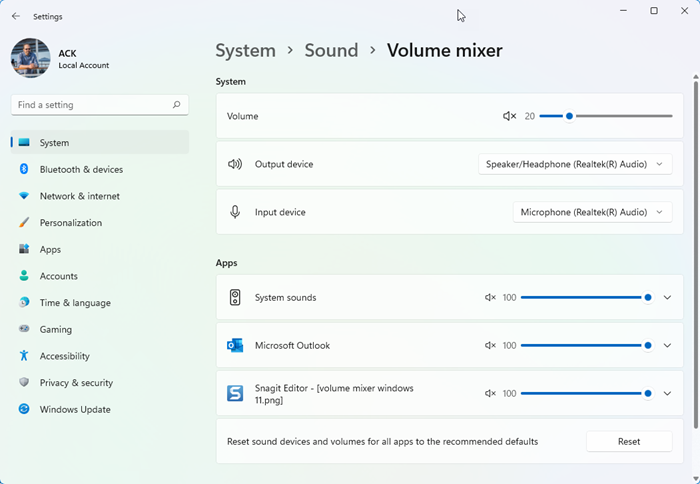
You might want to read about EarTrumpet Volume Control app too.
Sound & Volume Mixer and Control in Windows 10
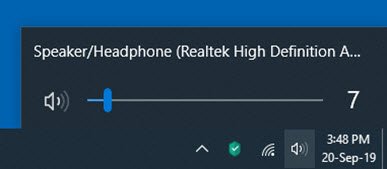
In Windows 10, if you click on the speaker icon, the volume control slider opens.
You have to right-click on the speaker icon to see the following menu:
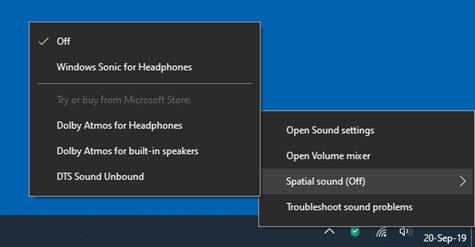
Select Open Volume mixer to open it.
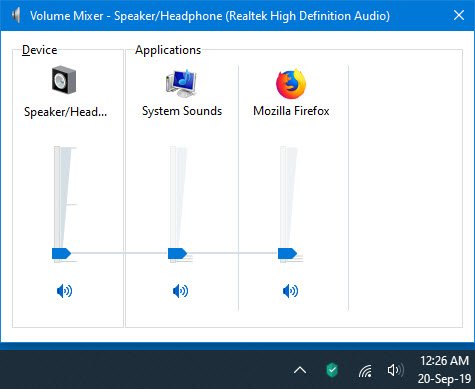
Here you can change the volume for individual applications.
In Windows 7 and Windows 8, this mixer effectively lets you control the volume for each application separately. To access it, click on the speaker icon situated on the right side of the taskbar.
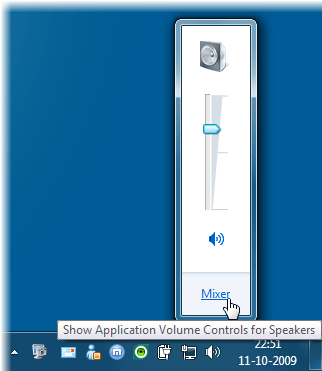
Next click on Mixer to open the Volume Control window.

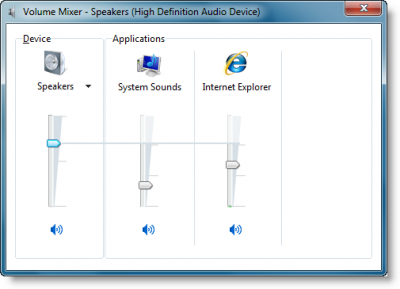
Here you can control the volume for your running applications which are currently calling for Windows Audio support.
For instance, if you are listening to a YouTube video, you might want to reduce the system sounds slightly.
You can also control the overall level of sound on your PC. Move the sliders up or down to raise or lower the volume of your speakers, Windows sounds, or other sound devices or programs listed in the Volume Mixer. To mute the volume, click the Mute button.
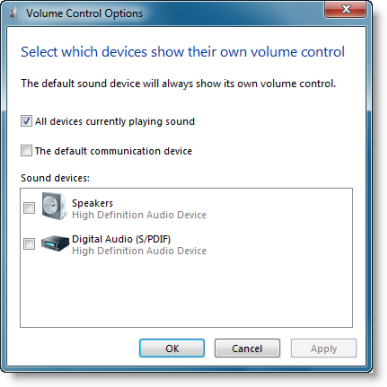
Right-clicking the speaker icon will give you more Volume Control options.
Read: Fix Windows Volume Mixer not saving settings
