
The Windows operating system has several special system folders, which are used for storing data, application settings & files, Internet files, temporary files, etc. These are not so easily accessible and in fact, some of them are hidden too.
SpecialFoldersView from Nirsoft
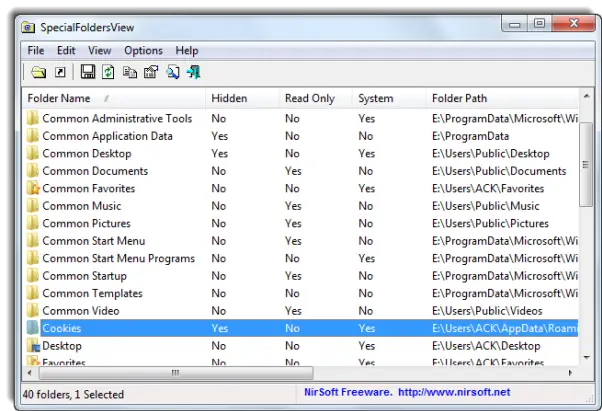
View special Windows system folders
SpecialFoldersView is a freeware utility that displays the list of all special folders in your Windows operating system and allows you to easily view and jump to the desired folder, simply by double-clicking the folder item.
Some of these folders include those used for storing application settings and files, critical system files, application data, Internet files, cache, Cookies, temporary files, shortcuts to other files, and so on.
You can also save the list of all folder paths into a text, HTML or an XML file.
It is available for download at Nirsoft.
Also read: How to find & list hidden files & folders on your Windows computer,

