
A Rootkit virus is a stealthy type of malware designed to hide certain processes or programs on your computer from regular detection methods, allowing it or another malicious process to gain privileged access to your computer. While most antivirus software today includes good rootkit detection capabilities, a rootkit may still fool it and go undetected. It is at such times that you may need to use a specialized Rootkit Remover or Removal Tool.
Rootkit Removers for Windows PC
Here is a list of a few Rootkit Removers, most of which we have already covered on this site.
- Kaspersky TDSSKiller
- Bitdefender Rootkit Remover
- McAfee Rootkit Remover
- Sophos Rootkit Removal Tool
- Oshi Unhooker
- avast! aswMBR Rootkit Scanner
- Trend Micro RootkitBuster
- GMER Rootkit Detector and Remover
- VirusBlokAda Vba32 AntiRootkit Tool
- F-Secure BlackLight
- Trend Micro Rootkit Buster
- aswMBR from Avast
- Malwarebytes Anti-Rootkit
- SysInternals RootkitRevealer.
Let us take a look at them.
1] Kaspersky TDSSKiller
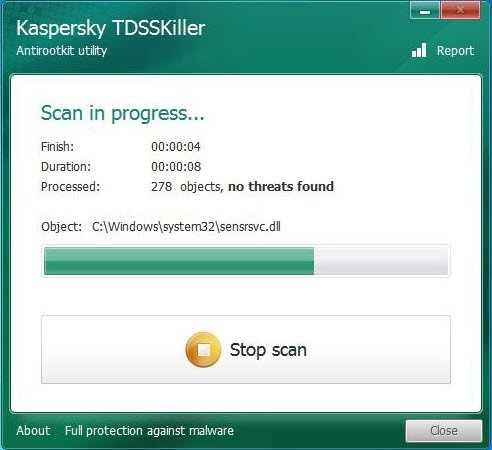
Kaspersky Lab has developed the TDSSKiller utility for removing malicious rootkits. It is among the better rated anti-rootkit tools and can detect and remove most rootkits.
2] Bitdefender Rootkit Remover
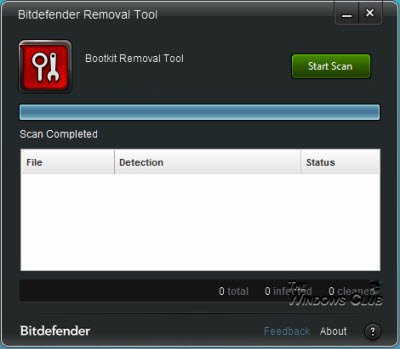
The Bitdefender Rootkit Remover removes all known Rootkits. It is a portable tool that can be launched immediately, without needing to boot into Safe Mode first- although a reboot may be required for a complete cleanup.
3] McAfee Rootkit Remover
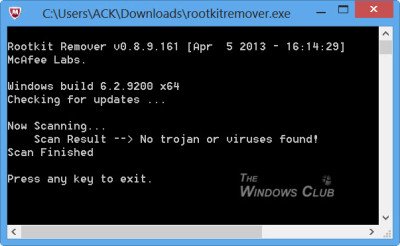
McAfee Rootkit Remover is a ‘command-prompt-look-alike’ tool that can be used to detect and remove complex rootkits and associated malware. To run McAfee Rootkit Remover, navigate to the folder that contains the downloaded RootkitRemover.exe file. Run the tool as an Administrator for the best results. The tool has no UI.
4] Sophos Rootkit Removal Tool
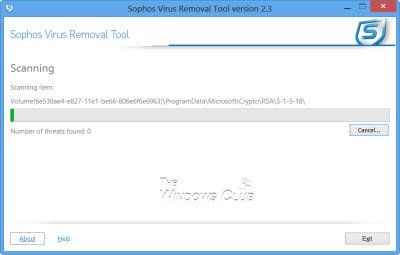
Sophos Rootkit Removal Tool scans, detects and removes any rootkit that is hidden on your computer using advanced rootkit detection technology. Rootkits can lie hidden on computers and remain undetected by antivirus software. Although new rootkits can be prevented from infecting the system, any rootkits present before your antivirus was installed may never be revealed. You can download it here. This tool requires an installation.
5] Oshi Unhooker
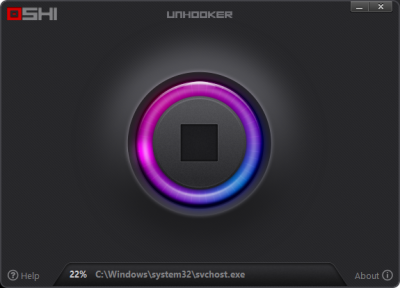
Oshi Unhooker is a free rootkit scanner that scans and removes any hidden rootkit from your computer. Simply start the executable file and click on the Start scan. With just a single click, Oshi Unhooker can identify and remove all the rootkits found on your PC and prevent them from stealing or sharing your private information.
6] avast! aswMBR Rootkit Scanner
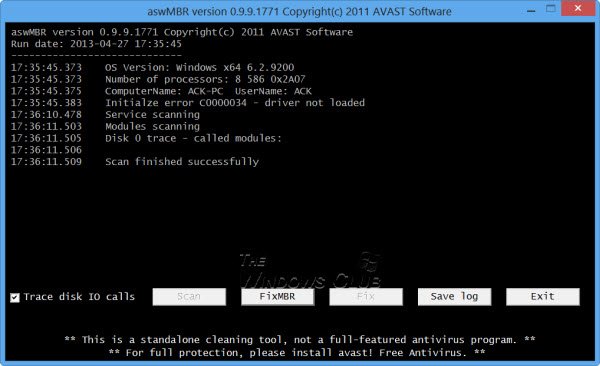
avast! aswMBR is a free rootkit scanner that detects TDL4/3, MBRoot (Sinowal), Whistler and other rootkits.

7] Trend Micro RootkitBuster
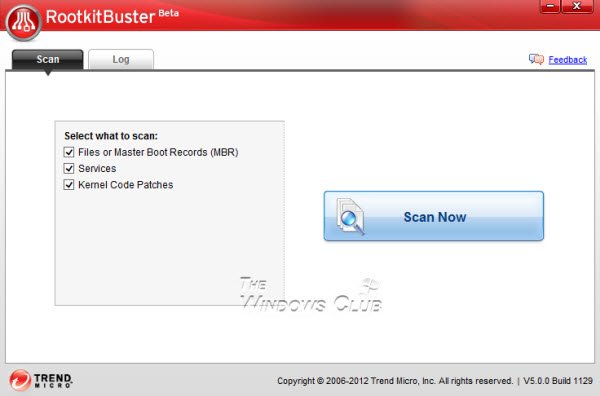
Trend Micro RootkitBuster is a free portable tool that scans hidden files, registry entries, processes, drivers, and the master boot. Trend Micro RootkitBuster can find rootkits by checking the Master Boot Record (MBR), Files, Registry entries, Kernel code patches, Operating system service hooks, File streams, Drivers, Ports, Processes and Services.
8] GMER Rootkit Detector and Remover
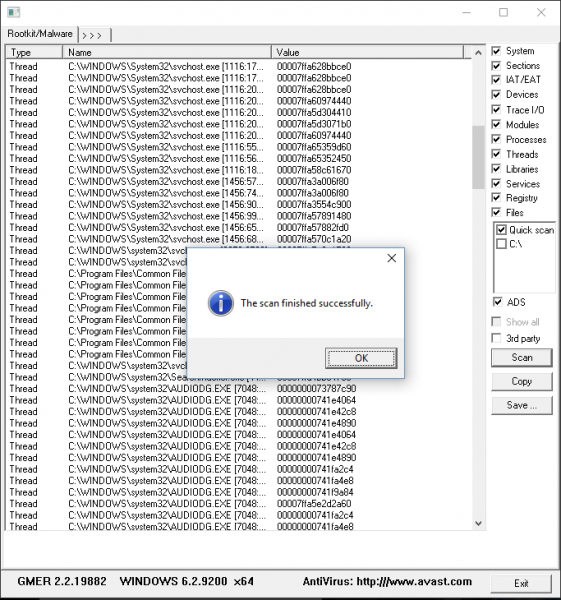
GMER Rootkit Detector and Remover GMER Rootkit Detector and Remover is a light Rootkit scanner tool that comes with a bare basic user interface but yet has been proven useful a lot too many times. The best thing about GMER is that it doesn’t come bundled with a large installation file or other unrelated features.
9] VirusBlokAda Vba32 AntiRootkit Tool
VirusBlokAda Vba32 AntiRootkit Tool reports anomalies caused by malware in the system. As a result, you will be able to detect and neutralize both known and unknown viruses present in your system in the active state.
10] F-Secure BlackLight
BlackLight Rootkit Detection is a dedicated anti-rootkit utility designed to scan and identify malicious processes and programs from your computer.
11] Trend Micro Rootkit Buster
Rootkit Buster is another effective tool from Trend Micros and you can get it here.
12] Avast Free Rootkit Scanner and Removal Tool
This tool cleans rootkits currently on your device and prevents future rootkits and other threats from causing any damage. Make sure you click the download button for the Anti-Rootkit button. If they are offering their full antivirus, then no need to download it – so check if the file offered is aswMBR and not avast_free_antivirus_setup_online.
13] Malwarebytes Anti-Rootkit
Malwarebytes Anti-Rootkit BETA removes even deeply embedded rootkits. Very useful for detecting and removing the nastiest malicious rootkits. Available here.
14] RootkitRevealer
For your information, Microsoft SysInternals used to offer RootkitRevealer but it no longer works on the latest Windows versions.
Do let us know if we have missed mentioning some other free rootkit removal tools.
How do I remove all rootkits?
Since it is not possible to remove all rootkits manually, you need to use third-party programs. For your information, Eset Hidden File System Reader is one of the best in the market. It doesn’t require any additional configuration, is very easy to use, and everything is done automatically.
What is the best rootkit remover?
Although there are several free and paid rootkit removal tools available in the market, you can try Eset Hidden File System Reader. The highlight of this tool is that you do not need to change any additional settings. You can simply install and start using this program on your computer.
Need a second opinion about the security status of your computer? You might want to check out these Free Standalone On-demand Antivirus Scanners for Windows. If you are looking for free anti-executable security software to protect your Windows PC from malware, have a look at VoodooShield.
