
Balloon Tip Time Changer for Windows 8/7 or Notification Time Changer for Windows 10 is a simple freeware tool that lets you customize and set your own time for the balloon tips or Windows notifications to stay open in your taskbar notification area.
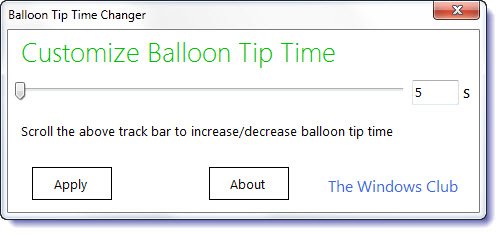
Balloon Tip Time Changer for Windows
Balloon tips appear in the notification area of your Windows taskbar when the operating system wants to communicate something with you. While useful at times, many find it irritating and some even prefer to disable balloon tip notifications completely. You can always use our Ultimate Windows Tweaker to disable balloon tips, should you wish to.
You can also set the time, for the balloon tips or Windows notifications to stay open via the Control Panel. To do so, open Ease of Access\Ease of Access Center\Make it easier to focus on tasks. Here under Adjust time limits and flashing visuals, select the appropriate time duration and set how long Windows notification dialog boxes should stay open. The options given are limited viz. 5 secs, 7 secs, 15 secs, 30 secs, 1 min or 5 minutes.
But if you want to set your own time, like say 3 seconds, you can use freeware Balloon Tip Time Changer. This freeware portable tool allows you to set your own custom time, for the Windows notifications to stay open. You can choose anywhere from 0 seconds to 10000 secs. Using 0 seconds will disable the balloon tips.
To use it, simply set the time using the slider or by typing the digit in seconds, in the text box and click on Apply. The balloon notification will stay open for the time set by you.

Balloon Tip Time Changer has been developed by TWC Forum member Paras Sidhu and tested on Windows 8 and Windows 7. You can download it from TWC here.
Notification Time Changer
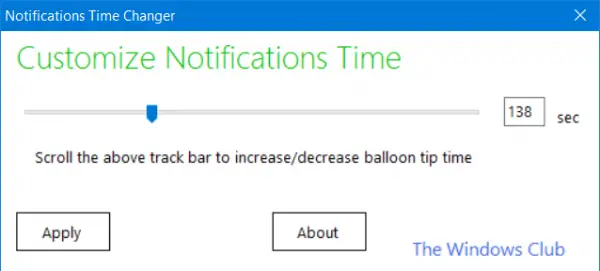
Windows 10 users can download Notifications Time Changer.
