
If while backing up your files using Windows Backup in Windows, you are frequently unable to do so, and the backup fails and you receive the following error message:
0x81000015 : Windows Backup could not create a zip file. This could be because the drive that Windows is installed on does not have enough space or it could be a temporary error. Make sure you have at least <size> MB of free space and try again
You may want to see and maybe uninstall some 3rd-party software installed on your computer.
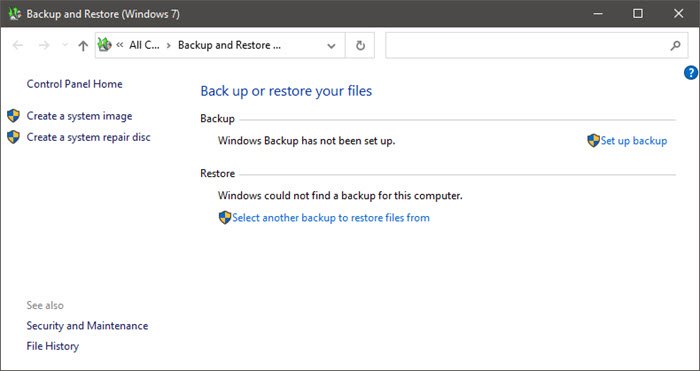
Windows Backup could not create a zip file
This problem occurs if you have one of the following third-party software programs installed on the computer:
- Carbonite backup utility
- IDrive applications
- StuffIt
This problem is caused by conflicts between Windows Backup and third-party software associated with .zip files. This problem may also occur if you have installed other third-party software that monitors .zip files.
To work around this problem, KB981908 suggests that you use one of the following workarounds before you run Windows Backup:
- If you have Carbonite backup utility installed, disable or uninstall the utility.
- If you have IDrive applications installed, disable or uninstall the applications.
- If you have StuffIt installed, remove .zip associations from StuffIt.
- If you are running other third-party software programs that are associated with .zip file, disable the programs.
If this does not help, do the following:
- Run Disk Cleanup to free up space
- Reset Backup Catalog: Open Control Panel > Backup and Restore > Select Manage space > View backups > Delete to clear old/corrupted catalogs.
- For a Network drive backup, verify UNC path accessibility and ensure proper permissions and stable connectivity.
- Run System File Checker
- Run DISM to repair a corrupt system image.
UPDATE: Please also read the comment by gtempo below.
